
Developer Notes and Creator Playbooks
Read VibeChopper Developer Notes and Creator Playbooks for technical architecture, creative workflows, and AI video editing strategy.
Filter by tag
Technical deep dives
Developer Notes
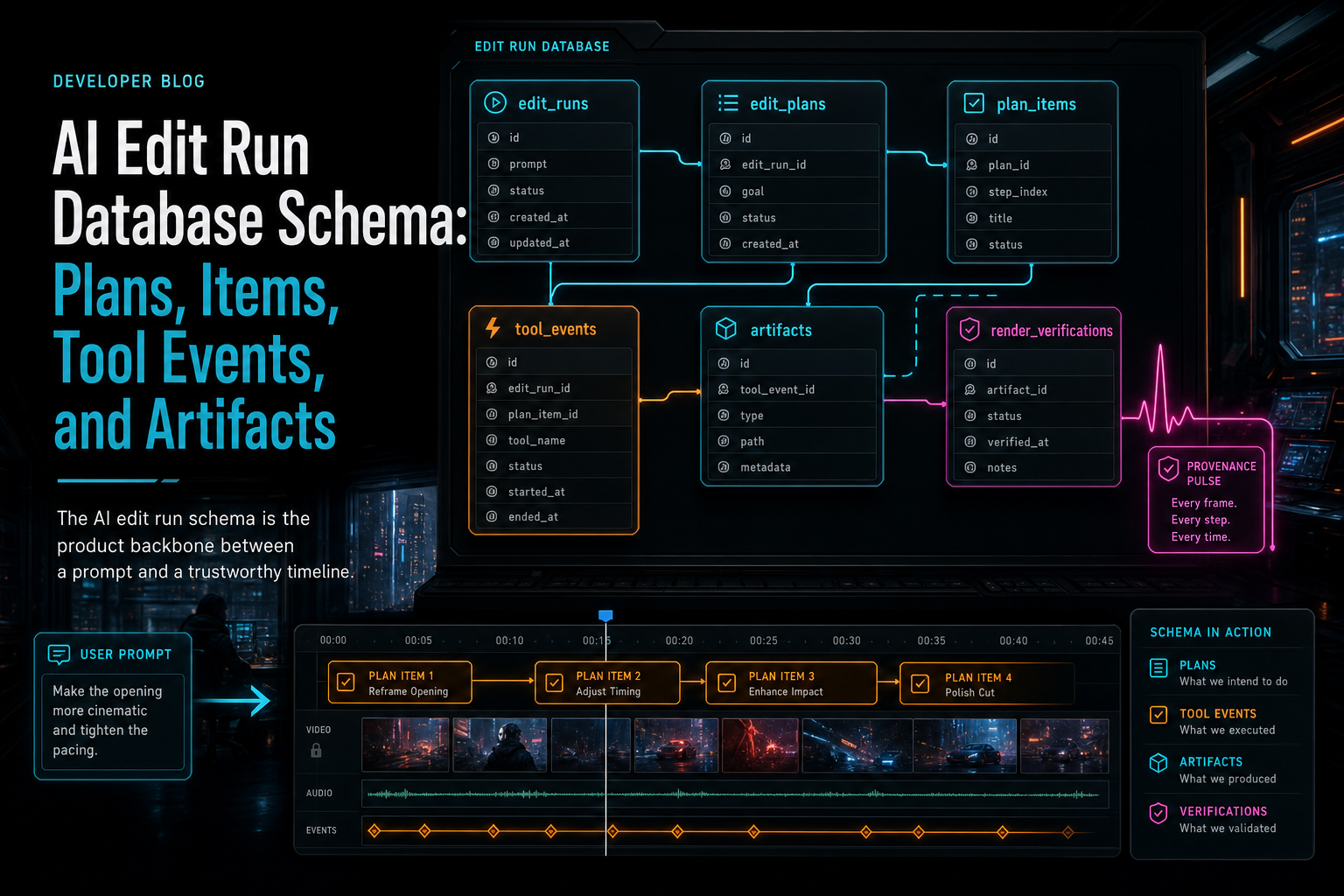
AI Edit Run Database Schema: Plans, Items, Tool Events, and Artifacts
An AI edit run schema gives natural-language video editing a durable backbone: plans describe intent, plan items break work into executable units, tool events prove what changed, and artifacts preserve the media produced by the run.
Read the post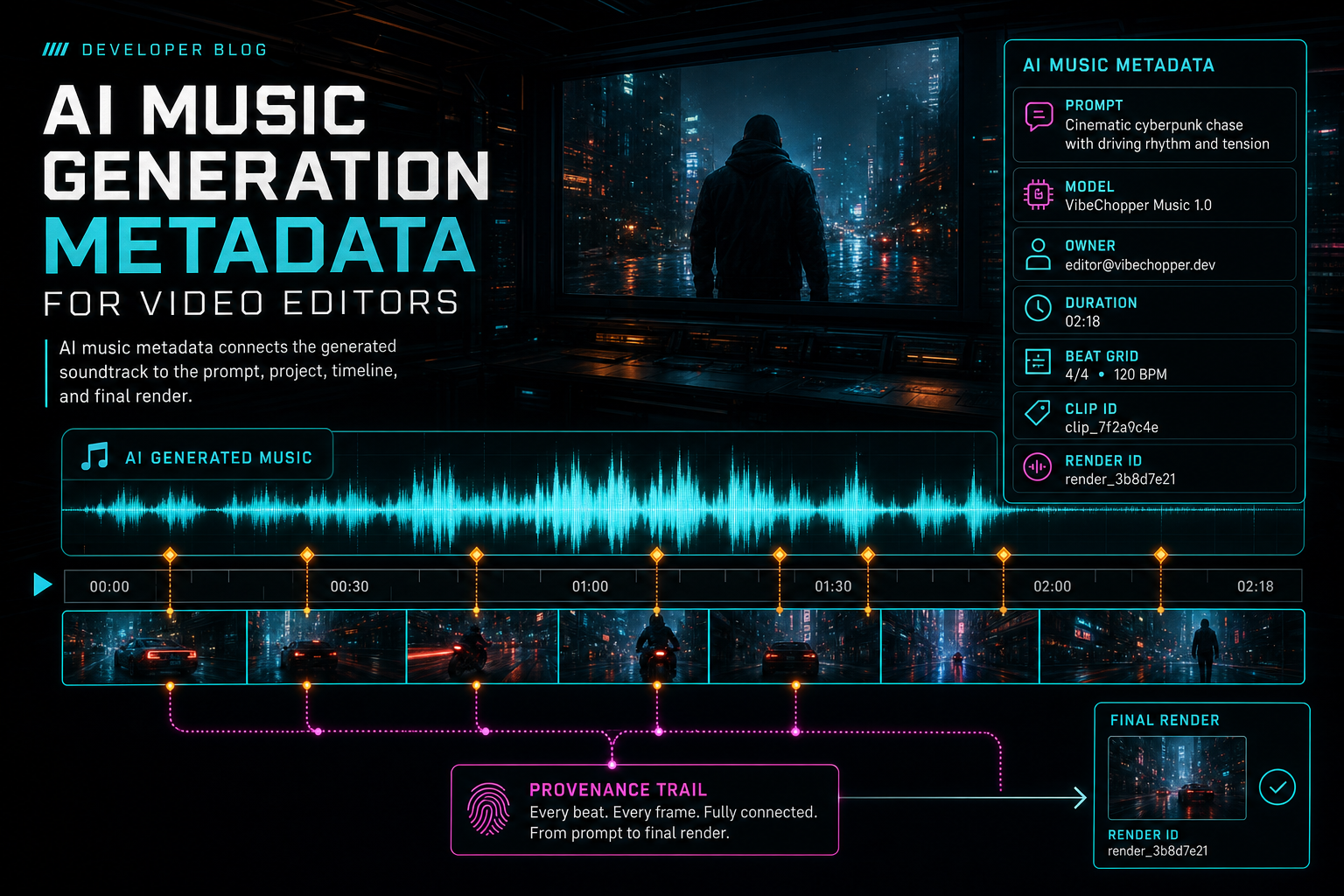
AI Music Generation Metadata for Video Editors
AI music generation becomes reliable inside a video editor when the soundtrack is stored as structured project state, not just as an audio file. The useful metadata spans creative intent, prompt text, provider and model, output format, ownership, timeline placement, sync decisions, audit events, and render relationships.
Read the post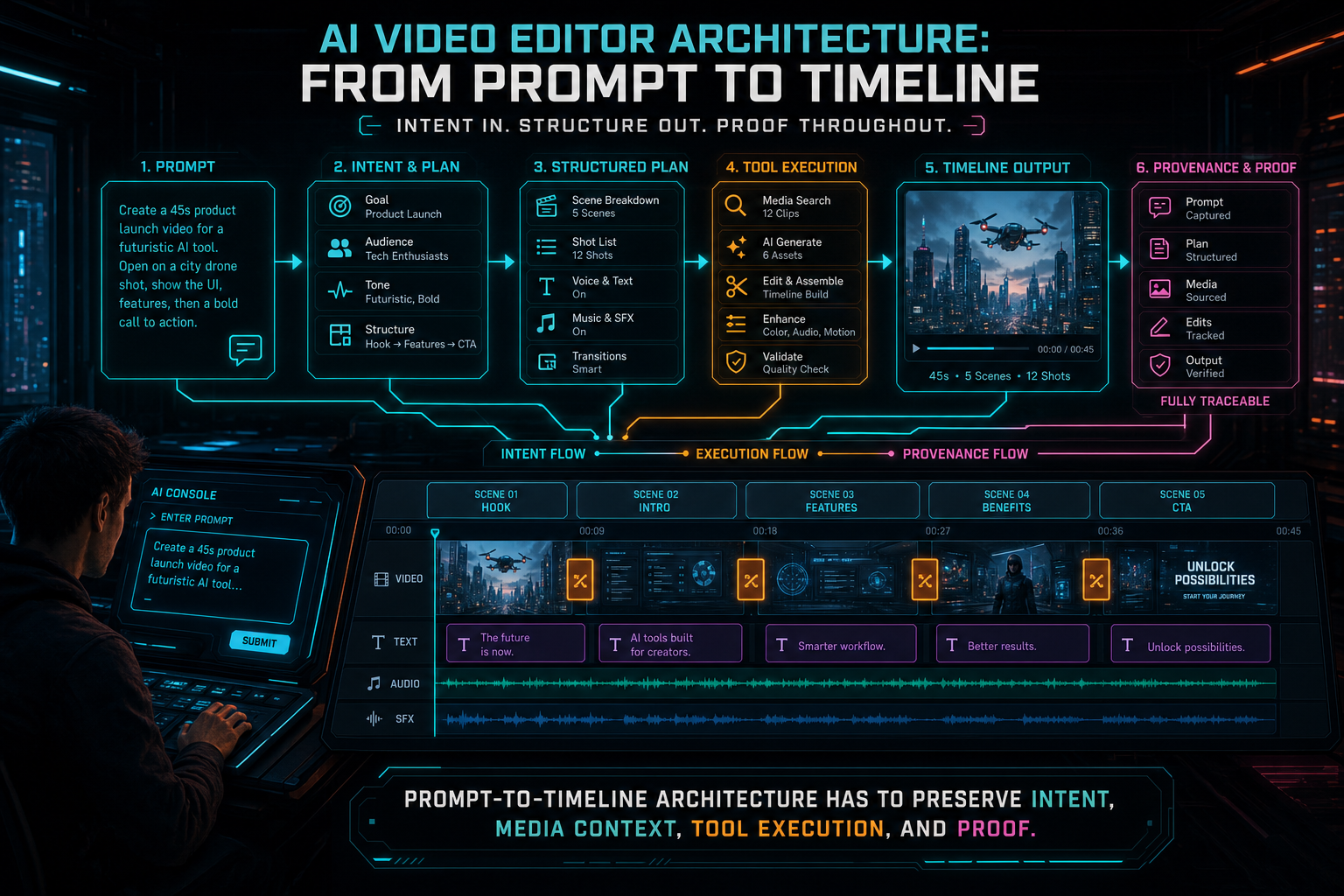
AI Video Editor Architecture: From Prompt to Timeline
An AI video editor is not a prompt box glued to a render button. The durable version is a product architecture that turns intent into validated plans, native timeline tool calls, media records, verification steps, and renderable output.
Read the post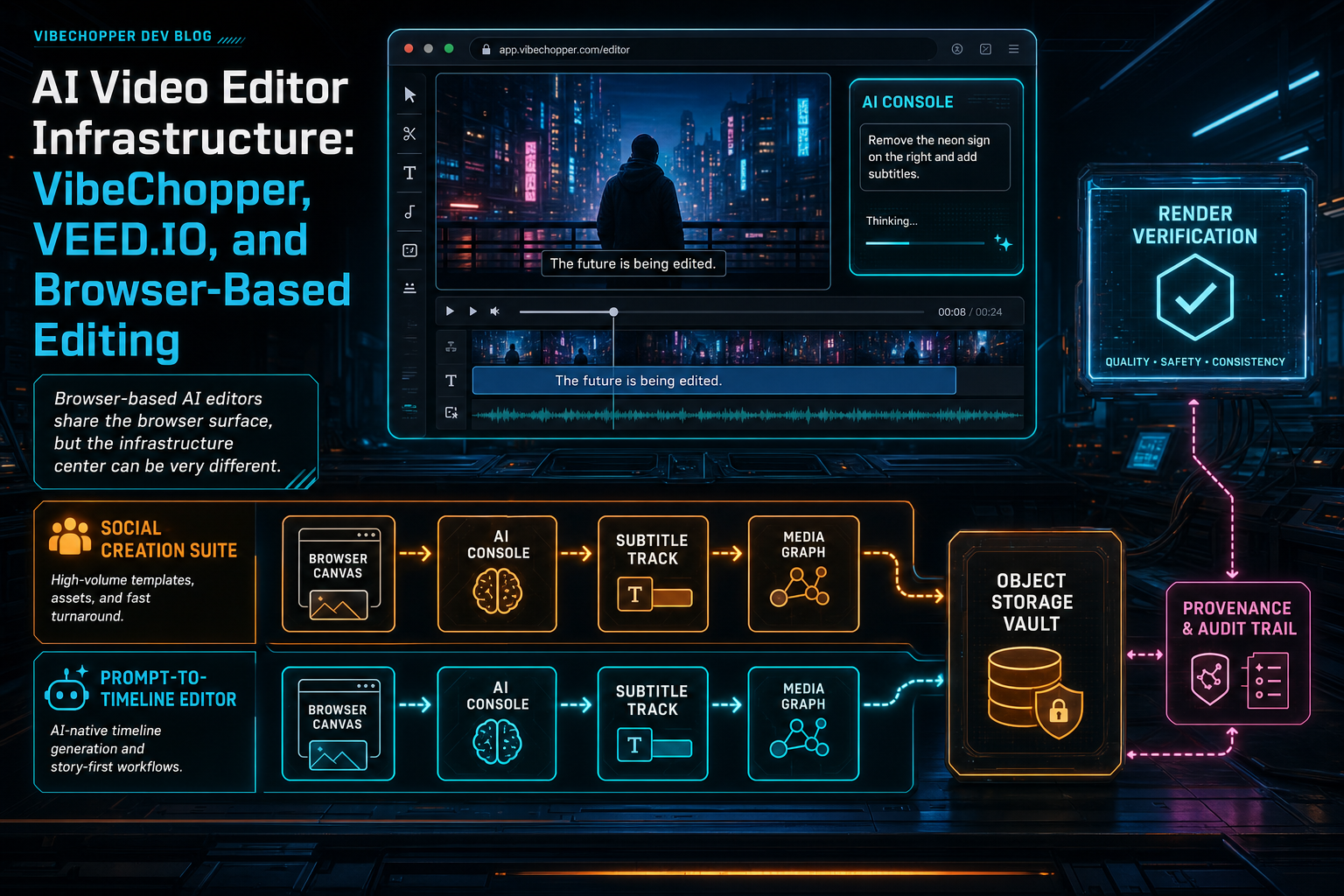
AI Video Editor Infrastructure: VibeChopper, VEED.IO, and Browser-Based Editing
Browser-based video editors are not one architecture. VEED.IO shows how broad online creation workflows can package AI generation, subtitles, avatars, templates, and quick editing for social output. VibeChopper is built around a different infrastructure center: prompt-to-timeline editing, durable media provenance, server-side validation, object storage, and render verification.
Read the post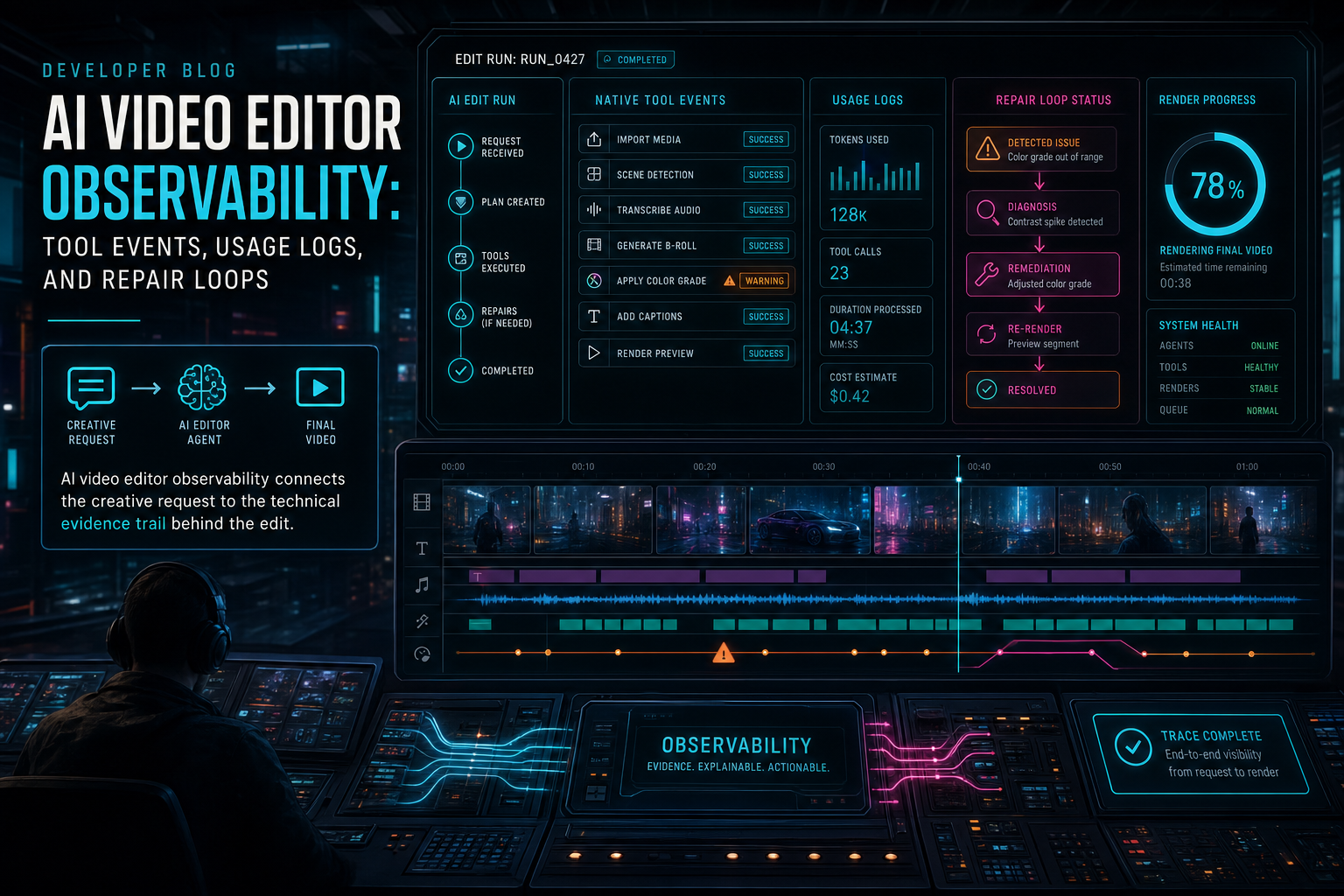
AI Video Editor Observability: Tool Events, Usage Logs, and Repair Loops
AI video editing becomes trustworthy when every long-running job, model decision, tool call, media artifact, render, and repair path leaves a product-readable trail. Observability is not just dashboards for engineers; in an AI editor, it is part of the creative contract.
Read the post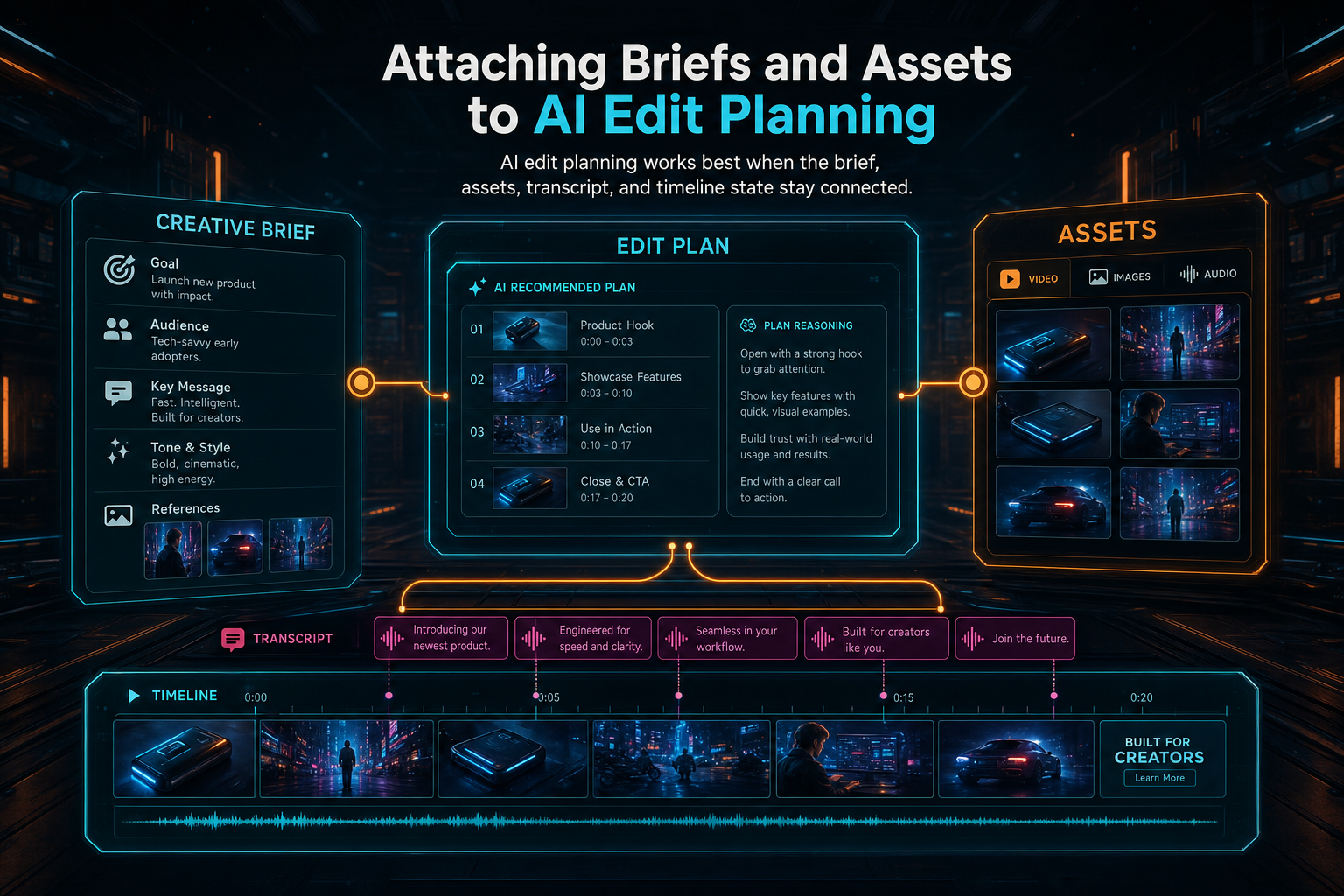
Attaching Briefs and Assets to AI Edit Planning
Brief-backed planning is the layer that lets VibeChopper treat a creator's intent, project assets, transcript evidence, and generated media as durable planning context instead of throwaway prompt text. The AI can reason about the edit while the server keeps ownership, provenance, validation, and timeline execution under control.
Read the post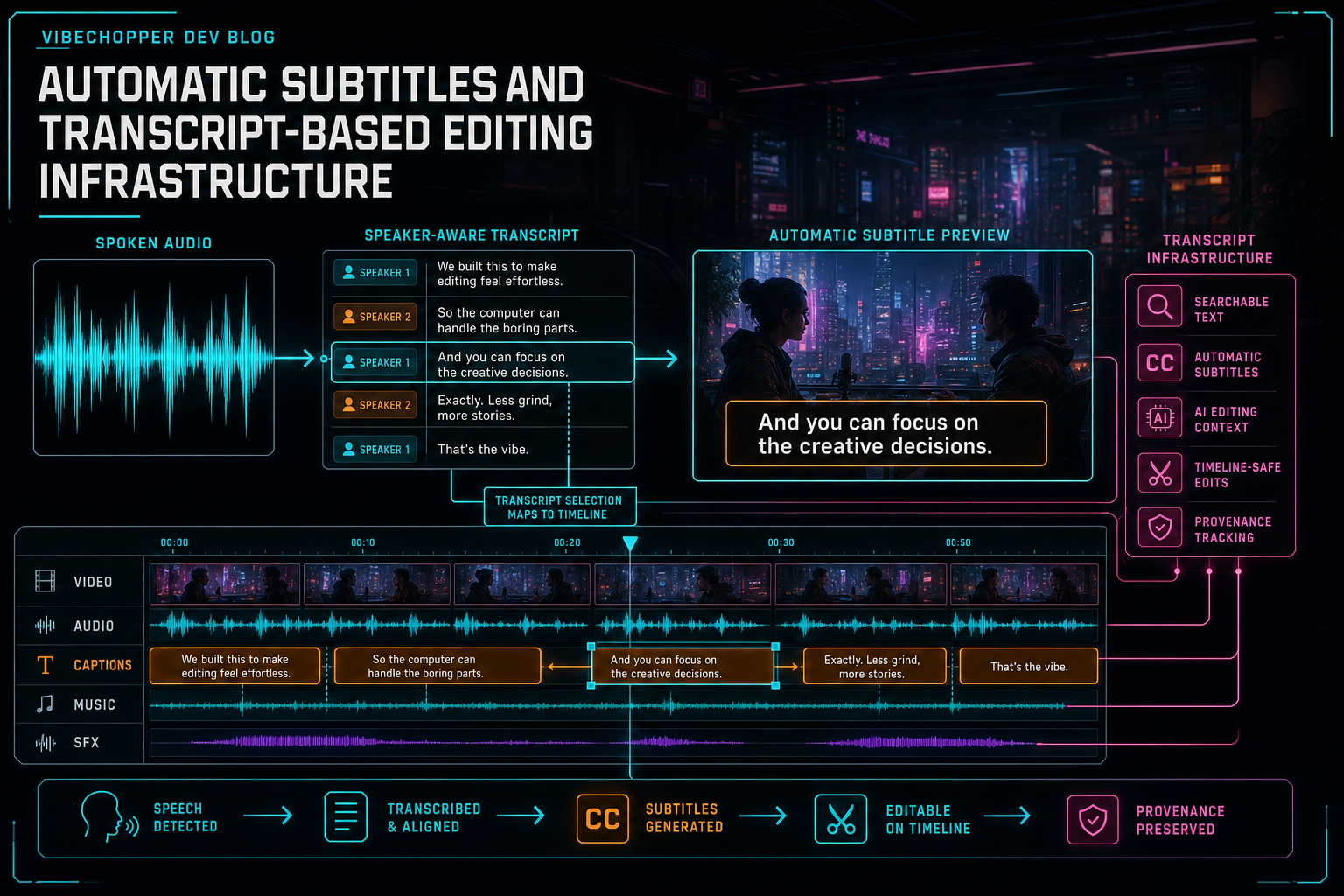
Automatic Subtitles and Transcript-Based Editing Infrastructure
Automatic subtitles are not just a transcription result pasted over video. In a serious AI video editor, captions, speaker-aware transcript segments, text selections, timeline cuts, media provenance, and render verification all share one infrastructure path.
Read the post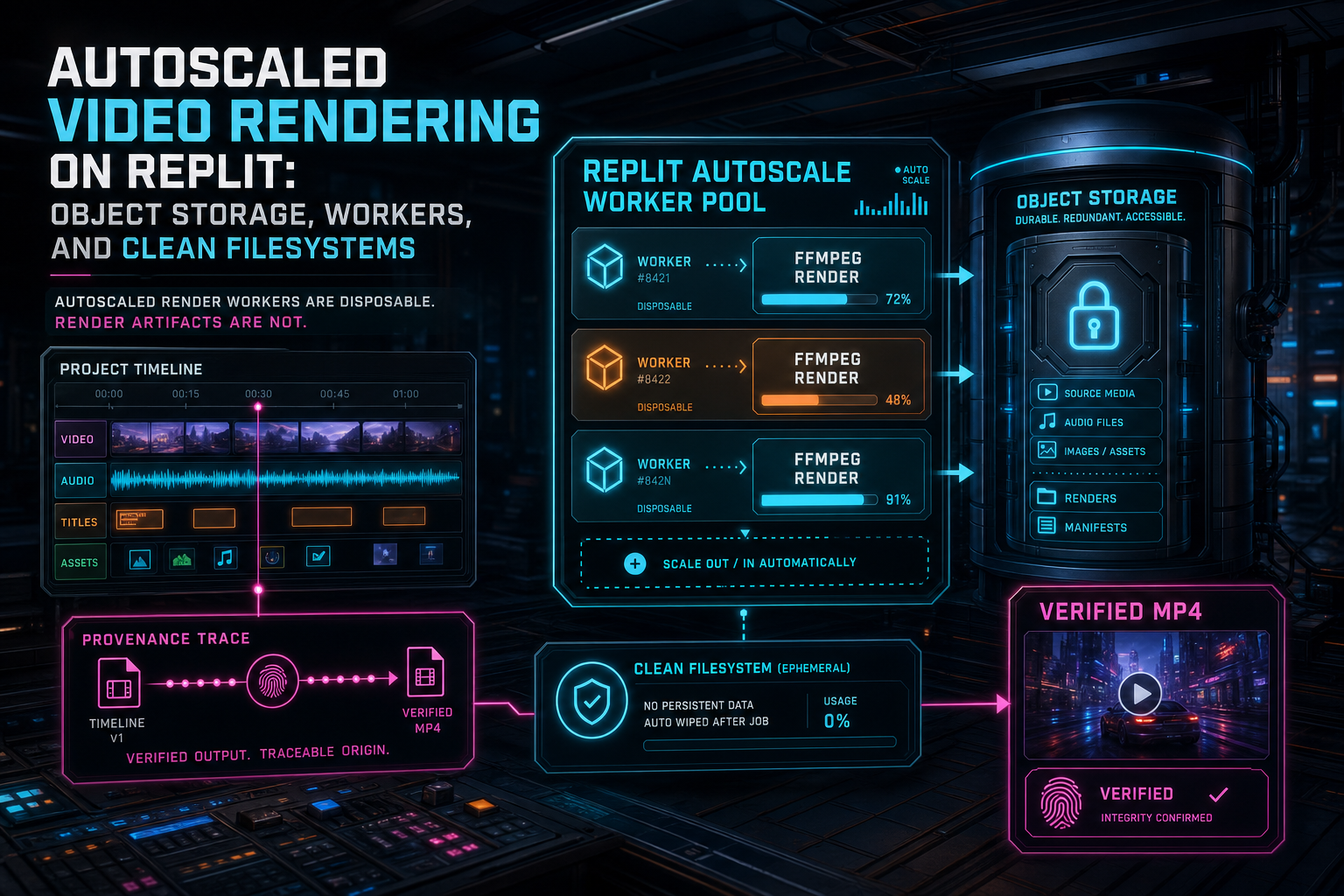
Autoscaled Video Rendering on Replit: Object Storage, Workers, and Clean Filesystems
Autoscaled video rendering works when every worker behaves like a temporary machine with a permanent contract: resolve project media from trusted storage, render inside bounded scratch space, stream the artifact to object storage, verify the result, and leave the filesystem clean for the next job.
Read the post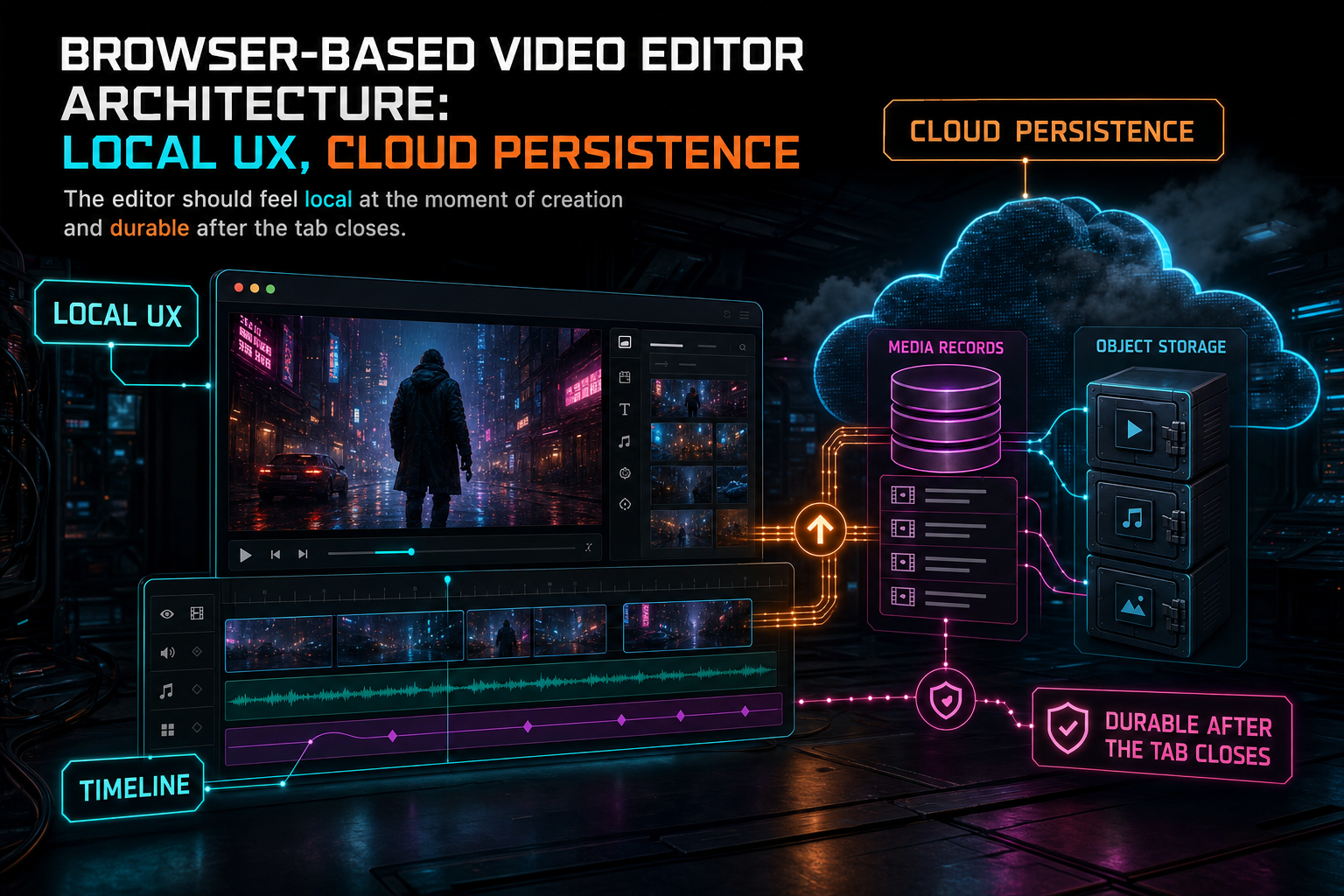
Browser-Based Video Editor Architecture: Local UX, Cloud Persistence
A browser-based video editor has to feel local while behaving like a durable cloud product. The winning architecture keeps preview, timeline interaction, and early media inspection close to the browser, then persists source media, derived assets, AI context, and render artifacts through server-owned contracts.
Read the post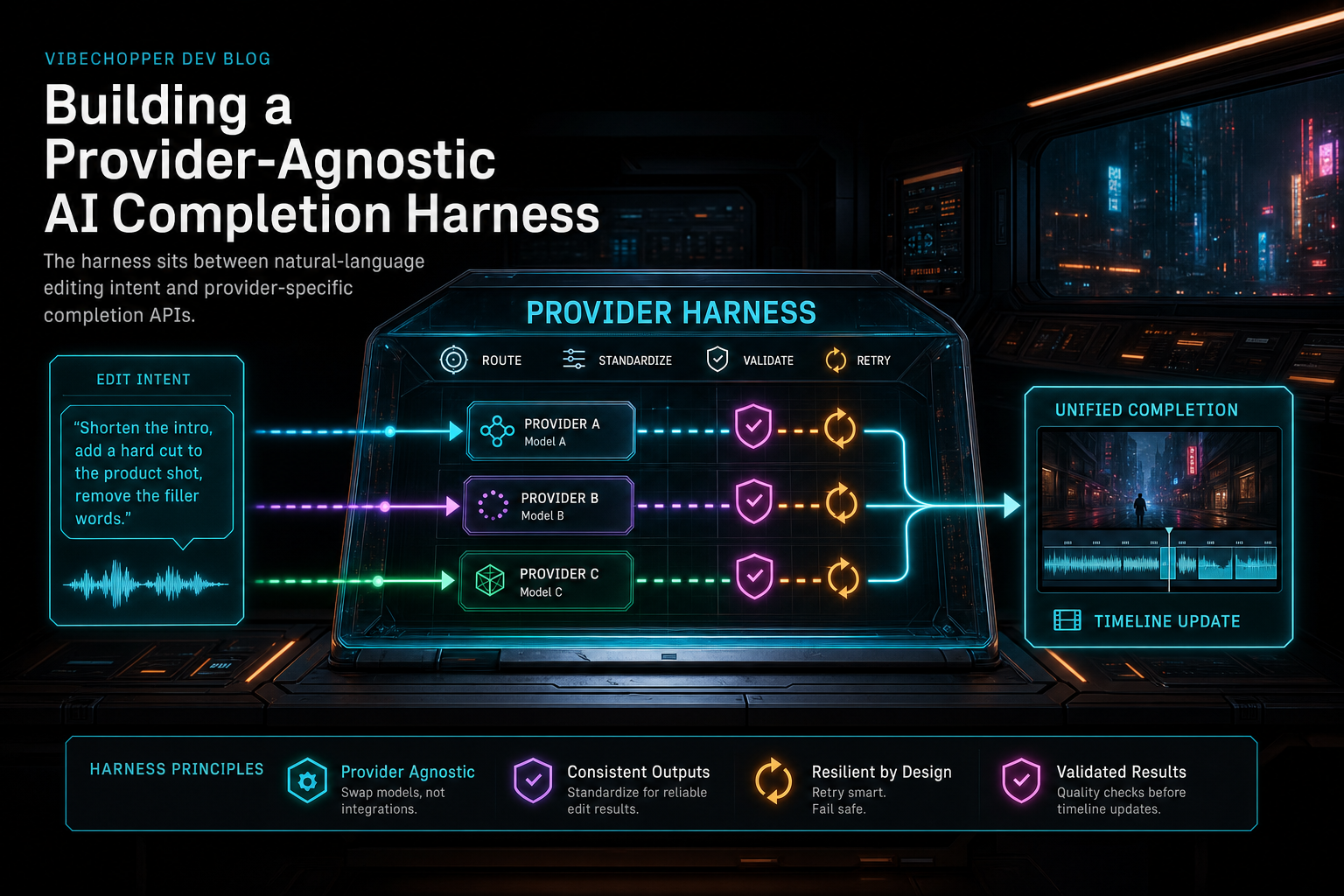
Building a Provider-Agnostic AI Completion Harness
The provider harness is the layer that lets VibeChopper ask for AI edits without making the rest of the product care which model answered. It normalizes requests, validates structured responses, records usage, and gives the editor a cleaner contract for voice-driven timeline work.
Read the post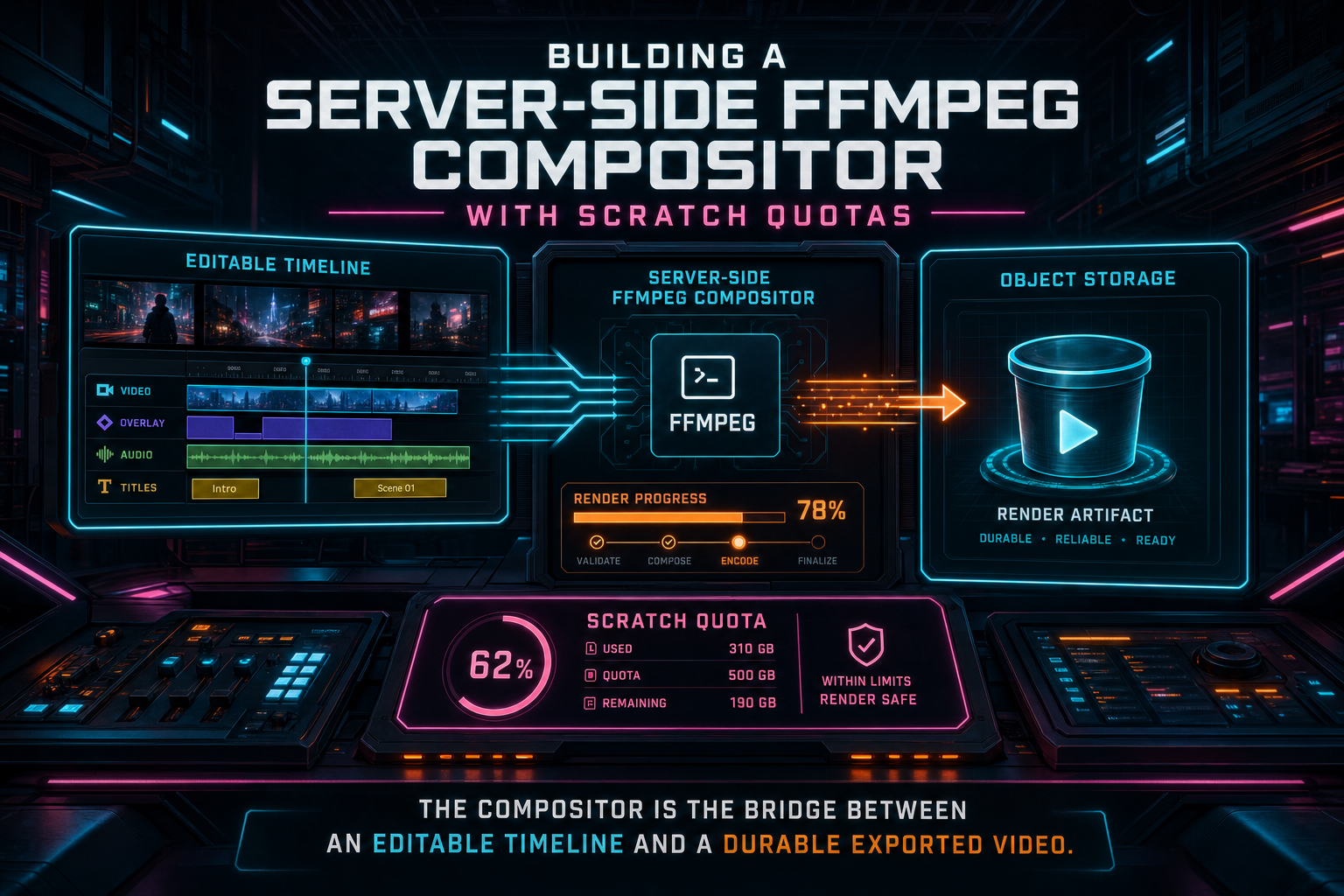
Building a Server-Side FFmpeg Compositor With Scratch Quotas
VibeChopper's server-side compositor turns an editable timeline into a durable render without letting temporary files become the product. The render path downloads only project-owned media, builds one FFmpeg graph for clips, effects, transitions, overlays, adjustment tracks, and audio, enforces scratch quotas along the way, streams the result into object storage, and cleans the workspace after every attempt.
Read the post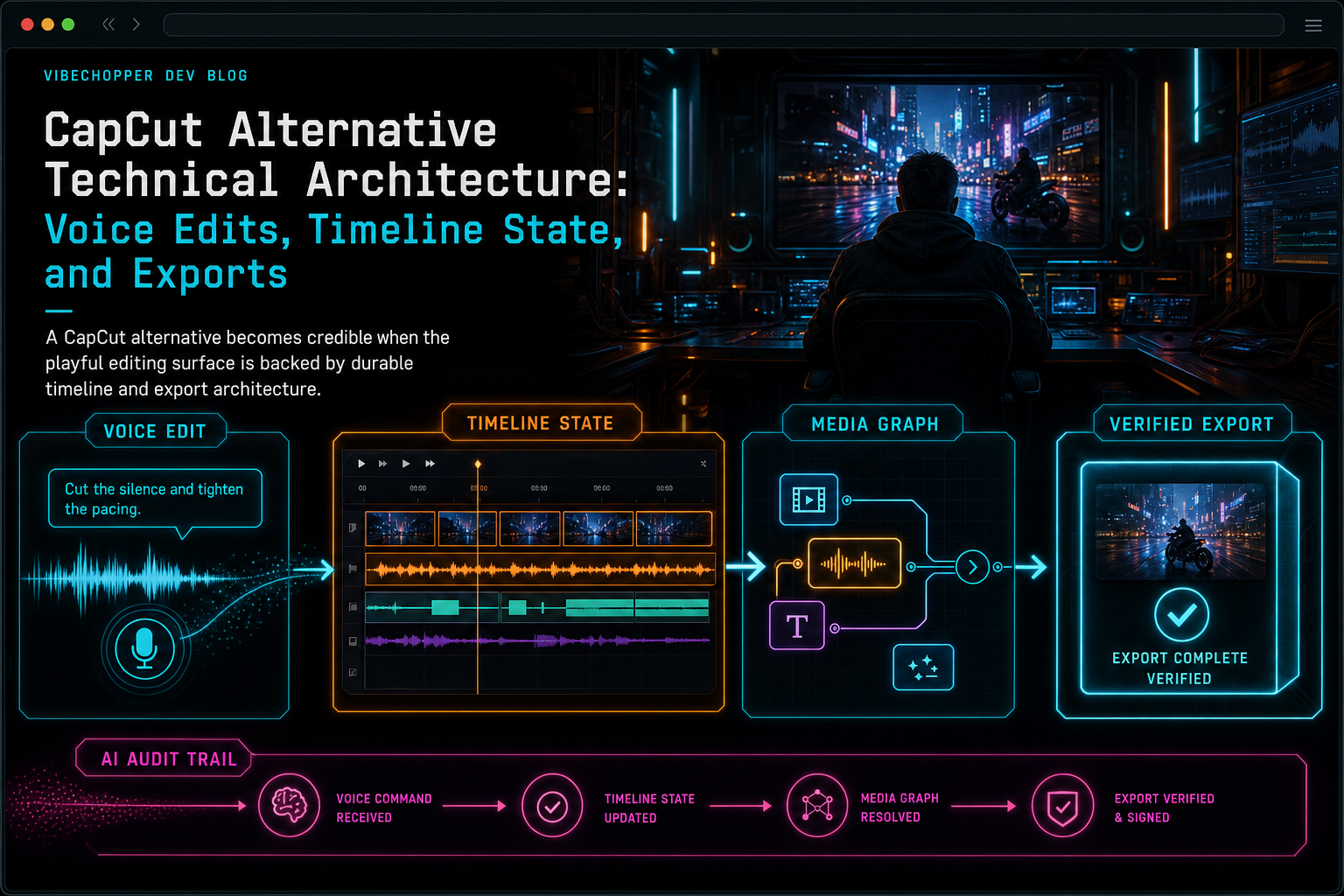
CapCut Alternative Technical Architecture: Voice Edits, Timeline State, and Exports
A credible CapCut alternative is not only a different editing surface. It needs a durable architecture for voice commands, transcript and frame context, native timeline operations, upload recovery, media provenance, and exports that can be verified after an AI-assisted edit.
Read the post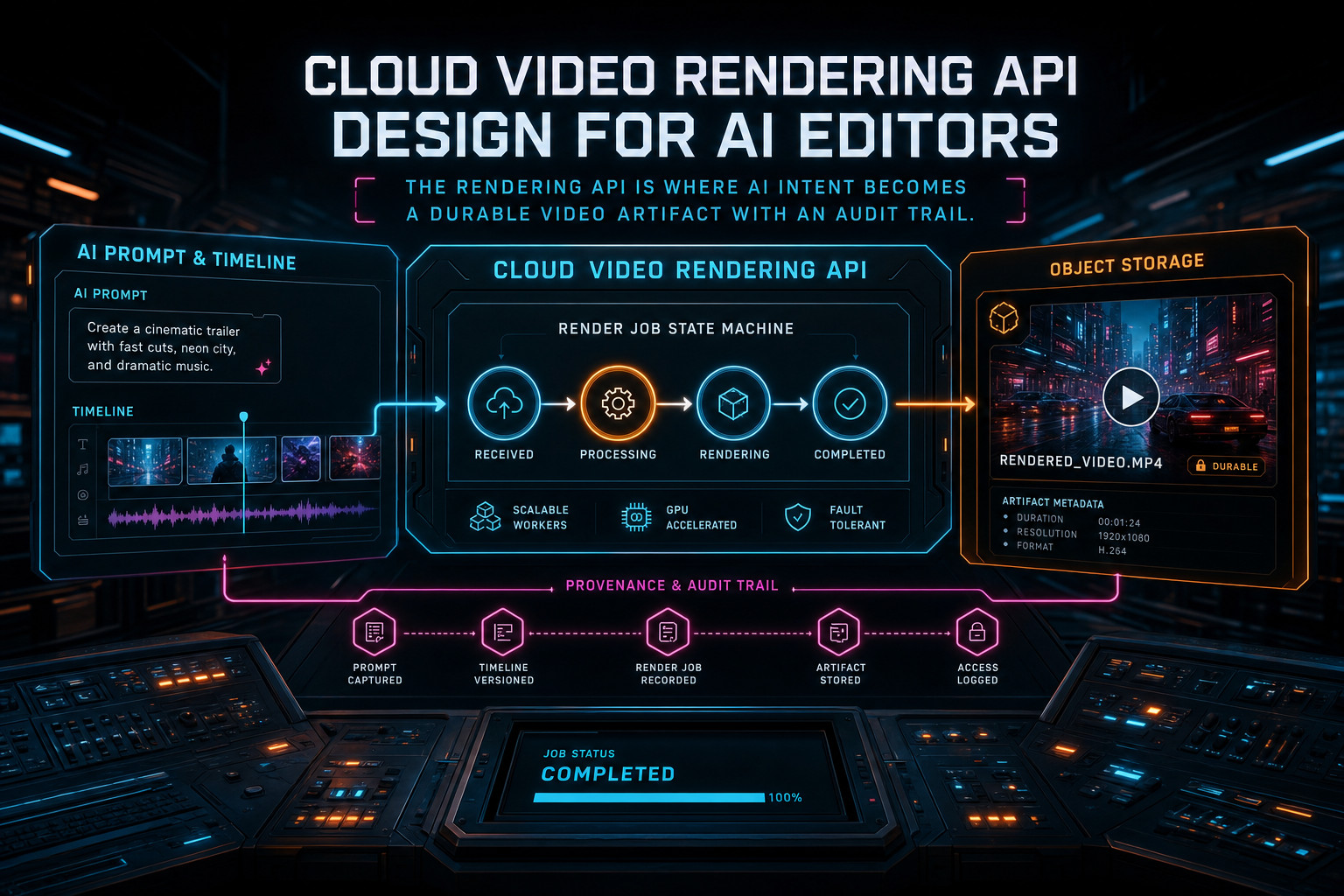
Cloud Video Rendering API Design for AI Editors
A cloud video rendering API for an AI editor is not only a job endpoint around FFmpeg. It is the boundary where prompts, timeline edits, media provenance, storage paths, progress events, failures, and verified export artifacts become one dependable product contract.
Read the post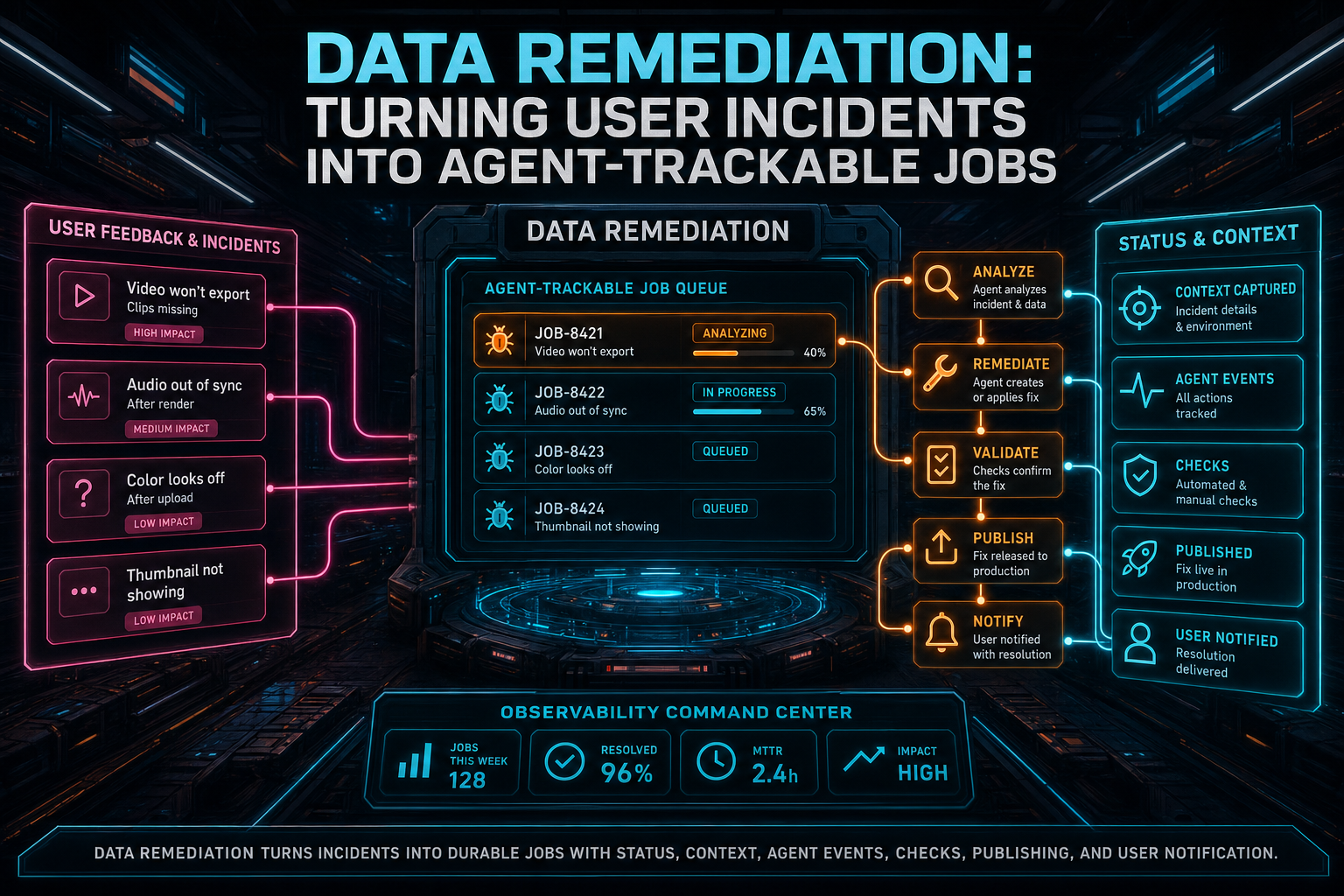
DATA Remediation: Turning User Incidents Into Agent-Trackable Jobs
DATA Remediation is VibeChopper's incident-to-repair pipeline. A user's bug report, feedback item, comment, or voice feedback session becomes a durable job with source context, dedupe, status, allowed file scope, agent events, check results, publish results, and notifications. The goal is not to make production incidents feel magical. The goal is to make them trackable enough for agents, admins, users, and future automation to agree on what is happening.
Read the post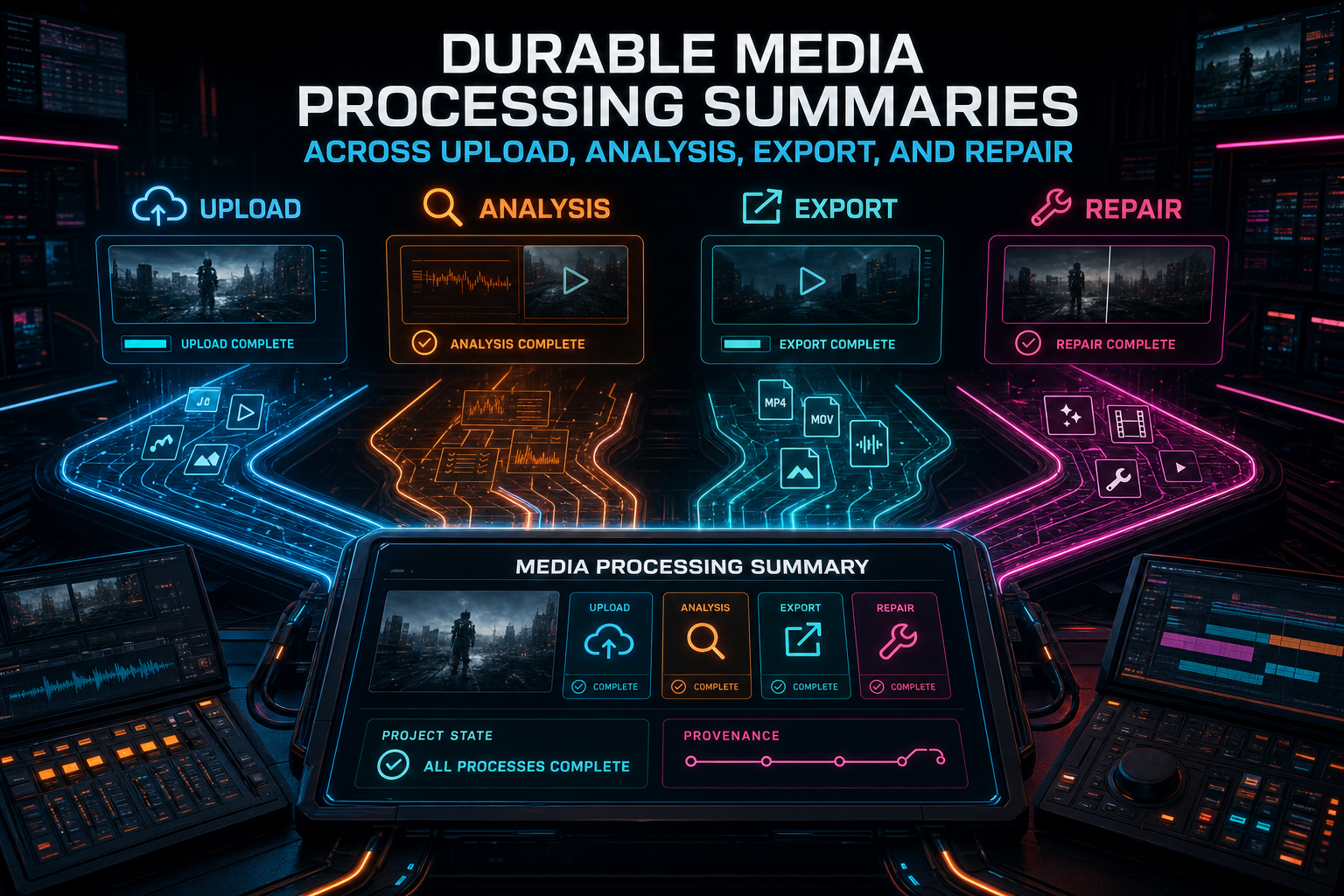
Durable Media Processing Summaries Across Upload, Analysis, Export, and Repair
VibeChopper treats media processing state as product data, not scattered progress text. A project summary joins upload sessions, matched video records, frames, AI descriptions, audio, transcripts, generated metadata, proxies, active jobs, exports, plan assets, and readiness checks into one durable view that the editor, media panel, AI runs, and repair flows can trust.
Read the post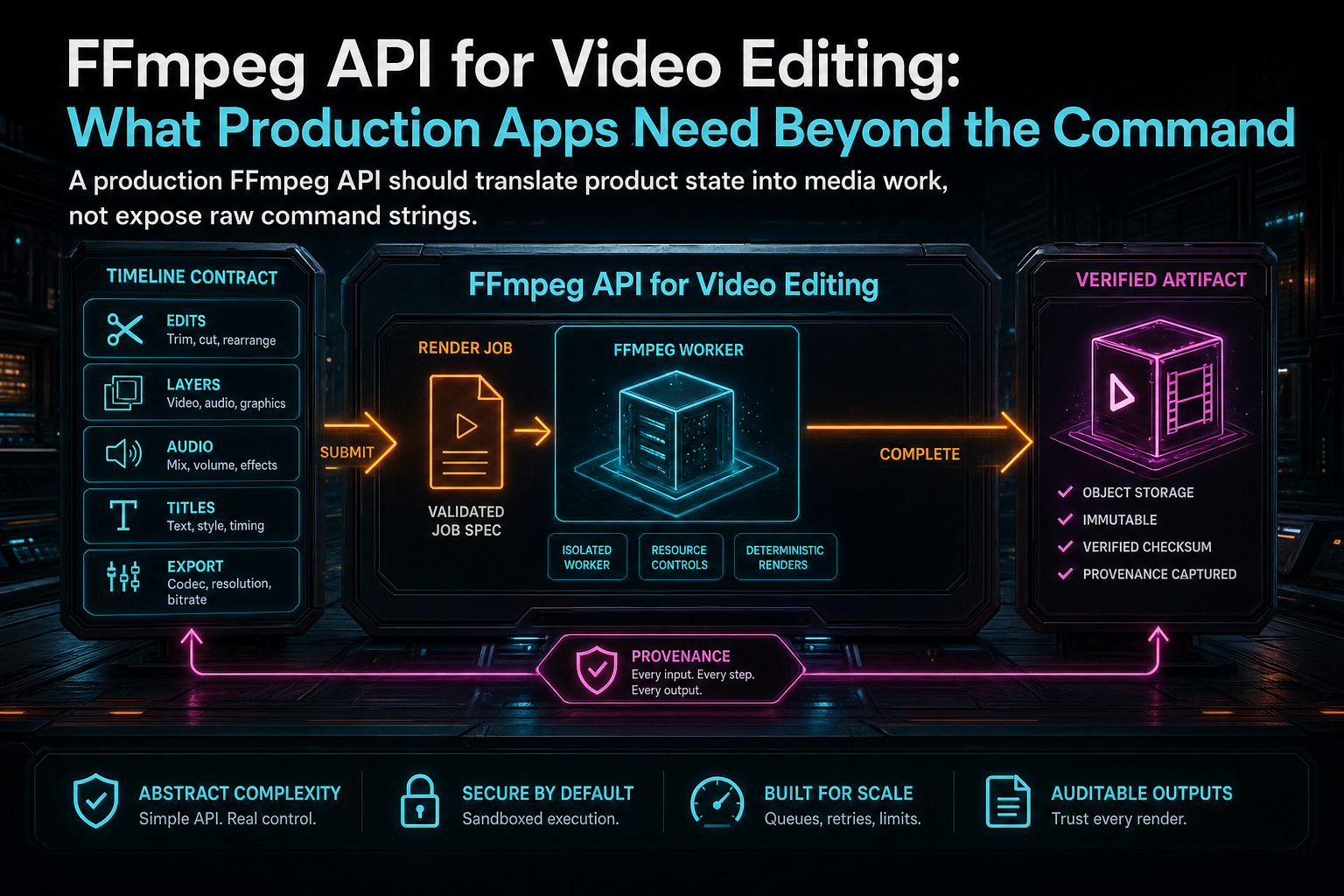
FFmpeg API for Video Editing: What Production Apps Need Beyond the Command
A useful FFmpeg API is not a remote shell for media commands. Production video editors need a typed timeline contract, authenticated media resolution, durable render jobs, progress, idempotency, object storage, verification, and provenance that survives refreshes, retries, AI edits, and support cases.
Read the post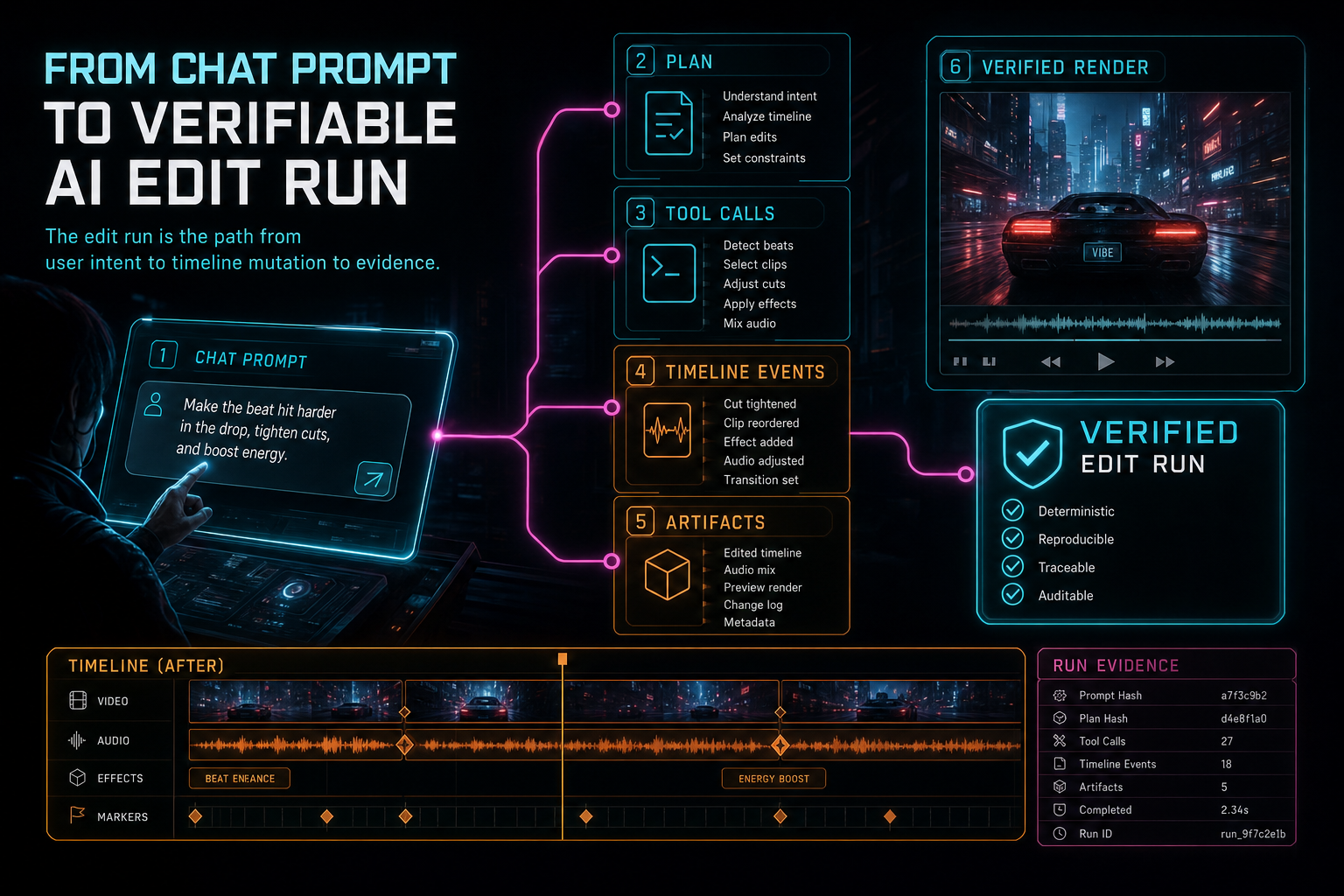
From Chat Prompt to Verifiable AI Edit Run
A chat prompt is not enough to trust an AI video editor. VibeChopper wraps prompt interpretation, plan records, native tool calls, generated artifacts, editor events, and render verification into an AI edit run that can be inspected after the edit lands.
Read the post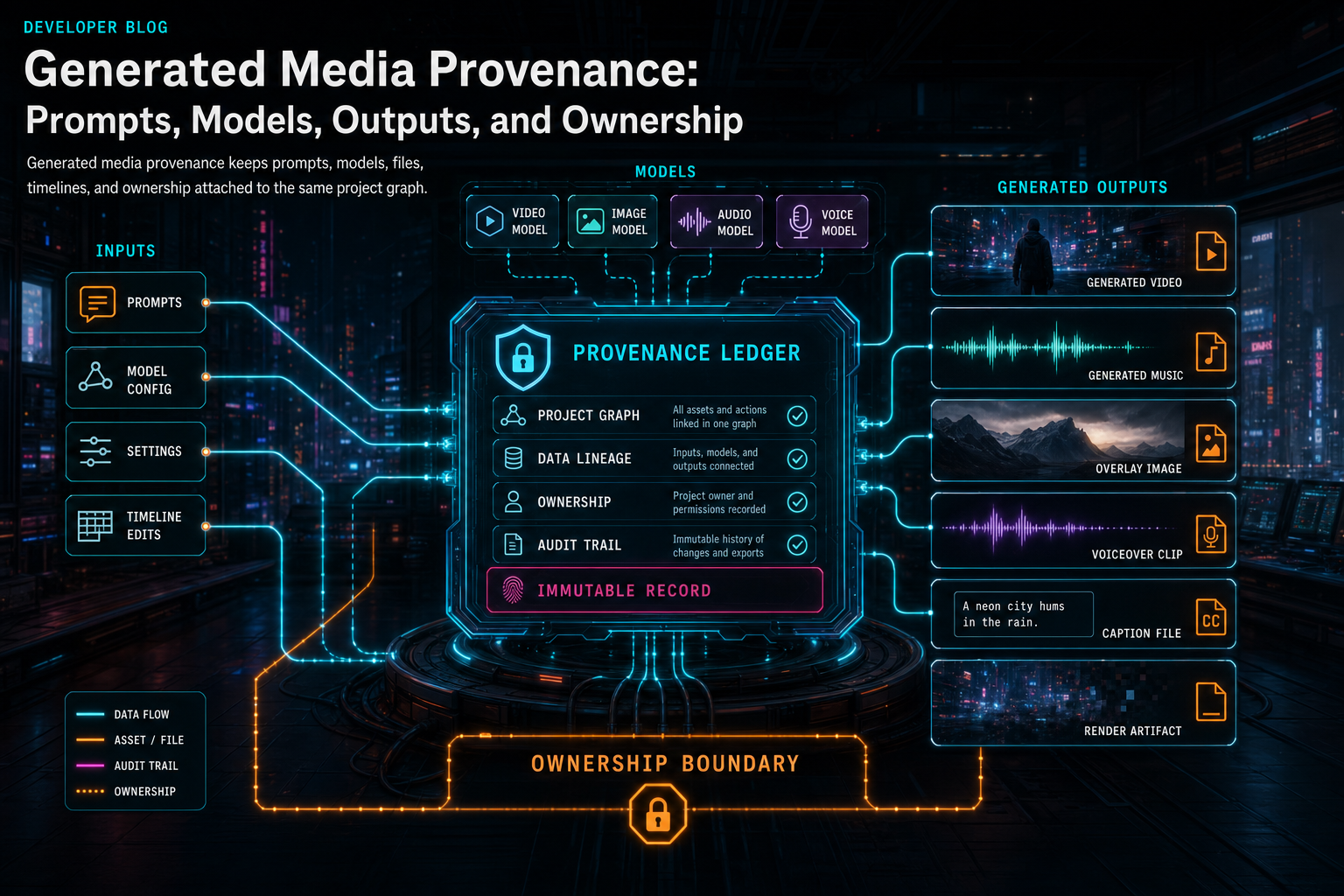
Generated Media Provenance: Prompts, Models, Outputs, and Ownership
Generated media provenance is the product contract that connects a user's creative request to the model call, output file, storage path, timeline usage, ownership boundary, and final render. Without it, AI assets become loose files. With it, they become inspectable parts of the edit.
Read the post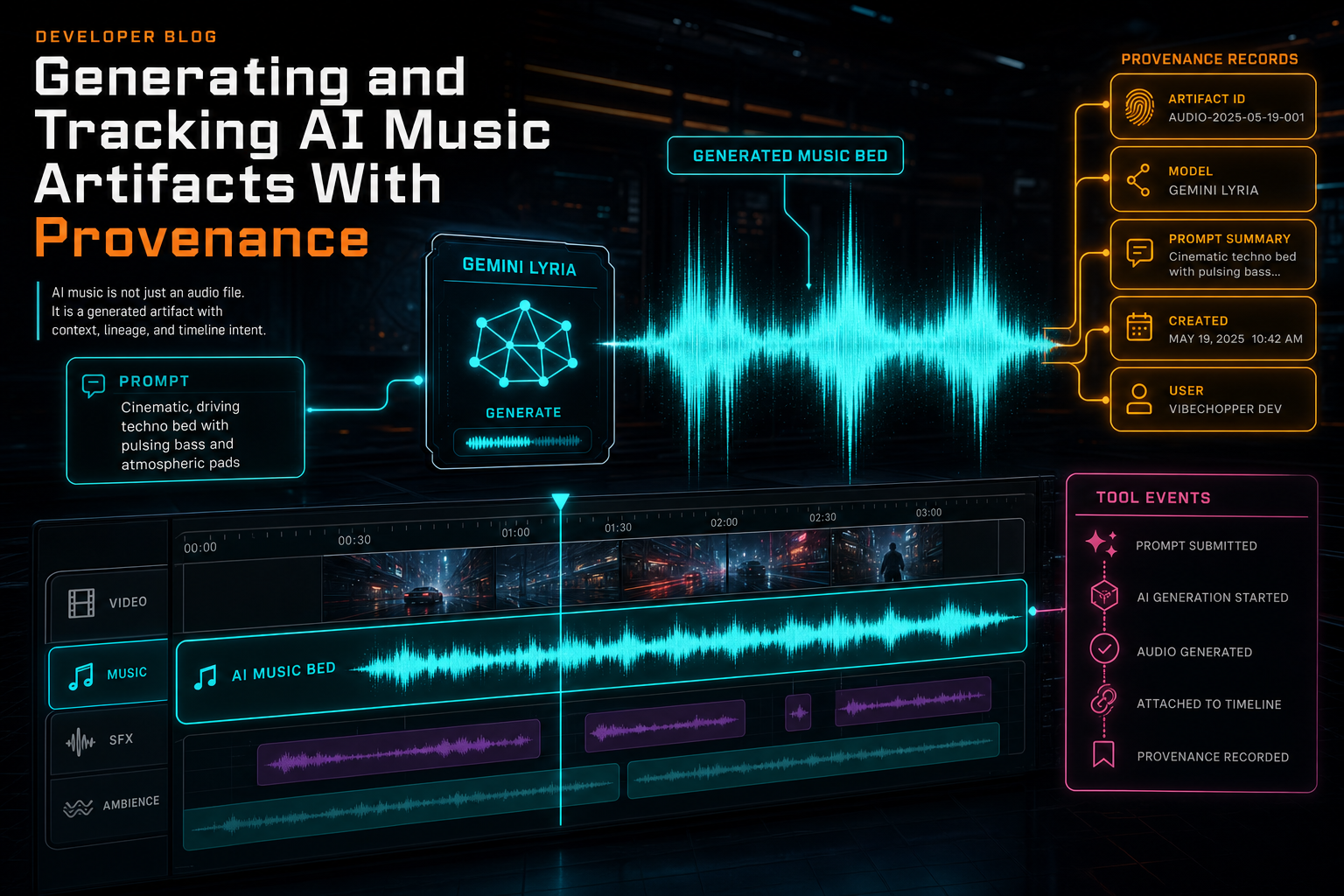
Generating and Tracking AI Music Artifacts With Provenance
Generated music becomes useful in a video editor only when the system can explain where it came from, why it was created, which edit run requested it, and where it landed on the timeline. VibeChopper treats every AI music bed as a durable artifact with prompt, provider, model, storage, tool-event, and clip provenance.
Read the post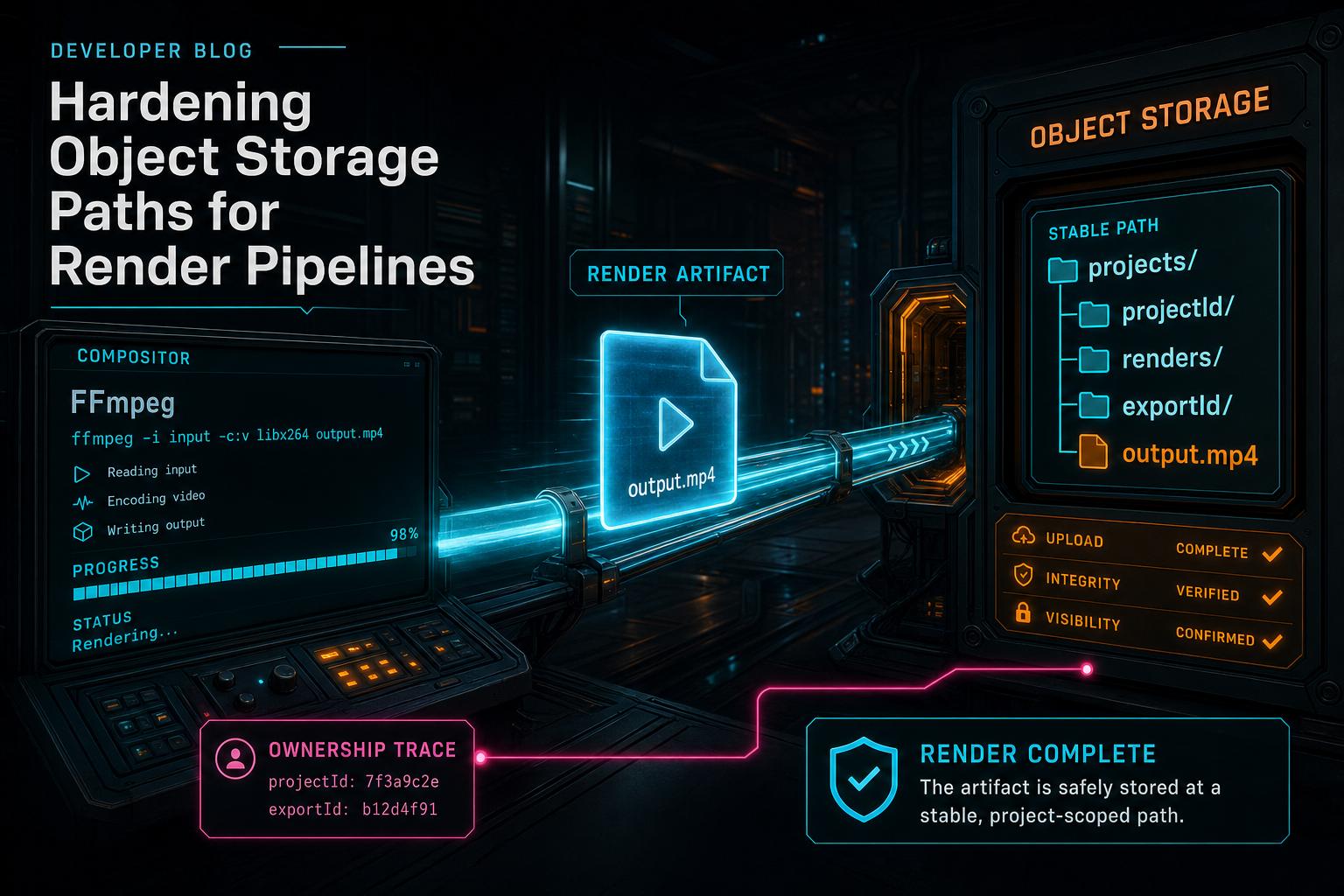
Hardening Object Storage Paths for Render Pipelines
A render pipeline is only production-ready when the output path is as intentional as the edit. VibeChopper hardens render storage by giving each export a stable project-scoped object path, streaming completed media from scratch disk into object storage, normalizing object URLs, rejecting unsafe overlay fetches, cleaning temporary files, and preserving enough metadata for verification, media graphs, AI edit runs, and repair workflows.
Read the post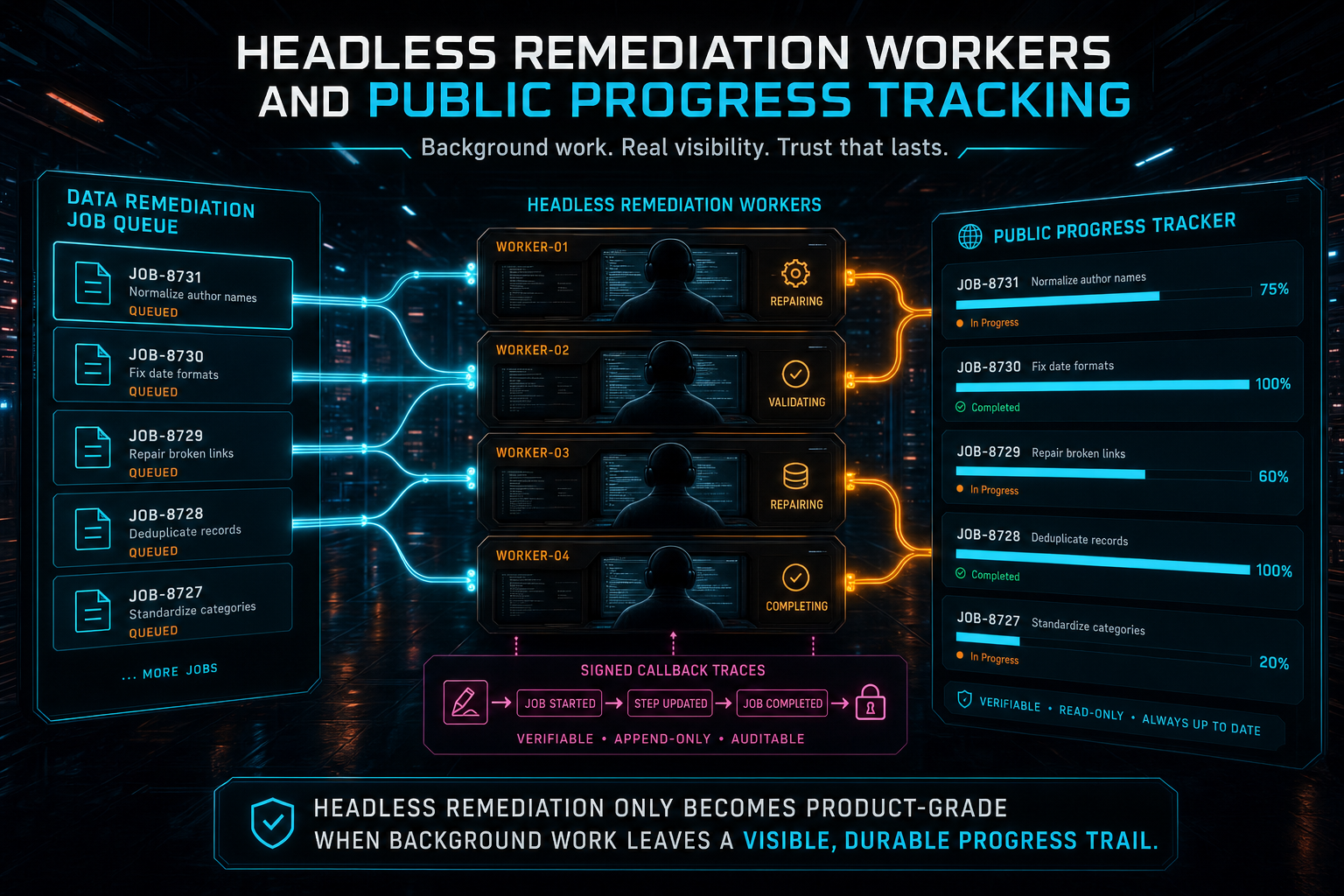
Headless Remediation Workers and Public Progress Tracking
VibeChopper's DATA Remediation workers run outside the user request that created the incident, but they do not disappear into a terminal. The worker claims a durable job, dispatches a headless dev runner, reports signed lifecycle events, records checks and verification, publishes when the repair is ready, verifies production, and feeds a public progress tracker that a submitter can refresh at any point.
Read the post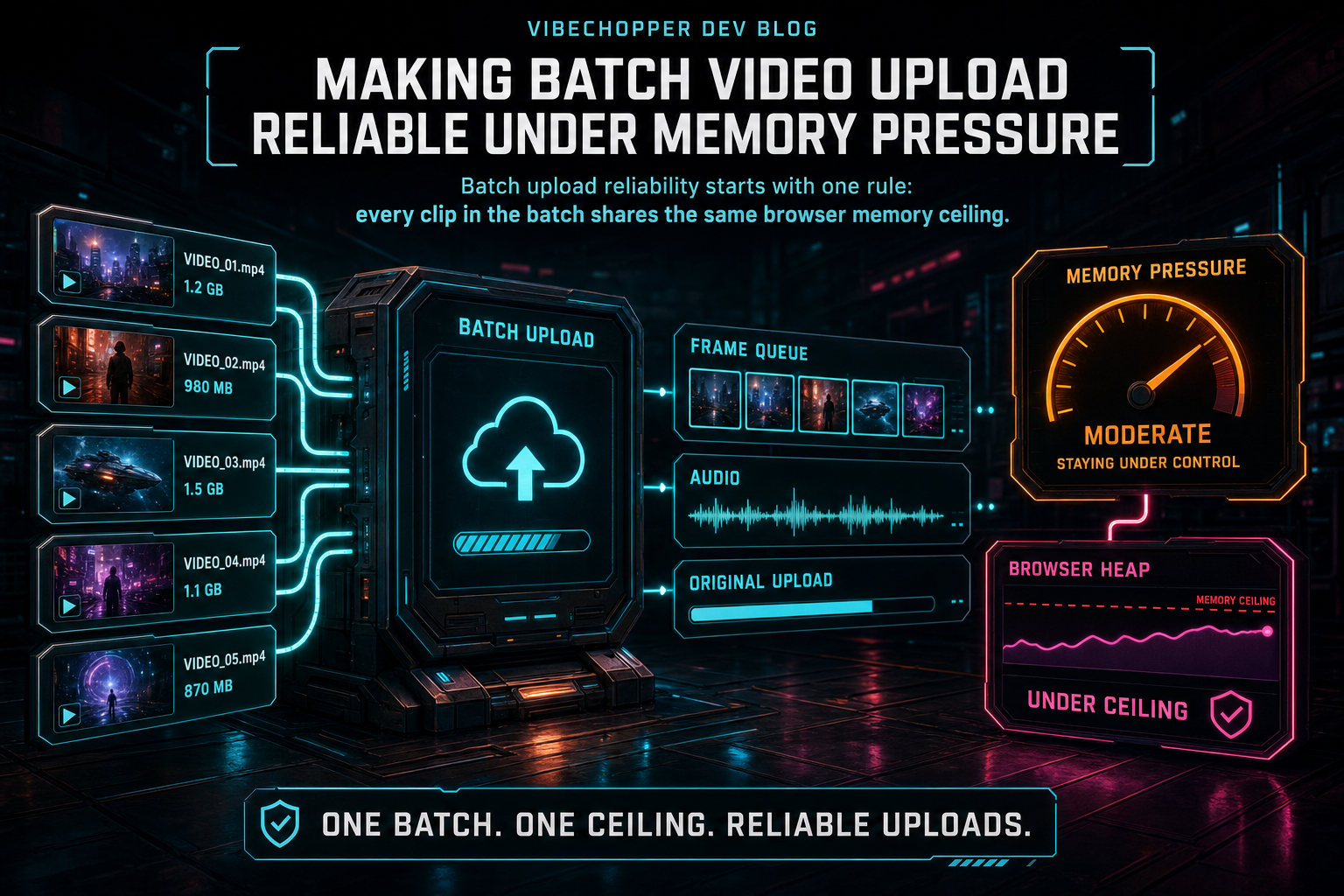
Making Batch Video Upload Reliable Under Memory Pressure
Batch upload is where a browser video editor stops being a demo and starts being a product. VibeChopper keeps the workflow reliable by treating memory as a shared resource, streaming frame work in bounded batches, separating derived media stages, and making progress recoverable when pressure hits.
Read the post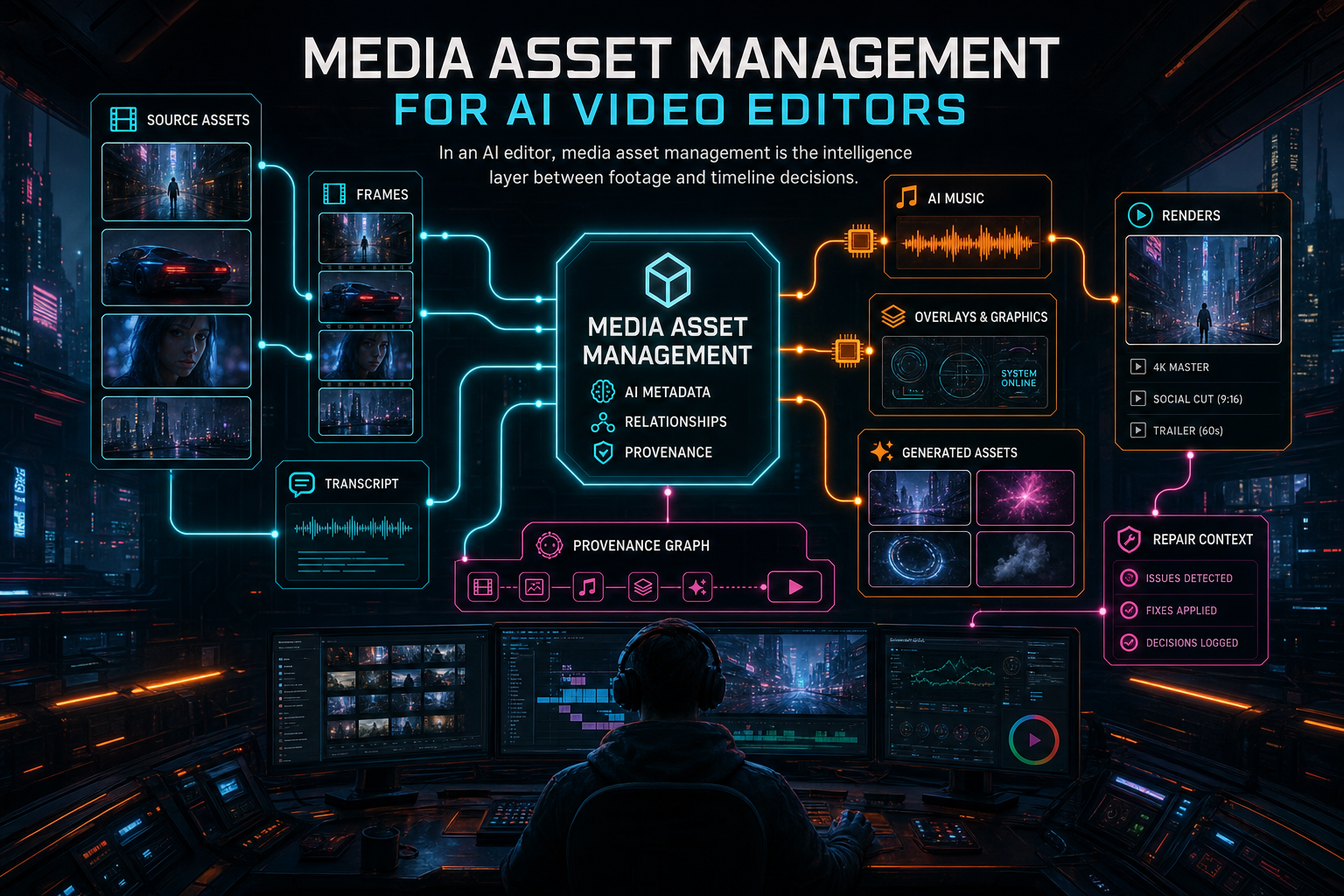
Media Asset Management for AI Video Editors
Media asset management for an AI video editor is not a file browser with thumbnails. It is the system that keeps source footage, extracted frames, transcripts, generated music, overlays, renders, plan assets, AI edit runs, object storage paths, and repair context connected enough for humans and agents to make reliable editing decisions.
Read the post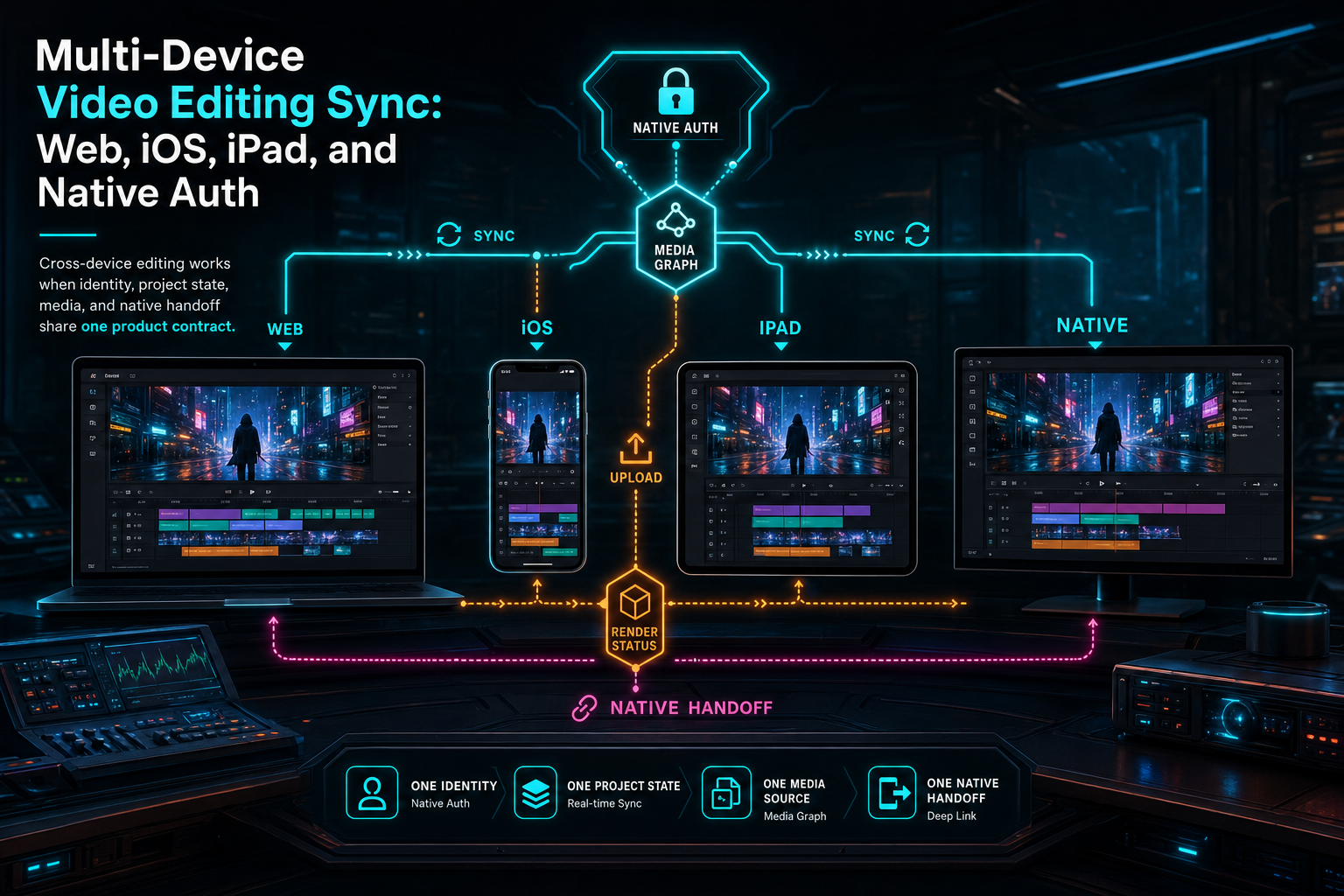
Multi-Device Video Editing Sync: Web, iOS, iPad, and Native Auth
Multi-device video editing sync is not one toggle named cloud save. It is the combined contract between authenticated identity, project ownership, canonical server state, media provenance, upload recovery, render artifacts, and native handoff across browser, iPhone, iPad, and desktop surfaces.
Read the post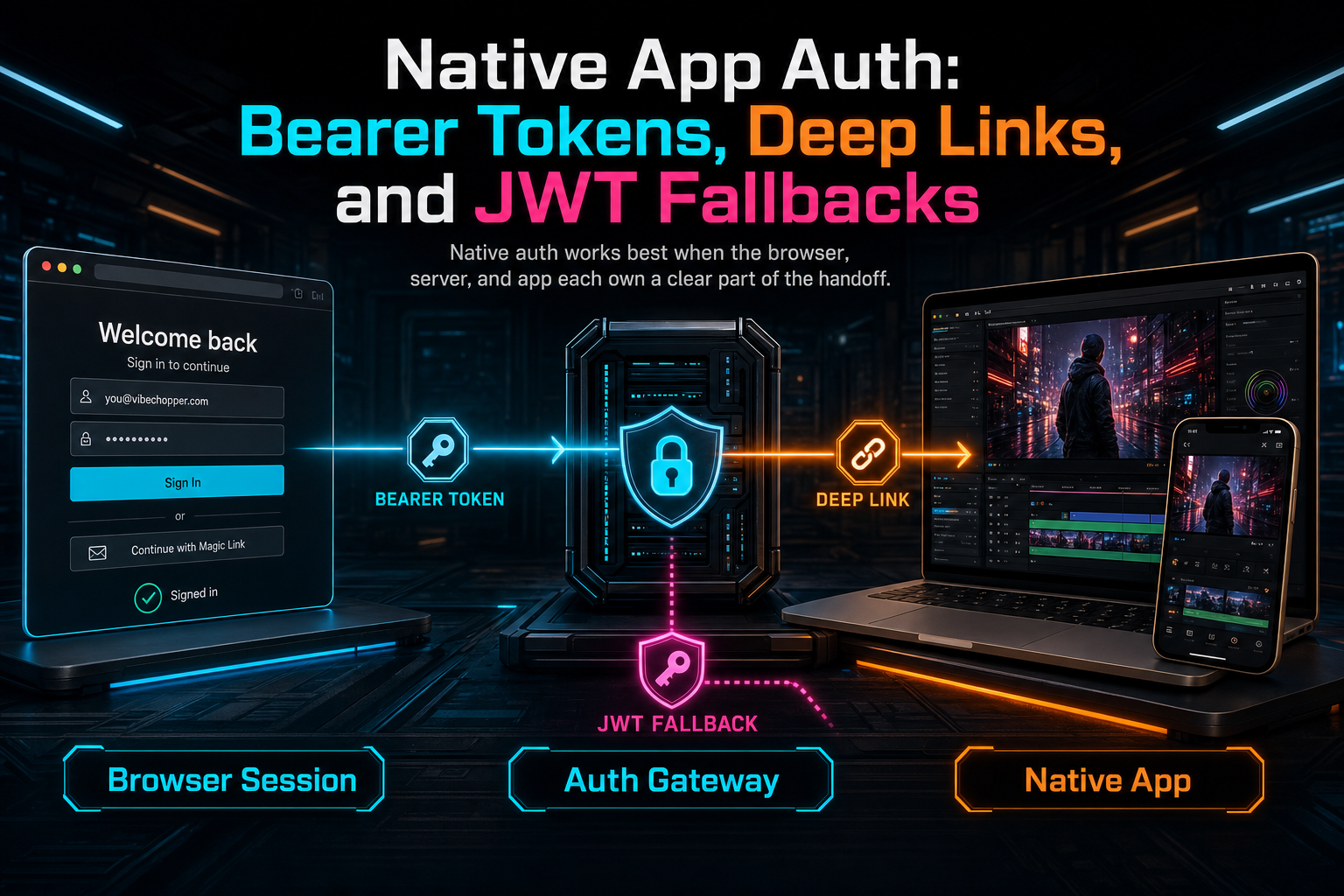
Native App Auth: Bearer Tokens, Deep Links, and JWT Fallbacks
VibeChopper keeps web, Mac, iPhone, and iPad editing connected by treating native auth as a boundary problem: the browser owns login, the server validates or narrows identity, and the app receives only the tokens and user context it needs to keep editing.
Read the post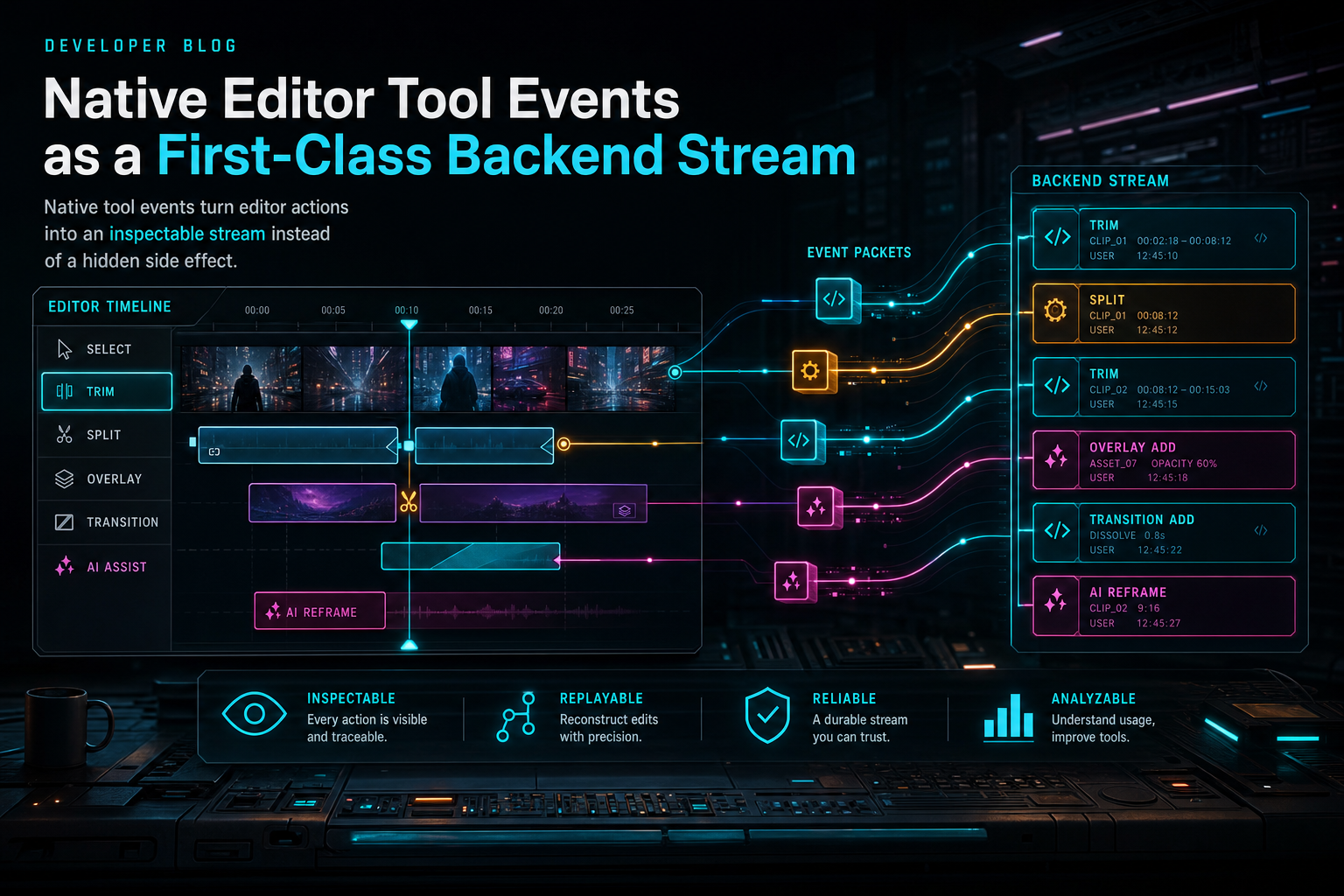
Native Editor Tool Events as a First-Class Backend Stream
VibeChopper treats native editor tool events as product data, not debug exhaust. Every meaningful timeline mutation can be recorded, visualized, and connected back to AI edit runs so creators and developers can see how an instruction became an edit.
Read the post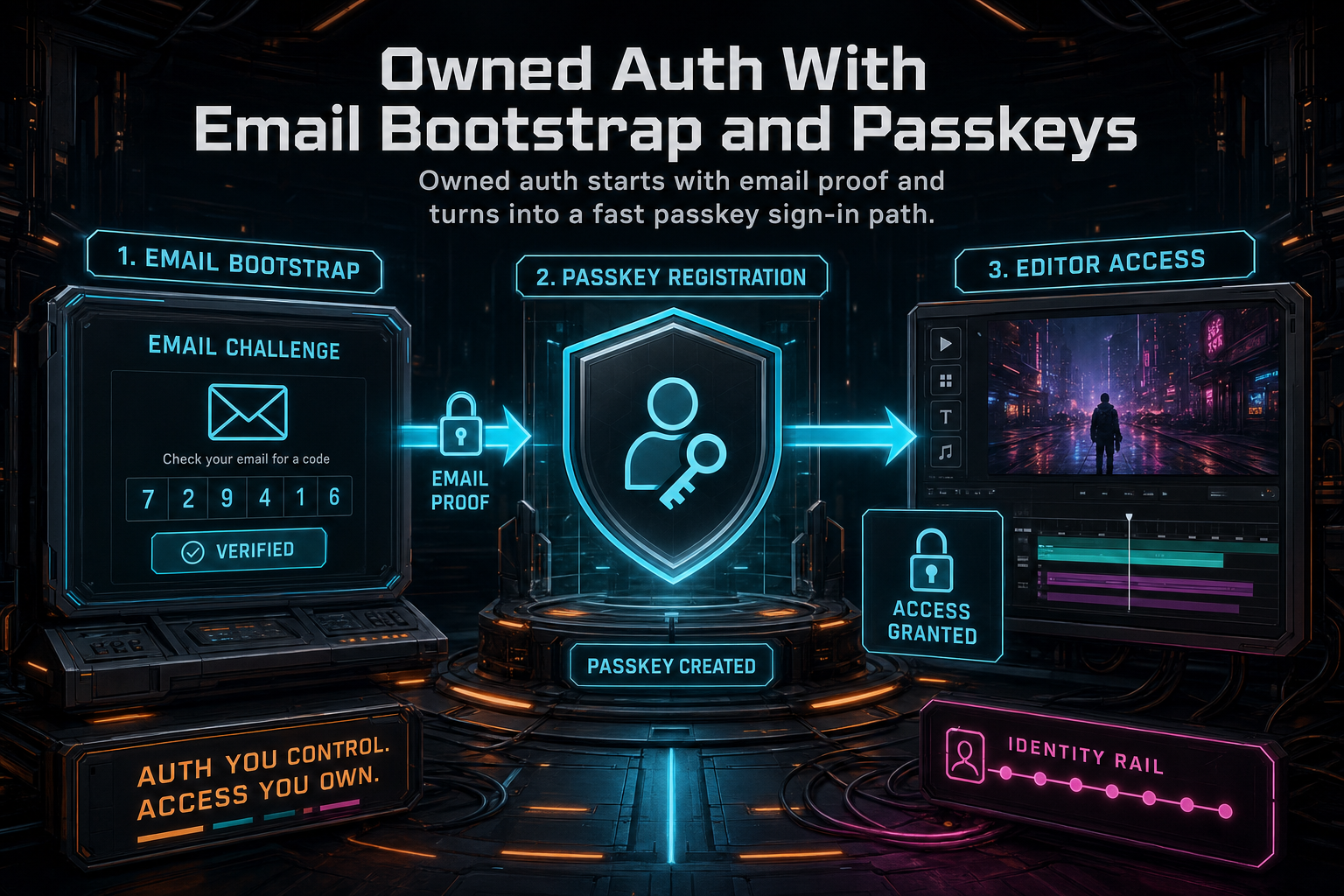
Owned Auth With Email Bootstrap and Passkeys
VibeChopper moved account access from provider-only login toward an owned authentication layer: email verifies the person, the session bootstraps a first-party account, and passkeys turn the next sign-in into a device-native WebAuthn ceremony. The product result is less login friction for creators and a stronger identity foundation for editing, sharing, native app handoff, remediation, and account recovery.
Read the post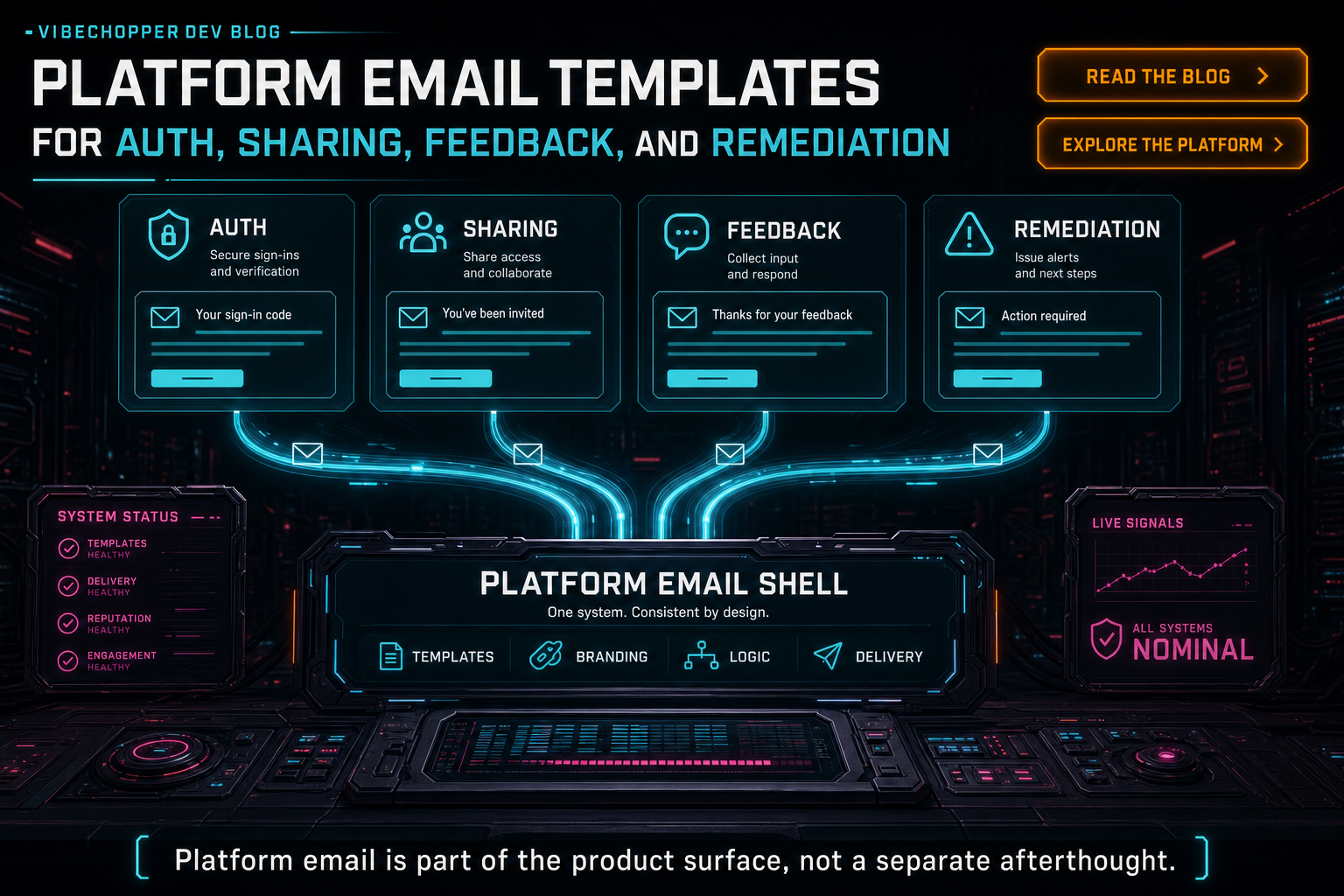
Platform Email Templates for Auth, Sharing, Feedback, and Remediation
VibeChopper's platform emails are not detached marketing messages. They are product surfaces for identity, collaboration, feedback, repair status, and operational follow-through. The email template layer gives every notification the same dark VibeChopper shell, escaped dynamic content, text fallbacks, CTA structure, metadata rows, preview catalog, and sender ownership while letting each workflow speak in its own purpose-built voice.
Read the post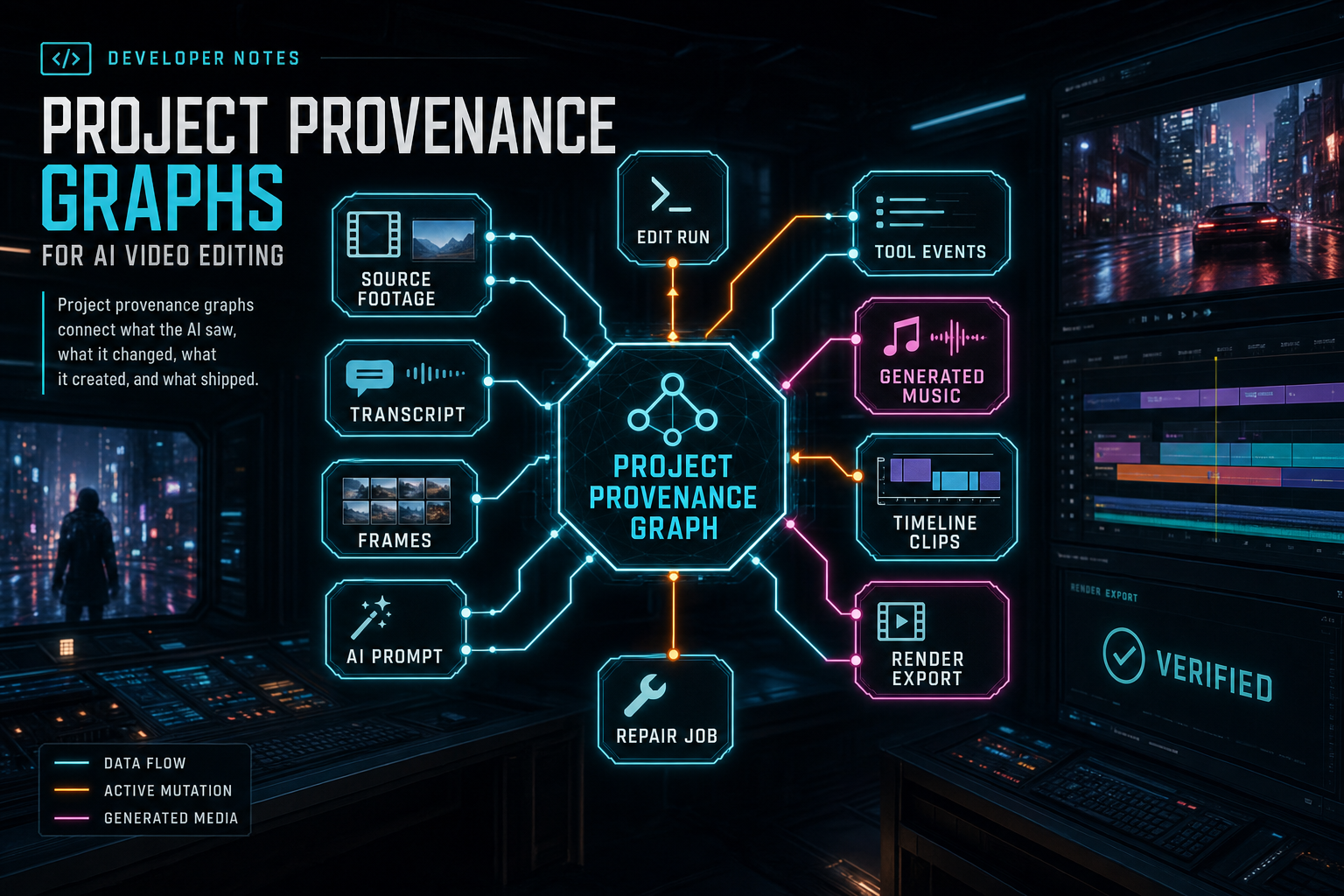
Project Provenance Graphs for AI Video Editing
A project provenance graph is the product memory that connects source footage, transcripts, frame intelligence, prompts, AI edit runs, tool events, generated assets, timeline mutations, renders, ownership, and repair jobs. For AI video editing, that graph is what turns model output into trustworthy project state.
Read the post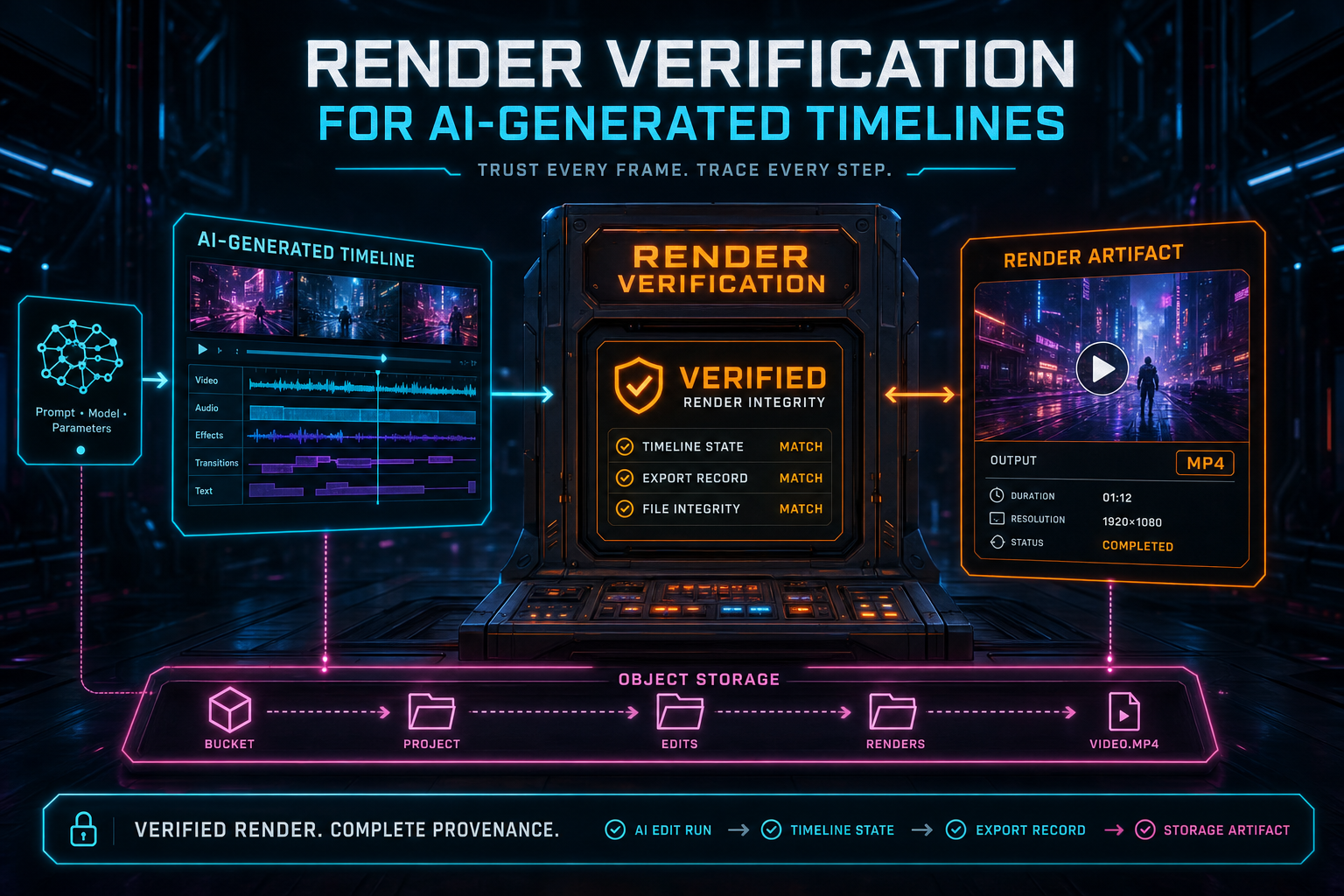
Render Verification for AI-Generated Timelines
AI can plan and mutate a timeline, but the product still has to prove that a render exists, belongs to the right project, points at durable storage, and carries enough metadata for a user or repair job to trust what happened. VibeChopper's render verification layer turns a completed export into a structured record with artifact details, timeline links, blockers, scores, and honest limitations.
Read the post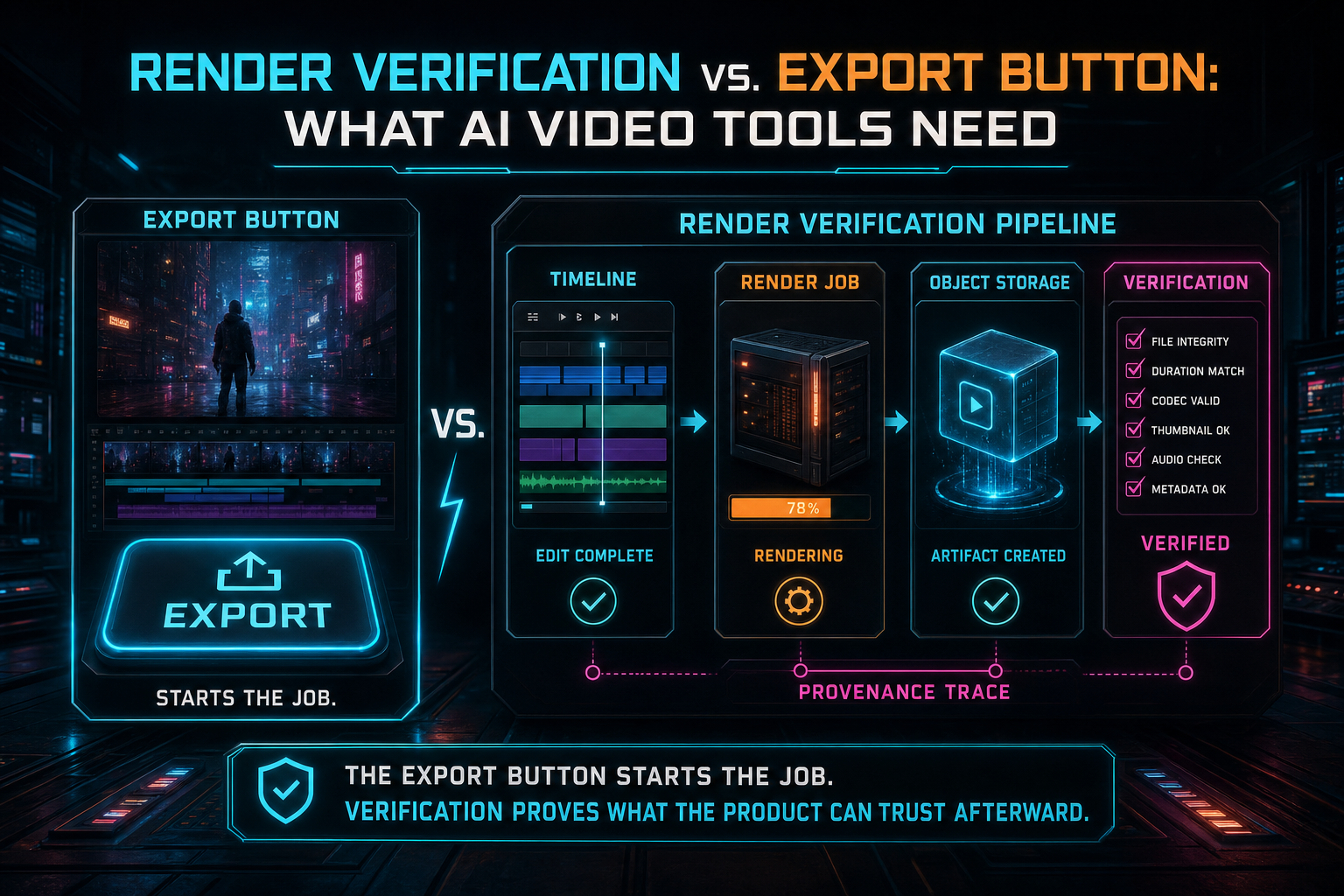
Render Verification vs. Export Button: What AI Video Tools Need
An export button is a user action. Render verification is the product contract that proves the output exists, belongs to the right workflow, is stored durably, and can be explained after an AI assistant changes the timeline.
Read the post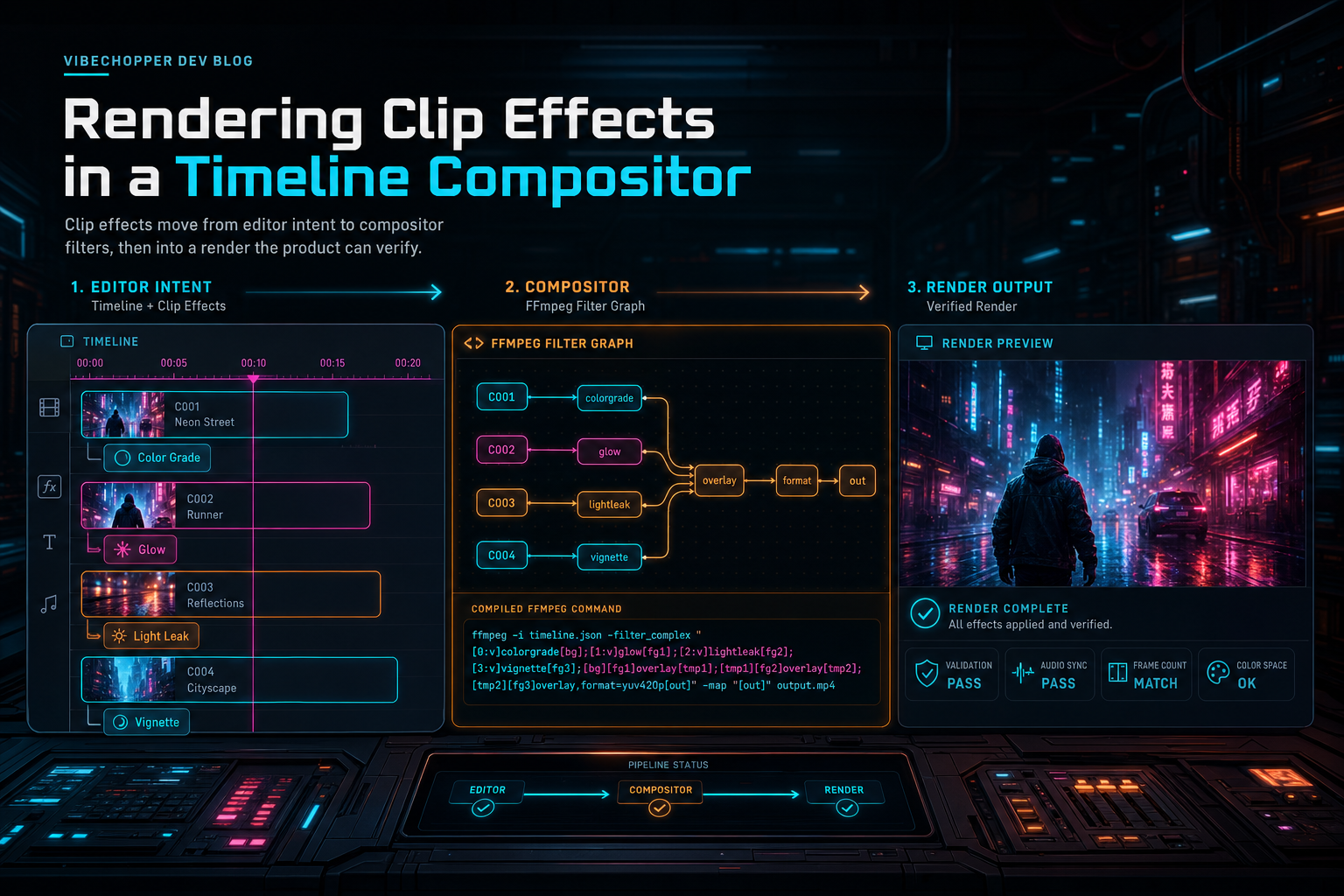
Rendering Clip Effects in a Timeline Compositor
Clip effects are easy to preview and hard to export correctly. VibeChopper treats every effect as timeline intent that must compile into a deterministic FFmpeg filter graph, survive trims and timing offsets, and remain testable without trusting visual luck.
Read the post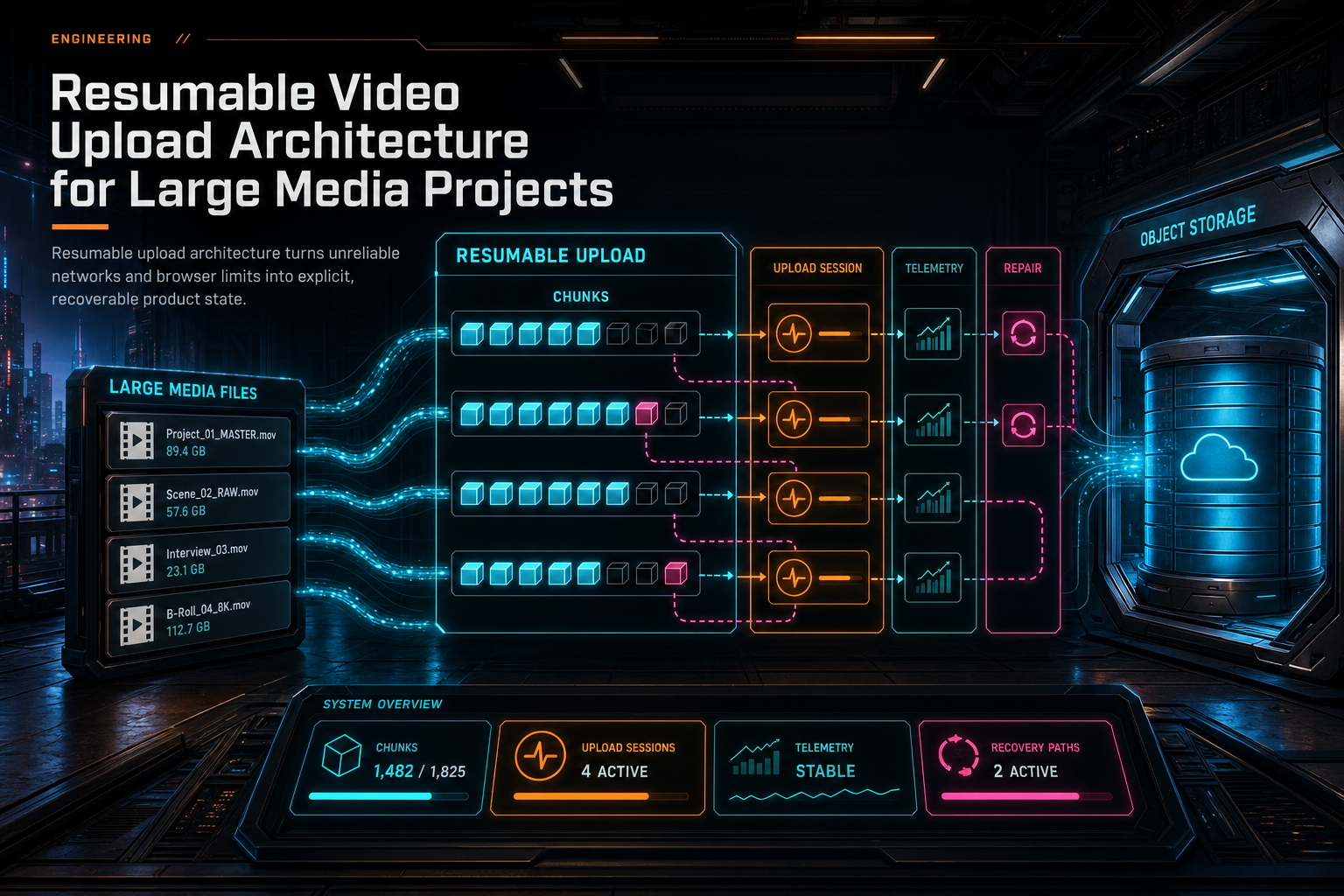
Resumable Video Upload Architecture for Large Media Projects
Large media upload is not a single HTTP request with a nicer progress bar. In a product-grade video editor, resumable upload is a contract between browser storage, authenticated upload sessions, chunk state, telemetry, object storage, server repair, and a UI that can tell users exactly what is recoverable.
Read the post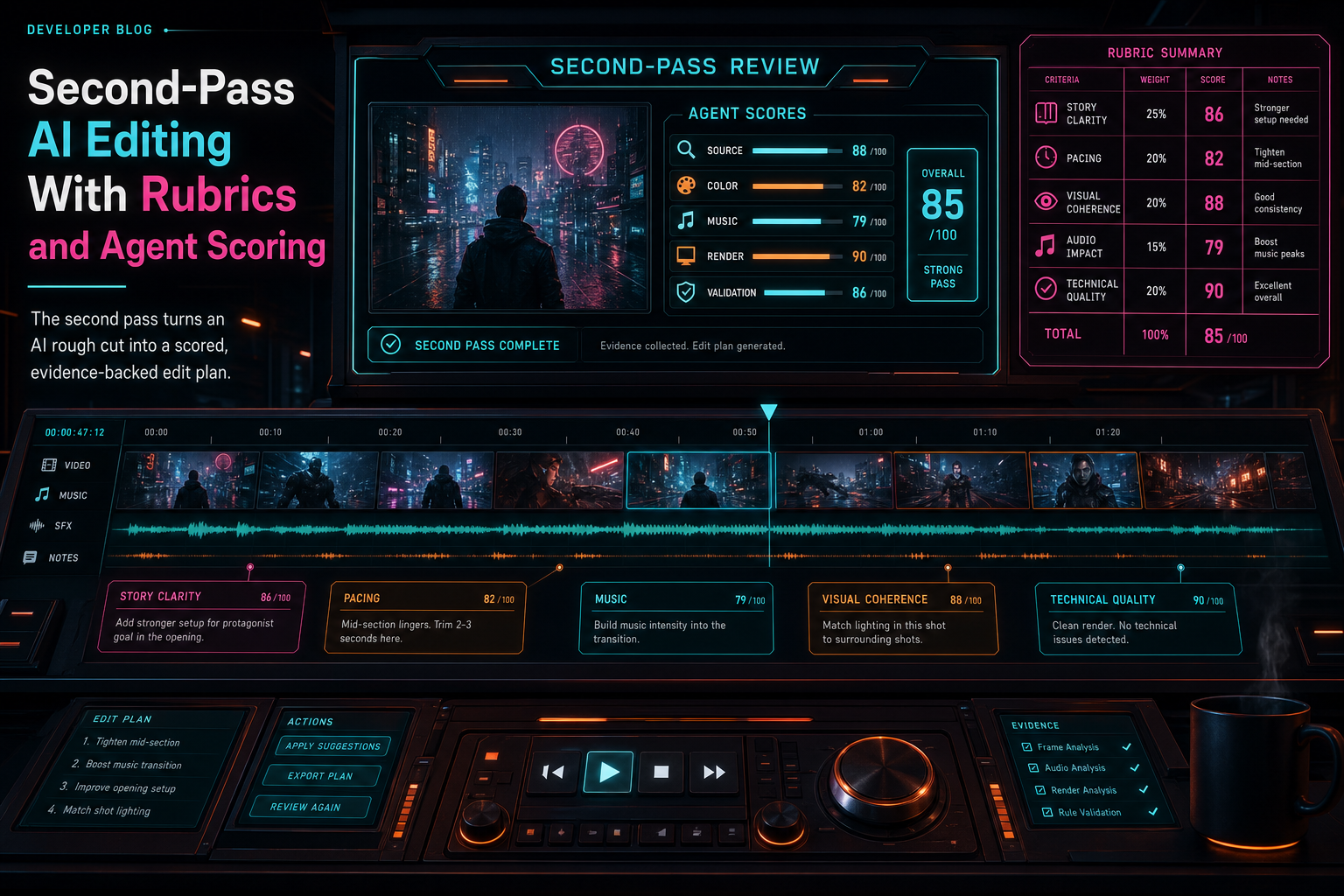
Second-Pass AI Editing With Rubrics and Agent Scoring
A first AI edit draft is a proposal. VibeChopper's second pass turns that proposal into a reviewed timeline by checking source evidence, assigning agent scores, planning color and music intent, and running a final draft rubric before the system treats the edit as ready.
Read the post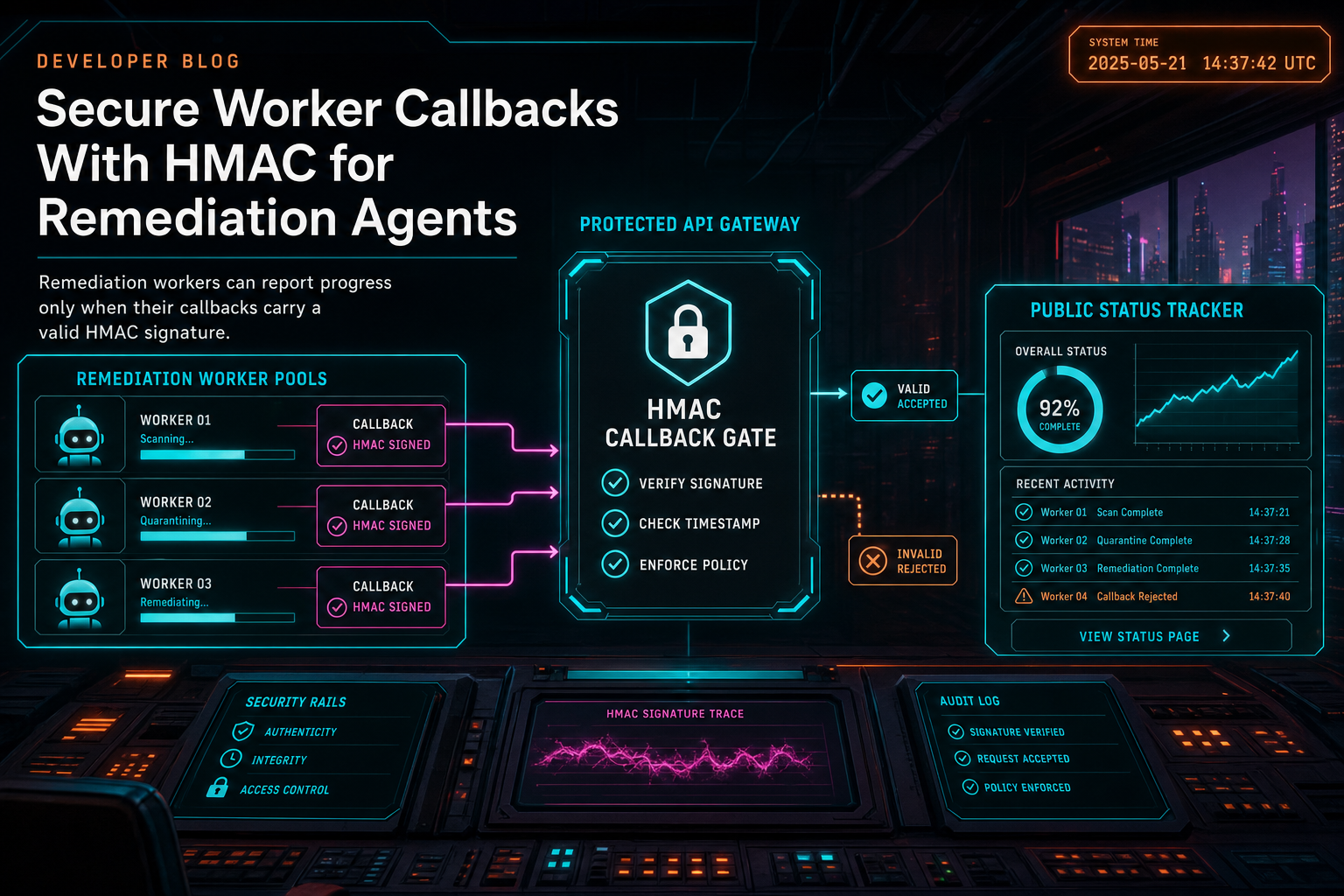
Secure Worker Callbacks With HMAC for Remediation Agents
DATA Remediation lets repair agents work asynchronously on user-reported issues, but the status API cannot trust callback traffic just because it looks like a worker. VibeChopper signs worker callbacks with HMAC-SHA256 over the exact raw body and timestamp, rejects stale messages, compares signatures with a timing-safe check, and keeps the worker surface narrow enough for progress tracking without opening the product to spoofed remediation events.
Read the post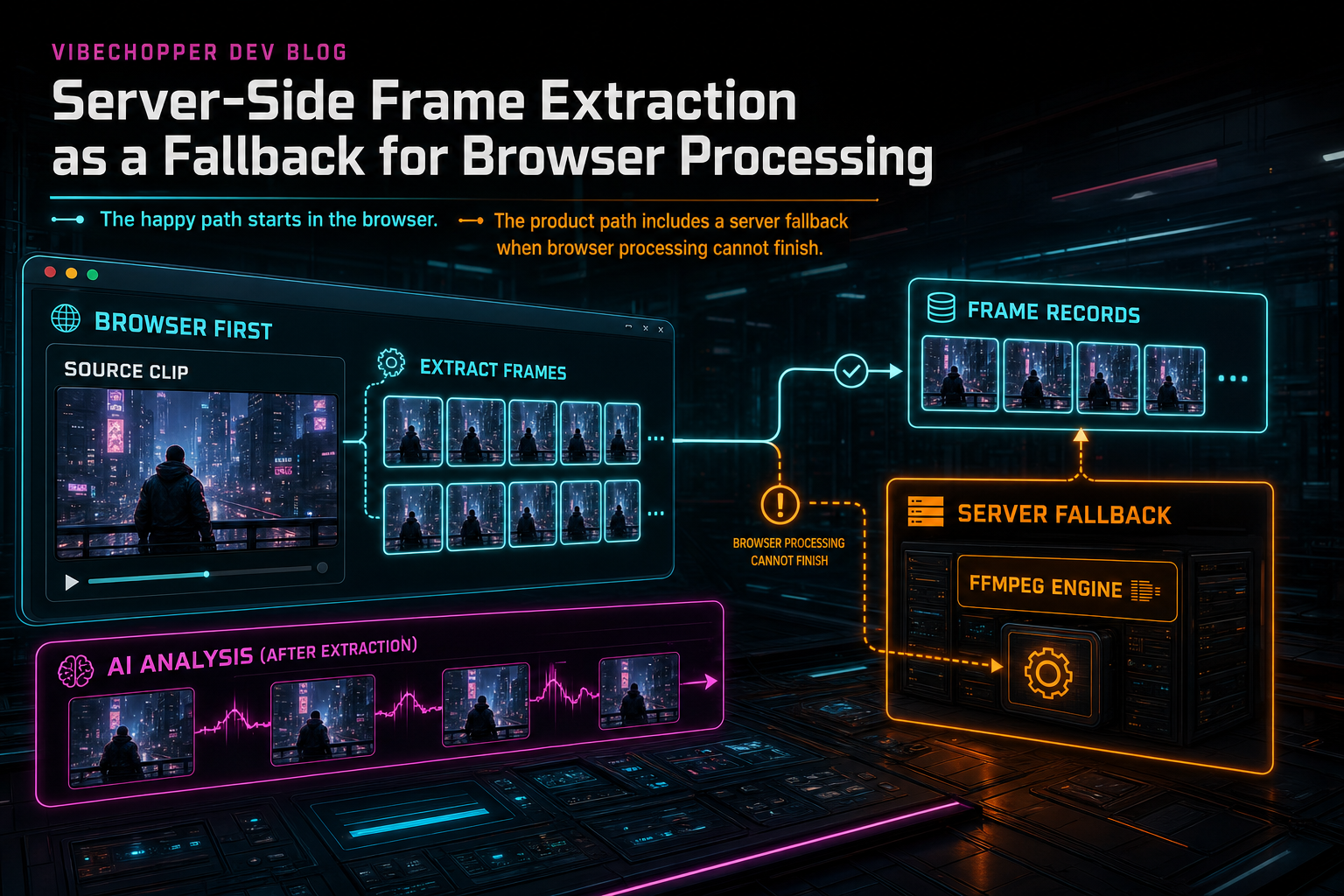
Server-Side Frame Extraction as a Fallback for Browser Processing
VibeChopper is browser-first for video processing, but browser-first cannot mean browser-only. The frame extraction fallback lets the editor keep moving when client decoding, memory pressure, unsupported codecs, or upload misses prevent local frames from reaching the AI analysis pipeline.
Read the post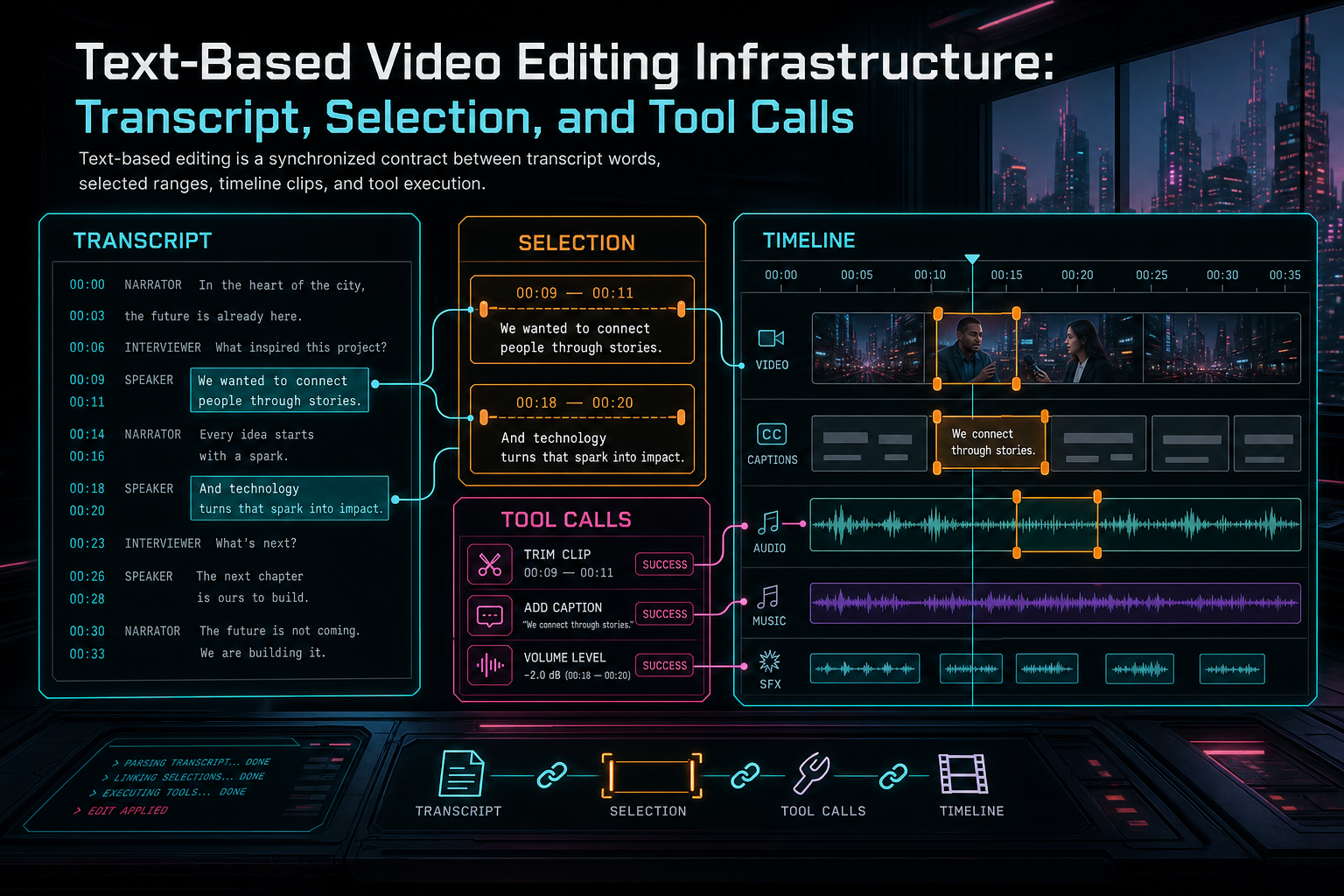
Text-Based Video Editing Infrastructure: Transcript, Selection, and Tool Calls
Text-based video editing works when transcript words, timeline timecodes, selected ranges, and native editor tools share one contract. The product can feel like editing a document, but the infrastructure still has to protect project state, media provenance, and renderable timeline output.
Read the post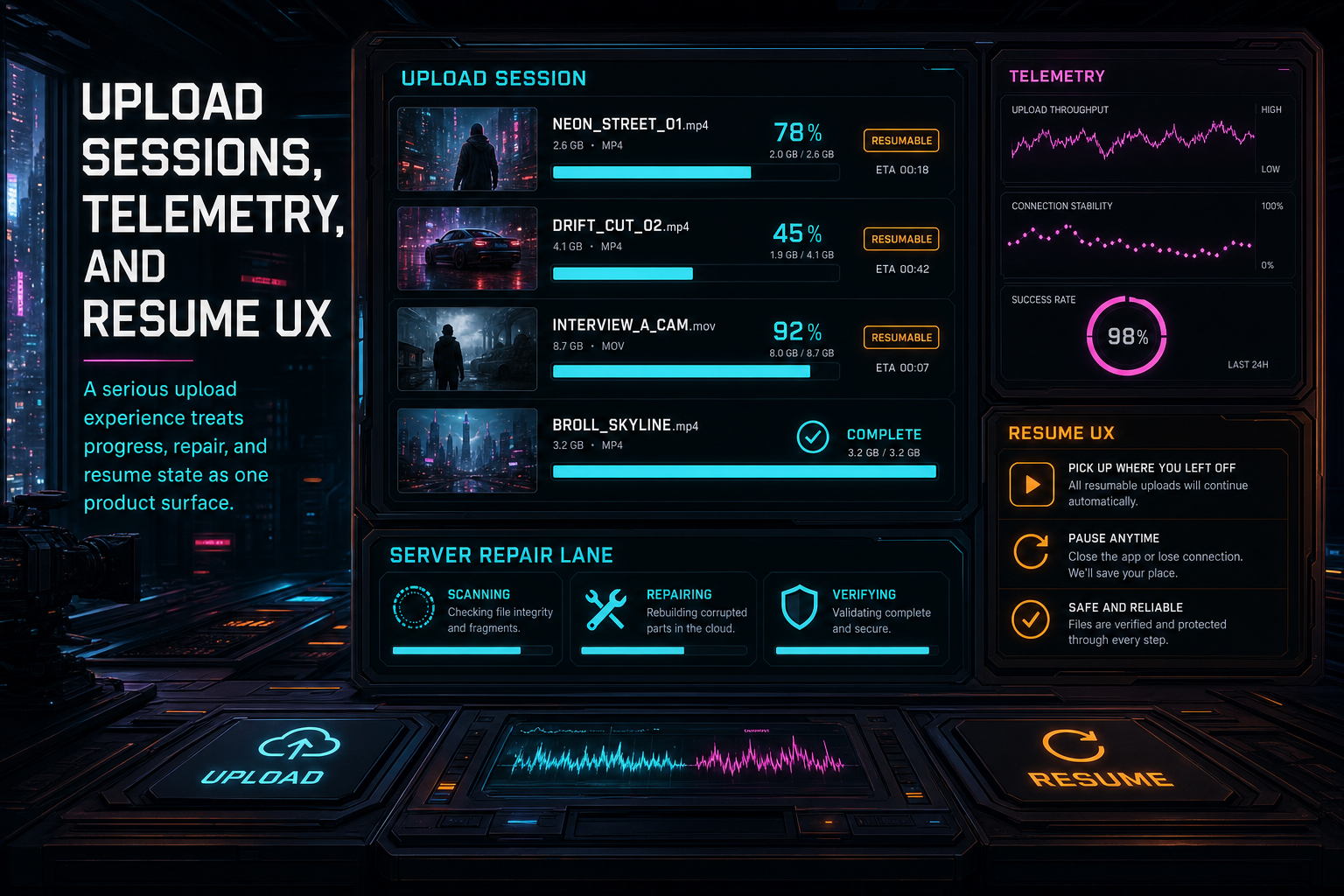
Upload Sessions, Telemetry, and Resume UX
Long uploads need more than a progress bar. VibeChopper tracks upload sessions, client artifacts, original-file bytes, server repair, telemetry samples, and resumable browser storage as one product surface so creators can understand and recover media processing without babysitting the pipeline.
Read the post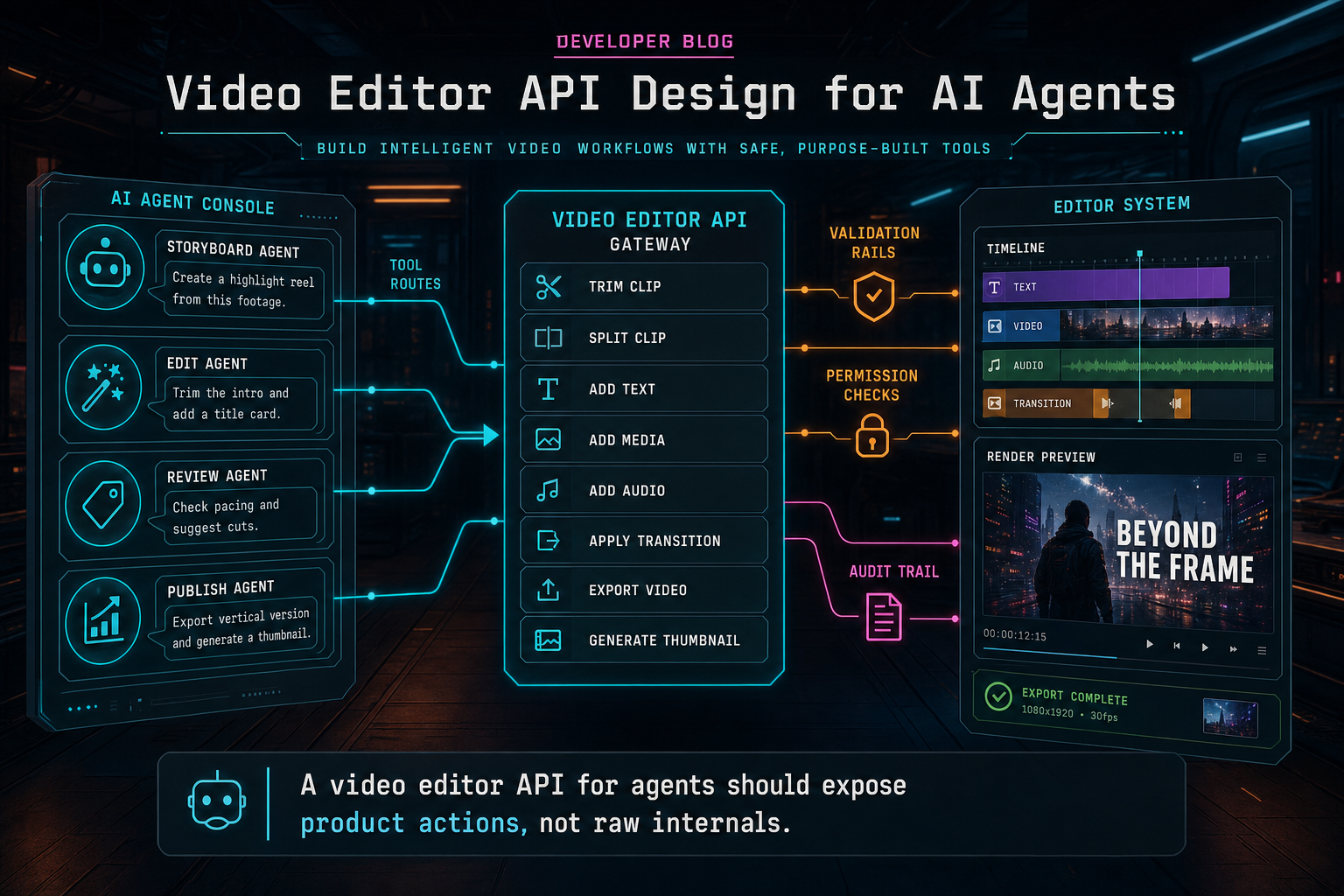
Video Editor API Design for AI Agents
An API for AI video editing agents should expose bounded timeline tools, not raw database access or command strings. The durable design uses schemas, ownership checks, idempotency, media provenance, render artifacts, and audit trails so agents can move fast without bypassing the editor.
Read the post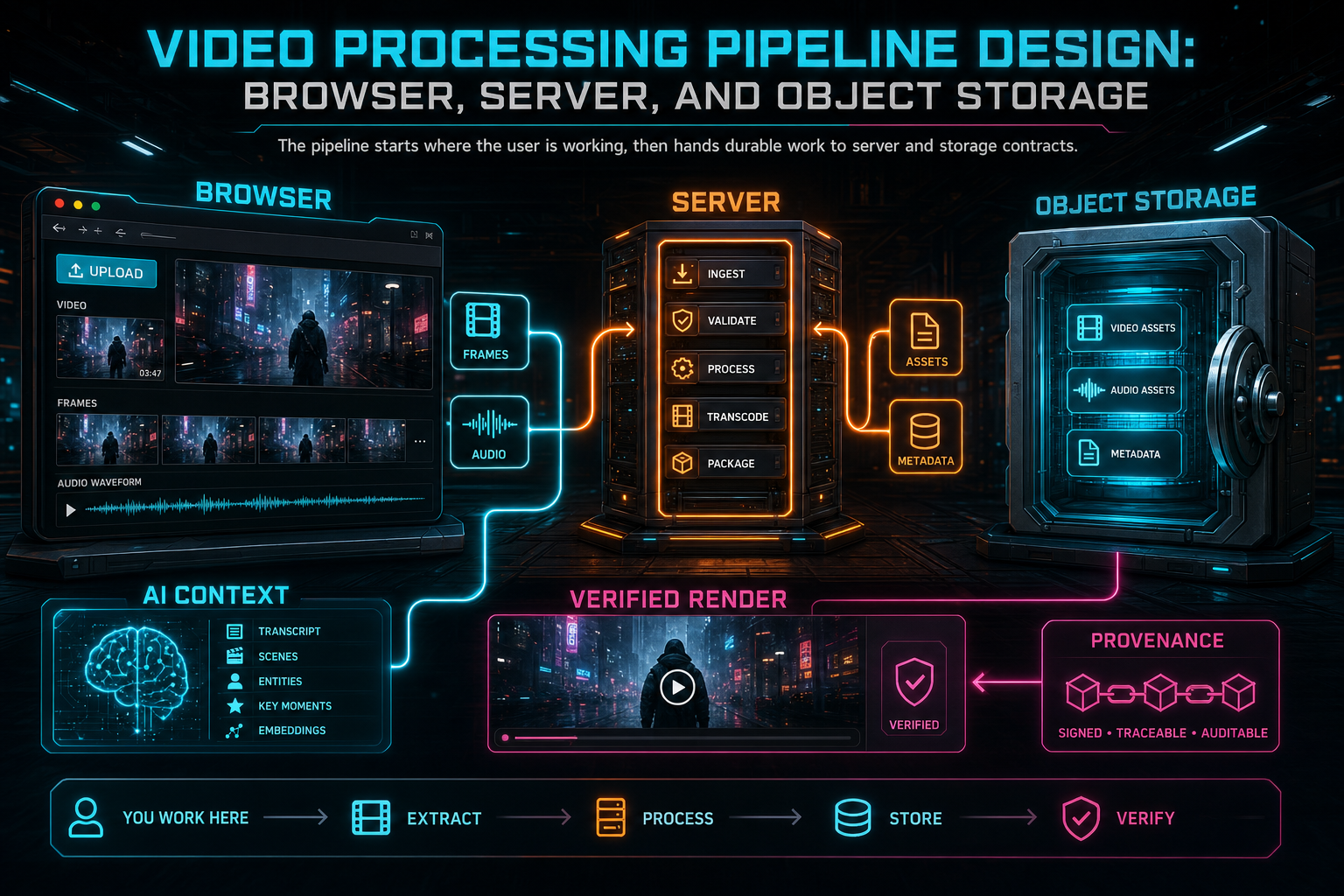
Video Processing Pipeline Design: Browser, Server, and Object Storage
A reliable video processing pipeline is not one giant upload followed by one giant encode. For an AI video editor, the better shape is a set of typed handoffs: browser sampling and preview, authenticated server processing, durable object storage, recoverable progress, AI-readable media records, and verified render artifacts.
Read the post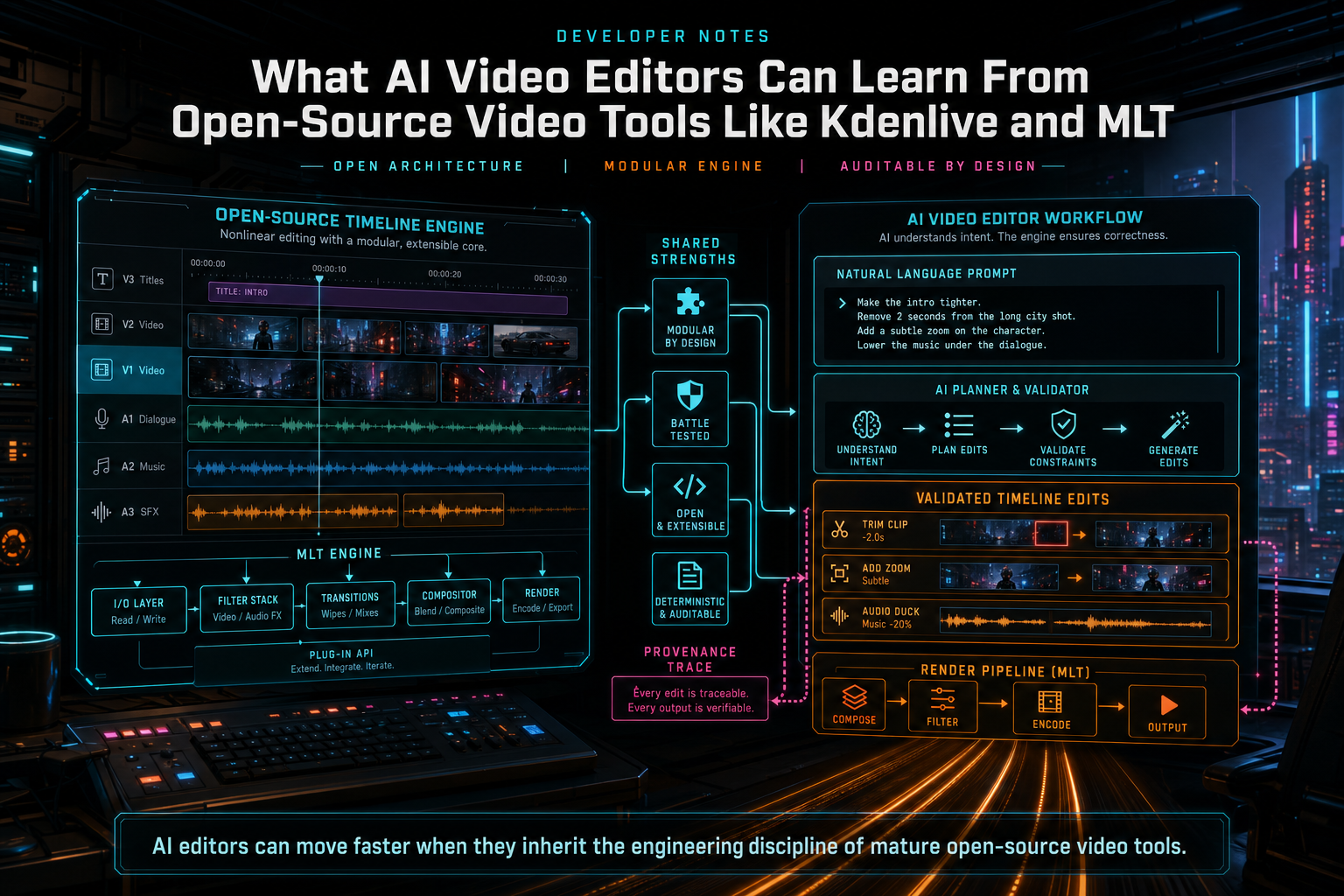
What AI Video Editors Can Learn From Open-Source Video Tools Like Kdenlive and MLT
Open-source video tools show that durable editing software is built on explicit timeline models, plugin boundaries, proxy workflows, inspectable effects, and repeatable rendering. AI video editors should copy that discipline before adding model-driven automation.
Read the postCreator workflows
Creator Playbooks
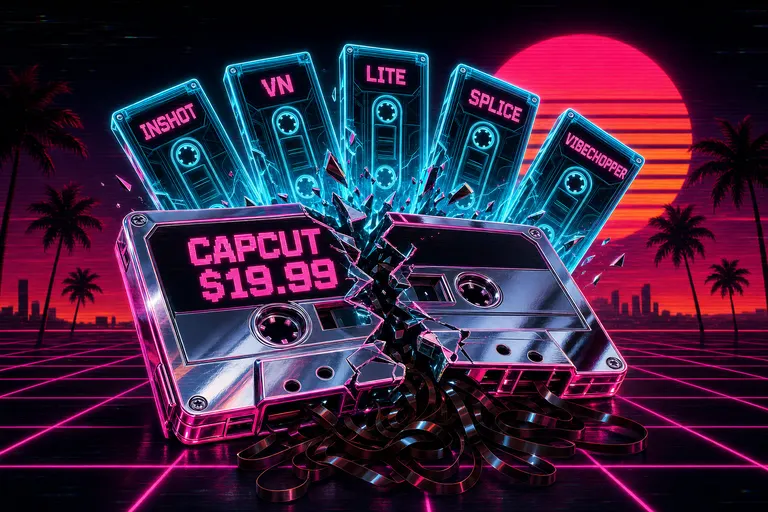
CapCut Doubled Its Price. Here's What Actually Replaced It.
CapCut Pro went from $77/yr to $179.99/yr in early 2026 and locked auto-captions and 1080p export behind the paywall. Here's the honest five-tool replacement map — InShot, VN, CapCut Lite, Splice, VibeChopper — and how to actually migrate.
Read the post
Casey, Hank, and the Myth That Caring Equals Clicking
Casey Neistat says the edit is everything. Hank Green is right that AI slop is a problem. They're both right about the premise — and both wrong about the equation. Caring doesn't equal clicking.
Read the post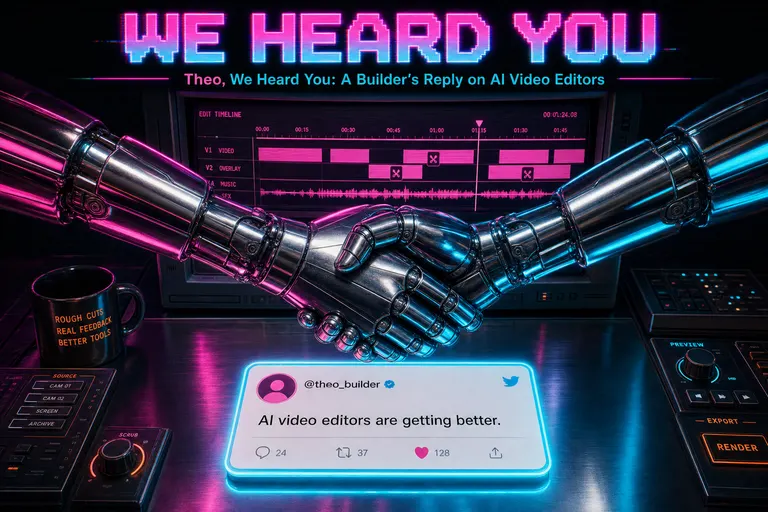
Theo, We Heard You: A Builder's Reply on AI Video Editors
Theo Browne asked why every AI video editor is built by someone who doesn't get video editing. A first-person reply from VibeChopper's founder on what we built, what we missed, and where editorial AI is different from the generative slop he's pointing at.
Read the post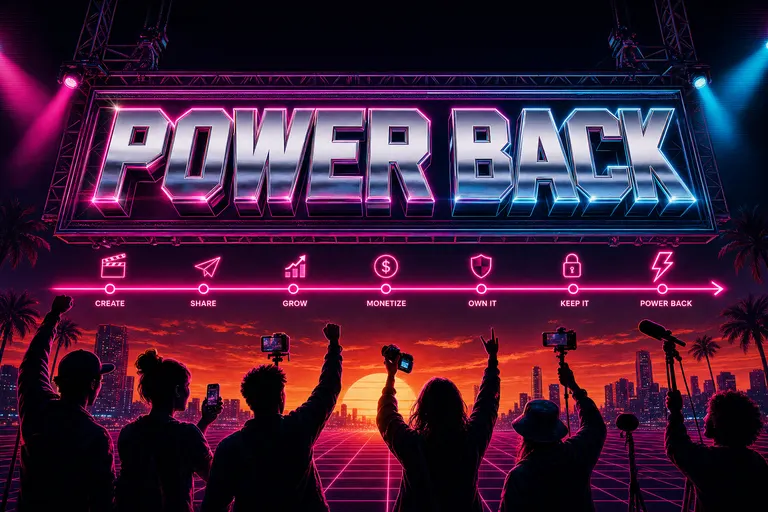
We Want to Give Creators Their Power Back
The timeline was a tool that was supposed to serve creators, and somewhere along the way they started serving it. VibeChopper exists to put the power back where it always belonged — in the part of you that knows what the cut should feel like.
Read the post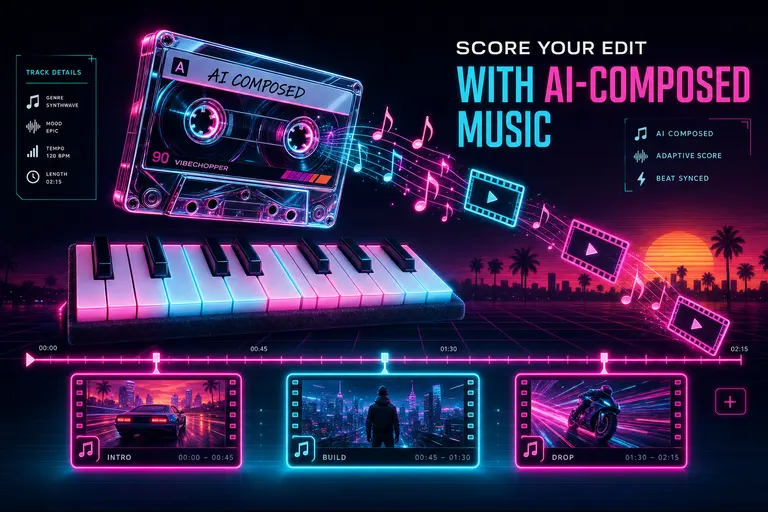
Score Your Edit With AI-Composed Music
VibeChopper used Gemini Lyria to plan, compose, and timeline-drop a custom score for your cut — provenance attached, beats matched, no licensing tax.
Read the post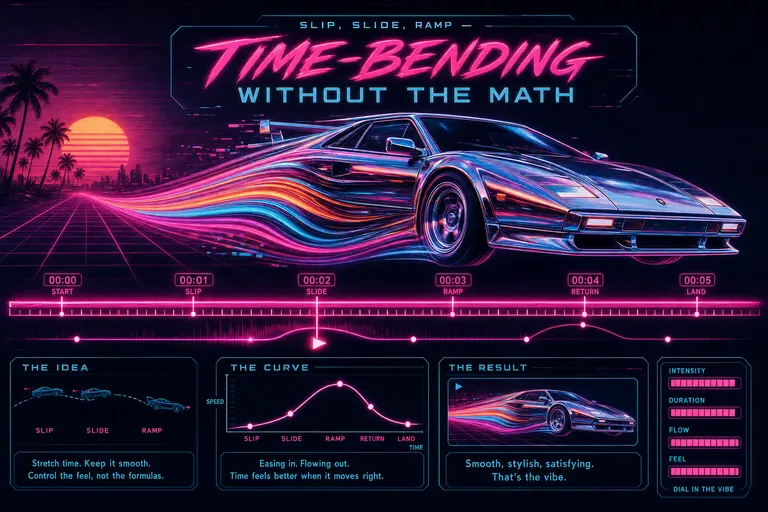
Slip, Slide, Ramp — Time-Bending Without the Math
Cinematic speed ramps, slip edits, and color adjustment layers without After Effects. VibeChopper shipped the three time-bending controls that used to eat your night — slim, mobile, no math.
Read the post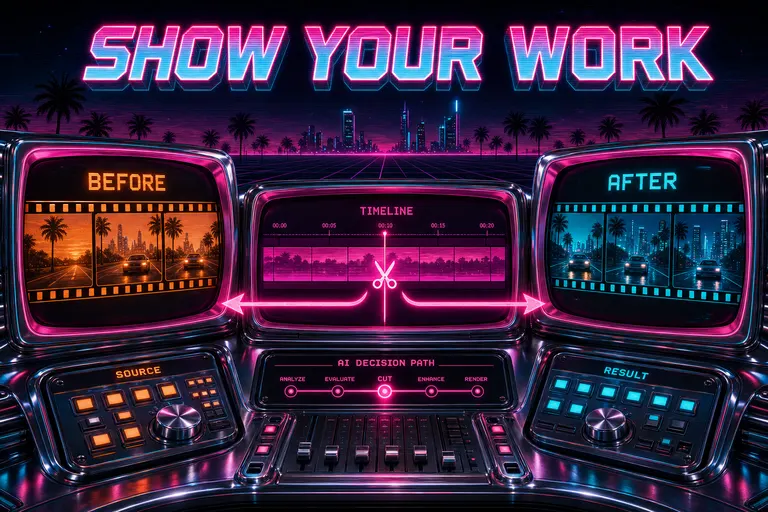
Watch the AI Show Its Work
VibeChopper drew its receipts on the chat — clip pills, transcript ranges, frame strips, before/after timeline diffs, and one-click jumps to the cut. No more trust-me-bro AI.
Read the post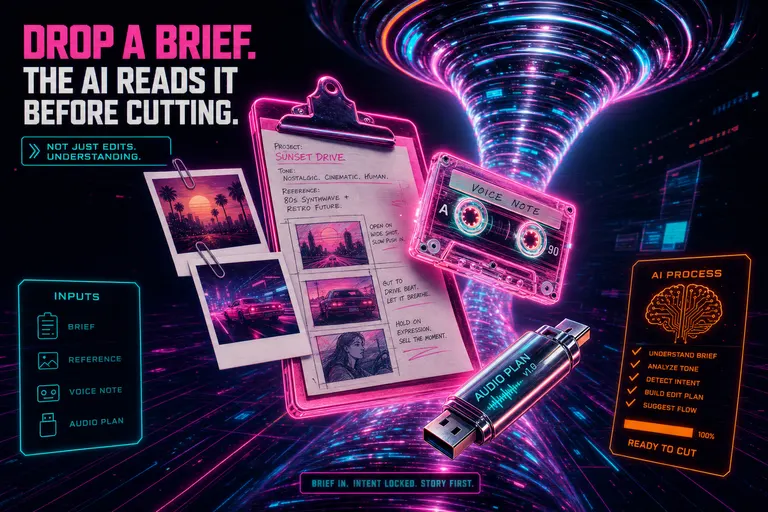
Drop a Brief. The AI Reads It Before Cutting.
Attach voice notes, mood-board images, markdown briefs, or plan documents to the chat. VibeChopper folds them into the planning dossier as real model context — not metadata window dressing.
Read the post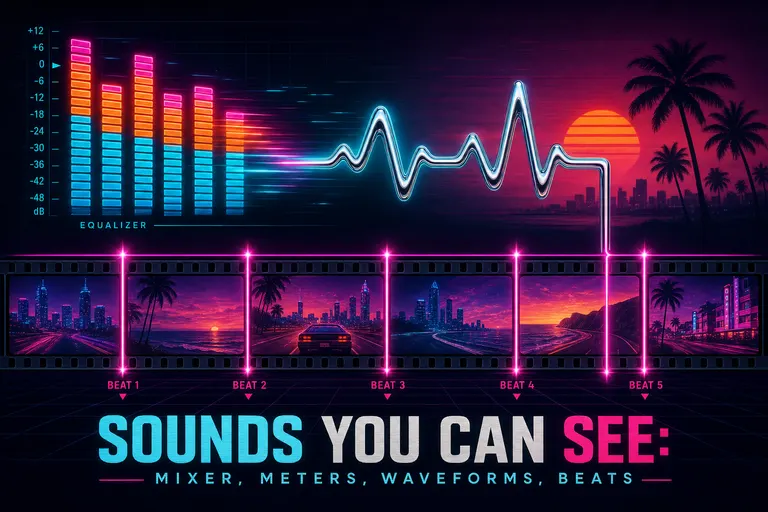
Sounds You Can See: Mixer, Meters, Waveforms, Beats
VibeChopper turned your edit's audio into something you can actually see — a multi-track mixer, real VU meters, per-clip waveforms, and onset/beat detection that drops markers on the timeline so cuts land on the music.
Read the post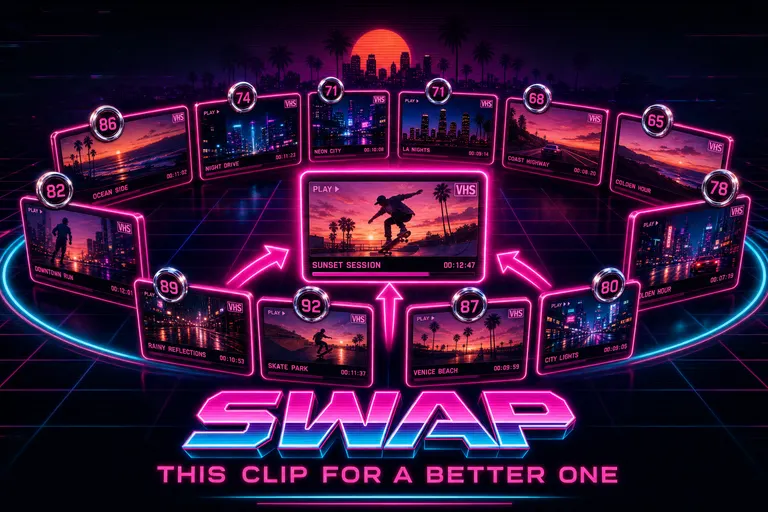
Swap This Clip For a Better One
VibeChopper's Swap Clip dialog scored every candidate in your project against the one you wanted to replace — duration, capture time, title, transcript, frame description — and ranked the strongest substitutes in seconds.
Read the post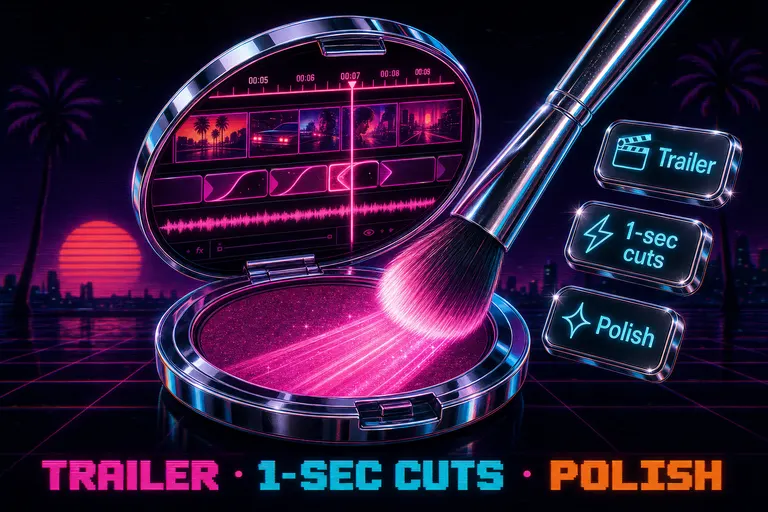
The Polish Button: Tighten Dead Air, Smooth Jump Cuts, Keep the Story
VibeChopper's Polish button tightens dead air, smooths awkward jump cuts, and keeps your strongest beats. Plus two empty-chat quick actions: assemble a trailer and one-second highlights.
Read the post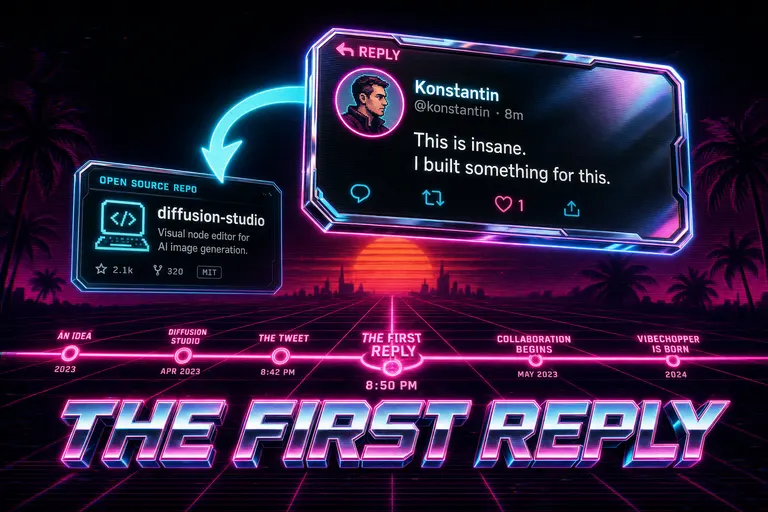
The Tweet That Started VibeChopper: Konstantin, Diffusion Studio, and the First Reply
VibeChopper started as a reply to Konstantin Paulus's tweet about Diffusion Studio (YC F24). A founder's note on the open-source repo that became the first commit of our chat-driven editor.
Read the post
Adobe Premiere Pro vs the Rest in 2026: When $34.49 Stops Making Sense
Premiere Pro runs $19.99 to $34.49 a month in 2026. Here's a respectful, builder-to-creator map of who Premiere is still right for, who it isn't, and the five tools that actually replace it for short-form creators.
Read the post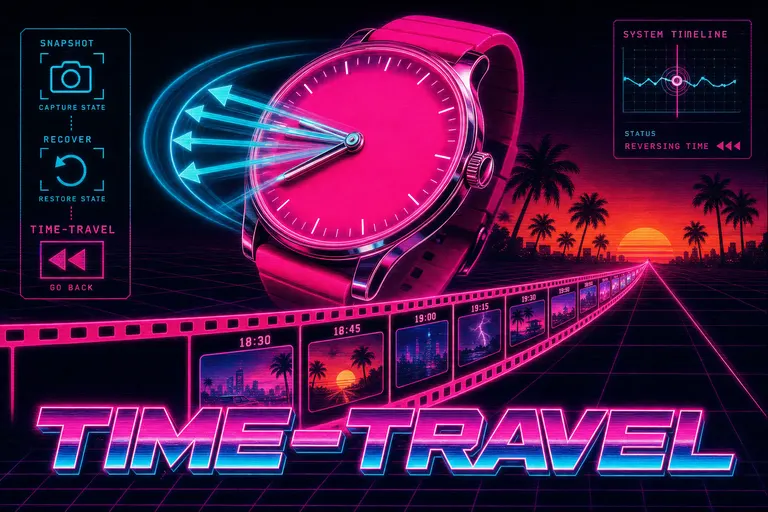
Snapshot, Recover, Time-Travel
Autosave every 30 seconds. Manual bookmarks. A recovery dialog that catches the cut your tab crashed on. VibeChopper made undo into a place you can go back to.
Read the post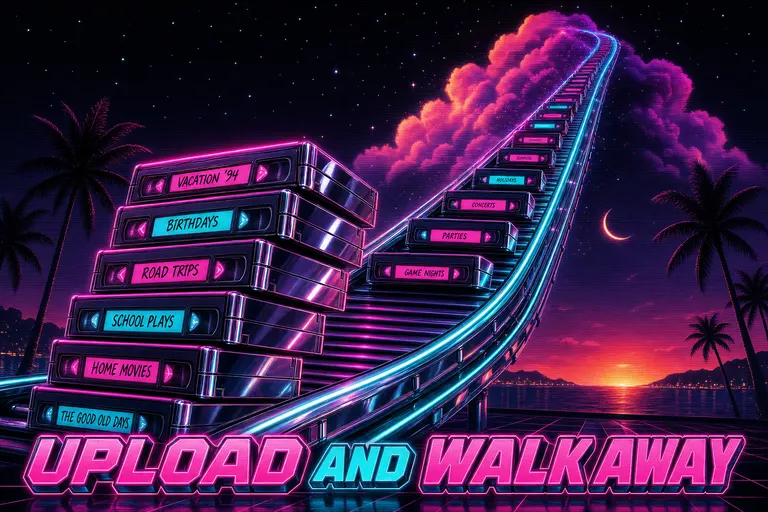
Upload All of It. Watch It Process. Don't Babysit.
VibeChopper batch-uploaded a whole shoot in three phases, resumed when the wifi blinked, and showed the monitor from your phone's header row. Drop in twenty clips. Go to bed. Wake up to a fully ingested shoot.
Read the post
AI-Generated Overlays: Lower Thirds Without Photoshop
VibeChopper generates transparent overlays — lower thirds, title cards, callouts, watermarks, shapes — straight from a sentence. No Photoshop, no Illustrator, no After Effects round-trips. Drop them on the timeline and keep cutting.
Read the post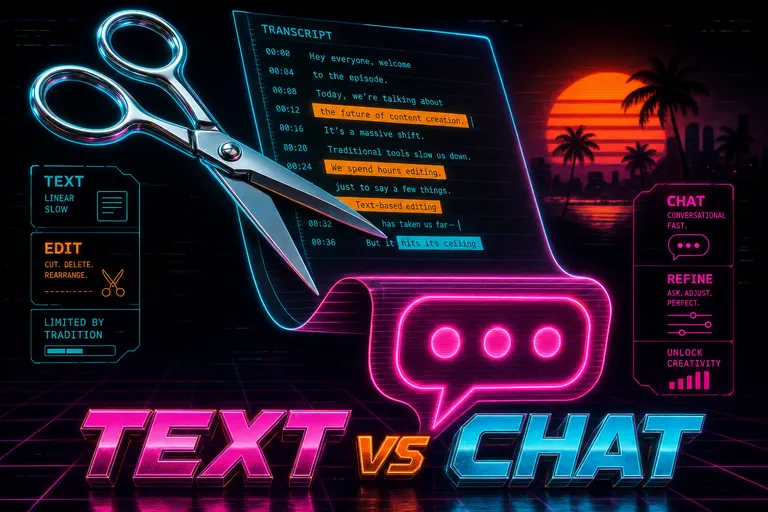
Descript vs VibeChopper: When Text-Based Editing Hits Its Ceiling
Descript invented transcript-as-interface and it still wins for podcasts and talking heads. VibeChopper wins when the edit you want is a feeling, not a word. An honest, builder-to-creator comparison.
Read the post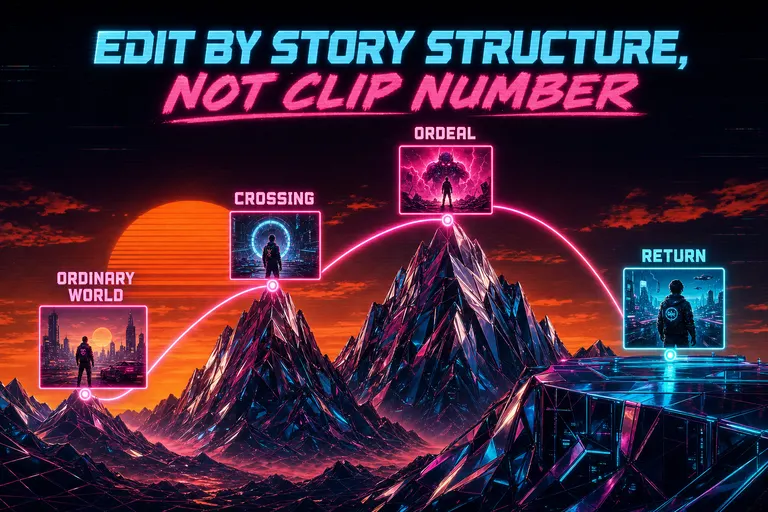
Edit by Story Structure, Not Clip Number
Stop editing as a list of timestamps. Assign clips to story roles in Hero's Journey, three-act, AIDA, PAS, and the YouTube formula, and let the AI suggest where each shot belongs.
Read the post
OpusClip, Vizard, Submagic, and the Limits of "Paste a Link, Get Clips"
An honest side-by-side: OpusClip, Vizard, and Submagic do one thing well — long podcast in, ten short clips out. Then you want to direct them, and the box stops listening.
Read the post
iMovie Was Great. You've Outgrown It. Here's the Real Next Step.
iMovie taught a generation how to cut. Two upgrade paths in 2026 — Final Cut Pro for the craft-deep, chat-first editing for the ship-fast. An honest map of which is yours.
Read the post
DaVinci Resolve Is Not Hard. But It's Wrong for Most Creators in 2026.
Resolve is free, professional, and beautiful. It is also the wrong tool for most creators shipping daily. Honest map of who it fits, who it doesn't, and what the 'free' download actually costs.
Read the post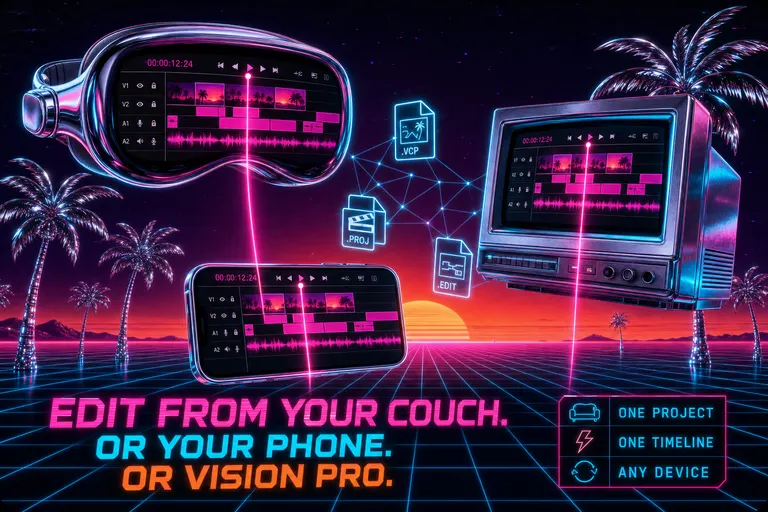
Edit From Your Couch. Or Your Phone. Or Vision Pro.
One project, four screens. VibeChopper shipped a native universal app for iOS, macOS, visionOS, and watchOS — the same timeline follows you across every device you already own.
Read the post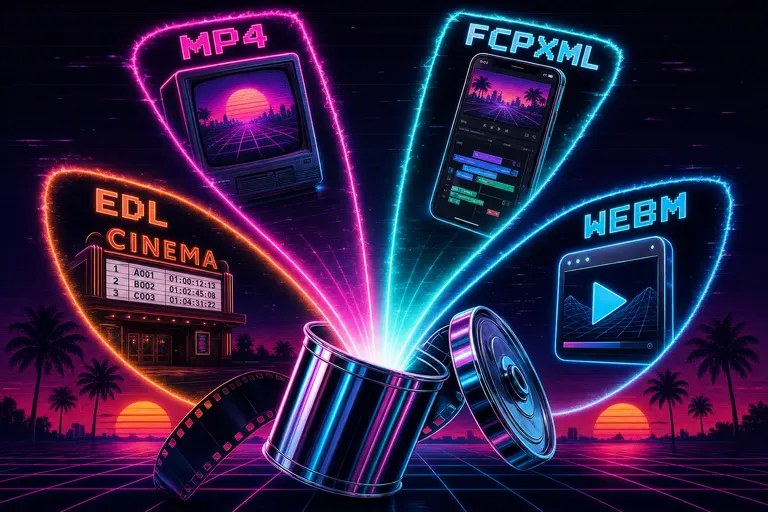
Export For Anywhere — MP4, FCPXML, EDL, WebM
VibeChopper shipped a six-format export: MP4 and MOV in H.264, WebM in VP9, plus Generic XML, FCPXML for Final Cut, and EDL for legacy NLEs — at 4K, 1080p, 720p, 480p, custom width, custom frame rate, server-rendered with live progress.
Read the post
Share a Cut with Your Client Without Exporting
VibeChopper's share button captured your exact viewport — timeline position, selected clip, shared chat context — and sent a themed email plus push notification to a teammate. No render, no Dropbox, no "look at 1:34."
Read the post
Marketplace: Presets, LUTs, and Looks You Don't Have to Build
A colorist's grade, a transition pack, a narrative framework — all in your library, one click away. VibeChopper shipped a credit-ledger marketplace where every purchase is audited and every paid asset refunds cleanly if it doesn't fit.
Read the post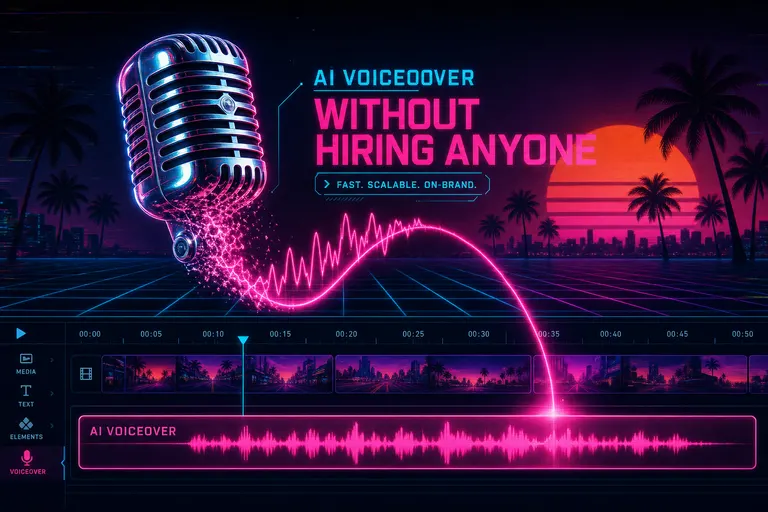
AI Voiceover Without Hiring Anyone
VibeChopper generated voiceover from a script, dropped it on the timeline, and normalized it to streaming loudness — six voices, two quality tiers, twenty-second turnaround.
Read the post
Your Footage, But Searchable Like Notion
Every frame described, every word transcribed with speakers labeled. Type what you remember. VibeChopper finds the moment, with the matched snippet right there.
Read the post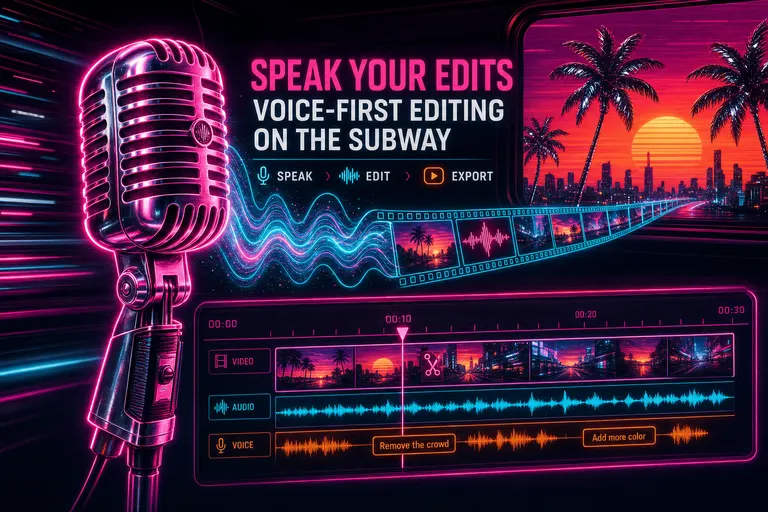
Speak Your Edits — Voice-First Editing on the Subway
Walk-and-talk your edit. VibeChopper turned voice input in chat and voice feedback into a director's chair you can carry on the subway.
Read the post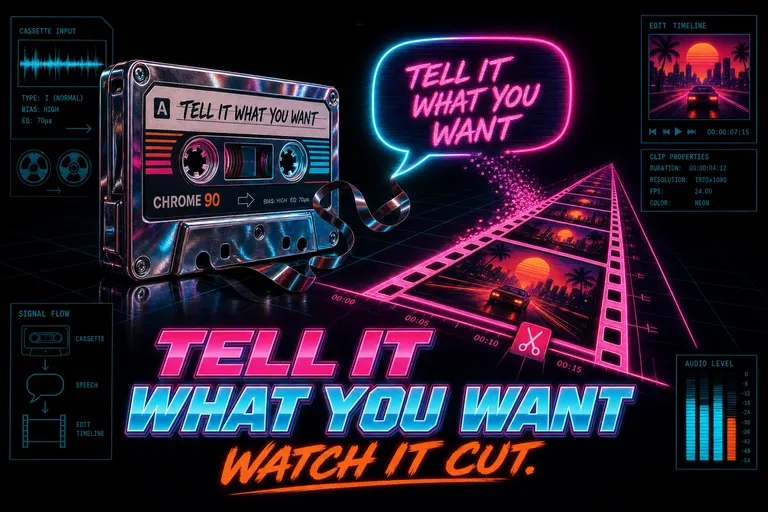
Tell It What You Want. Watch It Cut.
VibeChopper turns plain-English chat into real timeline edits — trim, split, transition, overlay, polish. Type what you want. Watch it cut.
Read the post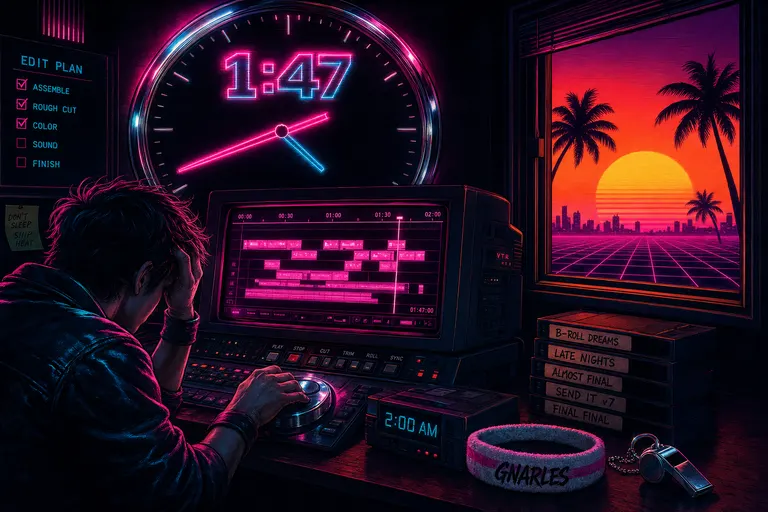
How VibeChopper Got Built So You Don't Have to Edit at 2am
An origin story in five waves — from a lonely browser timeline in November 2025 to an AI editor that drafts the cut, scores the music, and tells you why it made every call. Written so creators can stop pulling all-nighters.
Read the post