
Overview
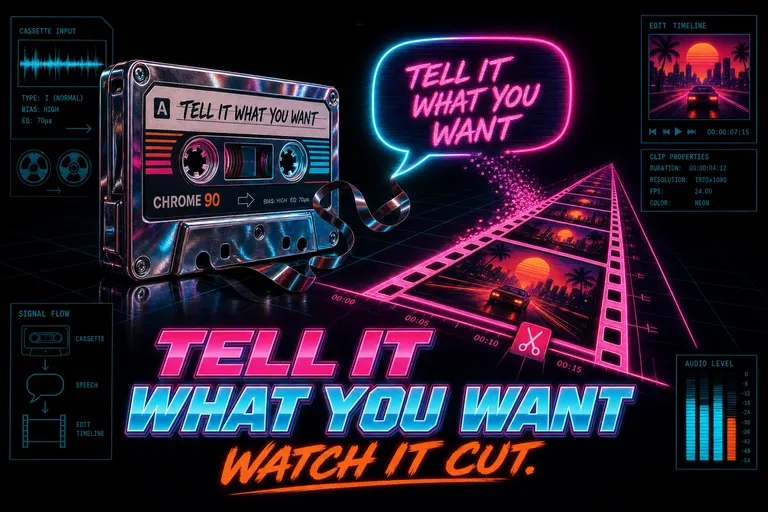
A vintage cassette tape with magnetic tape spilling into a glowing speech bubble that becomes a cut clip on a magenta timeline
The directing voice
You have a voice in your head when you watch your own footage.
It says: that take. Not that take. Start three seconds later. Cut on the laugh. Hold on her face. Lose the second half of that paragraph.
You hear that voice the whole drive home from the shoot. You hear it in the shower. Then you open your editor, and the voice — the one that has been narrating the cut for nine hours — has to go through a wrist. A wrist that clicks five hundred times. A wrist that drags a razor tool across a timestamp, then nudges a fade by one frame. Around hour four, the wrist starts to feel like the only part of you still working.
The voice was always right. The voice was always specific. The wrist is the part the timeline took hostage.
We built the AI chat so the voice could finally drive.
What "describe your edits" actually means
The chat panel in VibeChopper looked like a chat panel. It wasn't. It was a director's intercom.
You typed — or you spoke — what you wanted the cut to be, in the same plain language you'd use to brief a junior editor. Trim the first five seconds of clip three. Split clip seven at the laugh. Cross-dissolve between scenes. Drop a lower-third on the founder. Polish the whole timeline for dead air. The AI read your project — every frame, every transcript line, every clip you'd already dragged in — and it cut.
It didn't search. It didn't summarize. It didn't hand you a list of suggestions to manually apply. It made the edit. The clip moved. The transition appeared. The overlay landed on the right beat.
The directing voice and the timeline finally shared a language.
That diagram up there isn't decoration. It's the path. You said it. The model wrote a plan. The plan turned into a tool call. The tool call moved the clip. Four steps, no panels, no menus, no nine-hour wrist marathon.
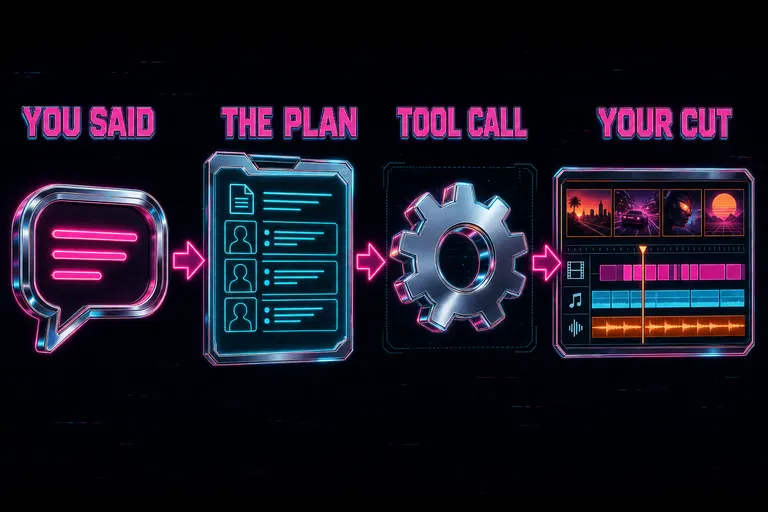
Diagram: chat bubble flows through a planning dossier to a tool call and then to a timeline edit
The five things you said today
Day one of the chat shipping, you could say five families of things and the timeline would obey. Past tense, because the product was live, and your wrist had a Tuesday off. Describe this edit free
Trim
Trim the first three seconds off the cold open. Drop the last five seconds of clip two. Shave the dead air at 0:14. The AI read the clip you meant, picked the in-point and out-point, and rewrote the clip's start and end on the timeline. The handles you used to drag with a pixel-perfect mouse — those moved themselves.
Split
Split clip seven at the laugh. Cut clip four where she takes a breath. Break this take into two beats so I can rearrange. The transcript was already in the model's hands — every word with a timestamp and a speaker label. The laugh wasn't a metaphor. It was a real timecode. The clip became two clips. Both kept their edit history.
Add a transition
Cross-dissolve from the wide shot into the close-up. Two-frame cut into the next interview. Fade to black at the end of the act. The transition appeared between the two clips you named, with the duration you asked for, on the right side of the join. No transitions panel, no plus icon, no drag-and-drop ritual.
Add an overlay
Drop a lower-third on the founder when she introduces herself. Add a title card that says "Chapter 2: The Shoot." Put a callout arrow on the screen when she points at the laptop. The model generated the overlay art with a transparent background, dropped it on an overlay track, and aligned its start to the right transcript timecode. The thing your eyes wanted to see on the screen — it was on the screen.
::
Polish
Polish this timeline. Tighten the dead air. Smooth the jump cuts. Trim filler words. Polish wasn't one cut. Polish was a set of reps — the same pass a human editor makes on lap two: tighten the gaps between sentences, soften the hard cuts where a face changes angle, lose the uhs and ums. It was one sentence in chat. It was an hour of work on the wrist.
The chat shipped with three of these as one-tap suggestions when you opened an empty conversation — Make a project trailer, Highlight every second, Polish this timeline. You didn't have to remember the magic words. The magic words were the buttons.
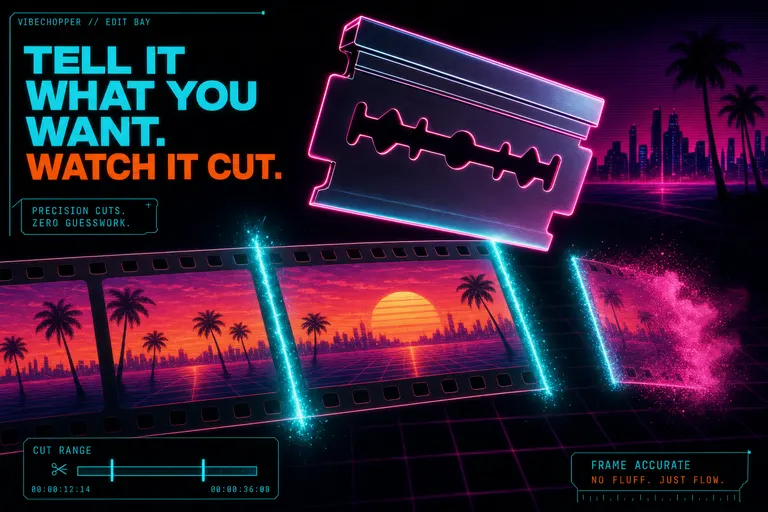
A neon razor blade hovering over a glowing filmstrip with two cyan cut-marks burning through the frame
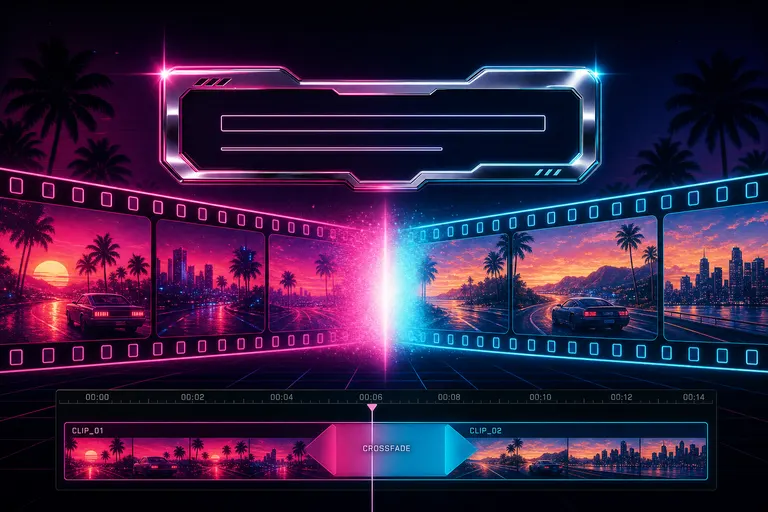
Two filmstrip clips meeting at a glowing crossfade with a chrome lower-third name tag floating above
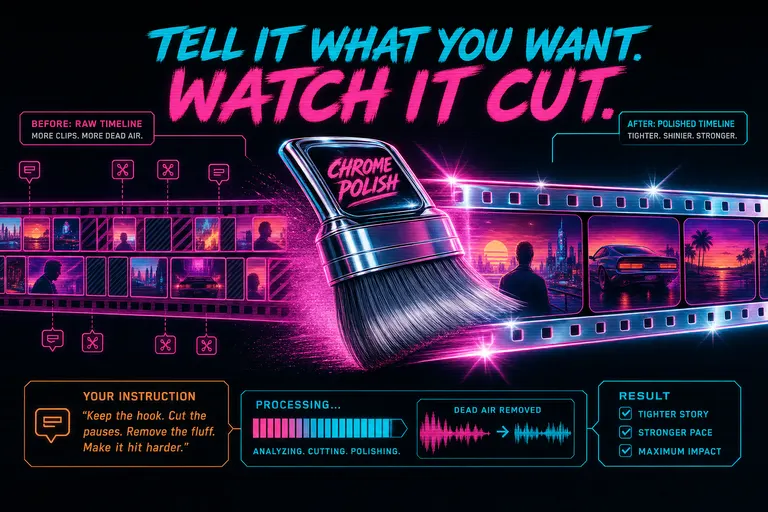
A retro chrome polishing brush sweeping across a timeline of small thumbnail clips, leaving behind a tighter, shinier filmstrip
How VibeChopper turned chat into a tool call
Light on architecture. Heavy on what happened to your timeline. That was the deal.
When you sent a message, four things happened in the time it took you to breathe.
First, the model got your project, not just your text. Every video file. Every frame description the analyzer had written. The full transcript with speaker labels. The current state of your timeline — every clip in order, with their in-points and out-points. The last few turns of the chat. It got the dossier a real assistant editor would have spent three hours building.
Second, the model wrote a plan. Not a paragraph of vibes. A structured plan with the specific clip IDs it intended to touch, the operation (trim, split, add transition, add overlay), the parameters (timecodes, durations, types), and the reason for each step. Plans were inspectable. You could pop them open before they ran, kill the ones you didn't like, and let the rest go.
Third, the plan ran as a sequence of tool calls. Each one was a real edit operation on a real clip — the same operation your wrist would have run from a menu, except your wrist was in the kitchen making coffee. The timeline updated as each call landed.
Fourth, the chat reported back. The AI didn't say "done." It said I trimmed clip 3 from 00:14.2 to 00:11.8 because the cold-open landed harder without the throat-clear. You could click the receipt and the timeline scrolled to the exact frame.
Four steps. No wrist.
Why the chat panel was not just a search box
This is the part where a lot of "AI editor" companies trip a wire. They ship a chat panel. The chat panel takes your sentence. The chat panel returns a list of suggestions. You click them, one by one. The suggestions are usually just timecodes. See the AI show its work free
That's a search box wearing a costume.
The chat in VibeChopper wasn't that. The chat was a director's chair. You said the thing. The cut happened. The clip moved. The transition rendered. The overlay landed.
A search box gives you a list. A director's chair gives you a cut.
Three things made the chair real:
1. The chat was scoped to your timeline. When you opened a timeline, the chat panel inherited that timeline's context — the clips, the order, the in-points, the transitions, the overlays. If you opened a second timeline, the chat opened a second thread. Contexts didn't bleed. Edits didn't cross.
2. The model got the whole shoot, not a summary of it. Full transcripts. Every frame description. Every keyframe. Every clip's start, end, and source video. It worked from the same raw material a junior editor would have spent six hours organizing into a binder.
3. The chat panel showed you what it touched. Every tool call left a card in the chat with the clip's name, the operation, the before/after timecodes, and a jump to this clip button. You weren't trusting it. You were watching it.
::
If you want to crawl around inside that receipt UI — the before/after diff, the clip identity pills, the transcript-range previews, the click-to-scroll deep-links — that's the whole next post. Read it after this one. Reps in.
A walkthrough: "Make a 30-second trailer of the best moments"
Let's do it live, in past tense, the way it actually happened.
The shoot: forty minutes of raw founder-interview footage. Four camera angles. Two lavs. One handheld B-roll cam. The client asked for a 30-second social trailer — not the full edit, the trailer.
You opened the chat. The cursor blinked. You typed:
Make a 30-second trailer of the best moments.
Then you didn't move.
What the model saw. Every clip with its source video and timecode. The full transcript — every line, every speaker, every timestamp. Every frame description — every 0.5 seconds, the analyzer had written "founder leans forward, smiles, eyes light up" or "B-roll: hands on keyboard, slow zoom" or "silent beat — founder takes breath."
The plan. Five steps. Pick the four highest-emotion beats from the transcript. Pick three B-roll inserts that matched those beats. Sequence them in a story arc — hook, build, payoff, button. Hard cut on the hook, one-frame cross-dissolves between the rest. Target: 30 seconds.
You changed one thing — use the laugh at 12:48, not the laugh at 22:11. You clicked run.
The cuts. Seven tool calls. Three trims. Two splits. One transition. One overlay (a small chyron with the founder's name and title, generated on the fly). The timeline rebuilt itself. Twelve seconds.
The receipt. A card for each step. Trimmed clip 4 to 00:02.1 — kept the laugh, dropped the lead-in. Split clip 9 — used the second half under the voiceover from clip 7. Added a cross-dissolve from clip 7 to clip 9 — the cut felt jumpy without it.
The duration. 29.4 seconds. You asked for 30. You typed add a half-second hold on the last frame. It did.
You watched the trailer. You changed nothing else. You exported. You closed the tab.
It was 11:47am. You had not skipped lunch. Your wrist had done nothing.
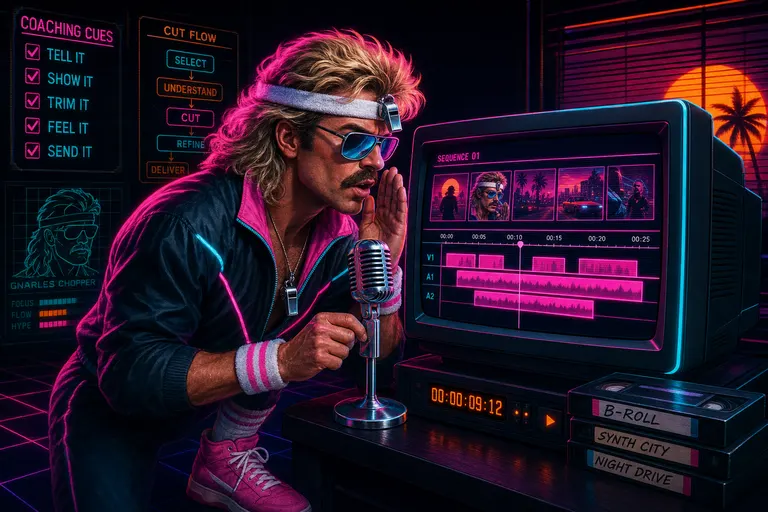
Gnarles Chopper in a sweatband and warmup jacket leaning toward a glowing CRT monitor, whispering into a microphone, the screen showing a magenta timeline
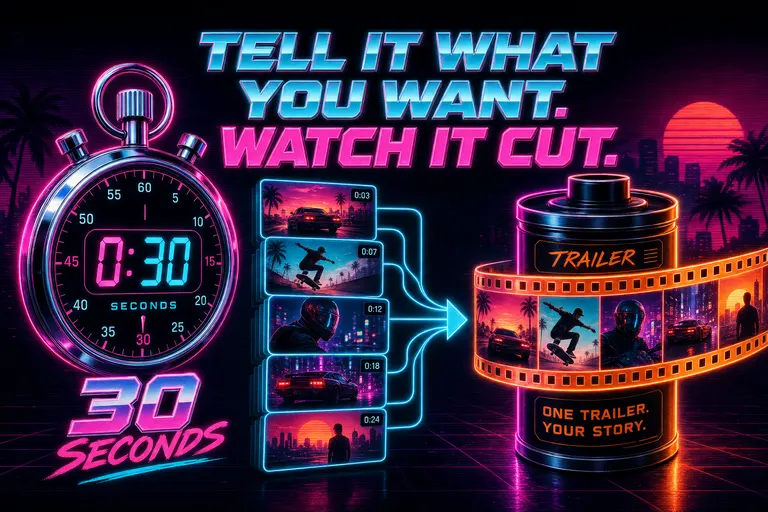
A neon stopwatch counting down 30 seconds beside a stack of best-moment thumbnails feeding into a glowing trailer reel
What this didn't do
Gnarles steps off the soapbox for a second.
The chat didn't take taste away. Taste is the thing you brought into the room. The model picked the candidates — the four high-emotion beats, the three best B-roll inserts. Which of those four beats was actually the right cold open? Your call. The model surfaced the laughs. You picked the right laugh. It knew "founder leans forward, eyes light up" was a usable beat. It didn't know which of the seven similar beats actually felt like her. You did. You always did.
The chat moved the manual labor. It did not move the direction.
That's the whole bet. Every plan had timecodes and clip IDs so you could read it, override it, and trust the result. Every tool call left a receipt so you could verify the reasoning. The chat panel knew your full transcript so you didn't have to translate your taste into the model's preferred jargon — you could say "the laugh," and the model already knew which one.
Editing wasn't fewer decisions. It was only decisions. The clicking is what we took.
What was next
Three other ways into this same room. All three were already in the building.
You could speak instead of type. The mic icon was a real onramp — you hit it, you talked, the audio came back as text, and the model treated it as the prompt. We wrote a whole post about editing on a subway with your hands in your pockets.
You could drop a brief. The attachment tray let you paperclip a voice-note from your client, a PDF brief, a mood-board image, or a transcript from the kickoff call. Those weren't metadata — they became part of the model's dossier when it wrote the plan. We covered that over here.
And you could watch the work. Every tool call rendered as a card in the chat — clip name, before/after timecodes, click-to-jump button, reasoning text. That's its own post.
For the under-the-hood version — how the plan turned into a tool call, how the harness routed providers, how the receipts streamed back — the engineering side wrote the companion piece. It pairs with this one the way a deadlift pairs with a stretch.
See you on the timeline
You shot it. You described it. It cut itself.
That's three sentences. That's the whole product. Anything more is filler.
Open the chat. Type what you want. The timeline is waiting.
Reps in. Reps out. See you on the timeline.
— Gnarles

A glowing magenta timeline stretching into a chrome sunset over a grid-floor horizon with palm-tree silhouettes
Try the workflow
Open every feature from this post in the editor
These panels collect the features discussed above. Sign in once, finish your profile if needed, then the editor opens the first highlighted surface and walks through the tutorial.