
Creator Playbooks
Creator playbooks for AI-native editing, video production workflows, burnout-resistant content systems, and VibeChopper product moments.
Filter by tag
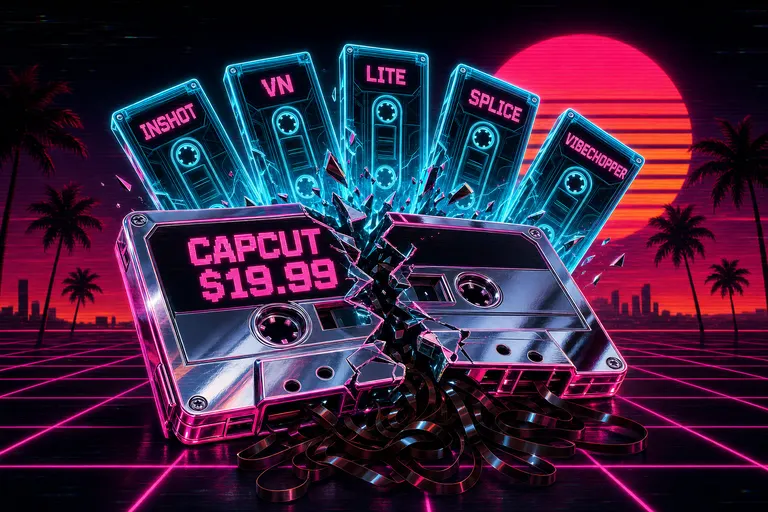
CapCut Doubled Its Price. Here's What Actually Replaced It.
CapCut Pro went from $77/yr to $179.99/yr in early 2026 and locked auto-captions and 1080p export behind the paywall. Here's the honest five-tool replacement map — InShot, VN, CapCut Lite, Splice, VibeChopper — and how to actually migrate.
Read the post
Casey, Hank, and the Myth That Caring Equals Clicking
Casey Neistat says the edit is everything. Hank Green is right that AI slop is a problem. They're both right about the premise — and both wrong about the equation. Caring doesn't equal clicking.
Read the post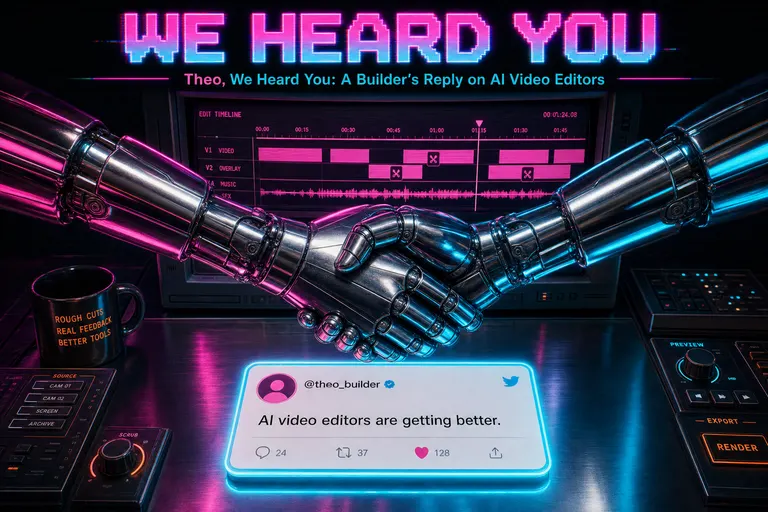
Theo, We Heard You: A Builder's Reply on AI Video Editors
Theo Browne asked why every AI video editor is built by someone who doesn't get video editing. A first-person reply from VibeChopper's founder on what we built, what we missed, and where editorial AI is different from the generative slop he's pointing at.
Read the post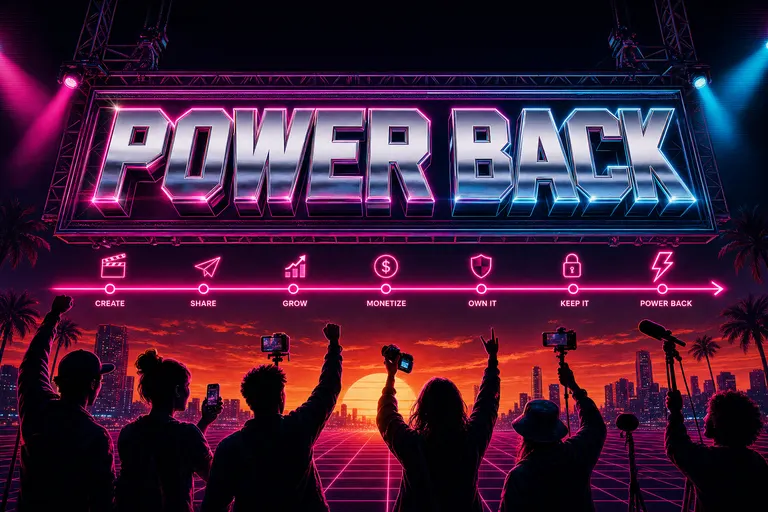
We Want to Give Creators Their Power Back
The timeline was a tool that was supposed to serve creators, and somewhere along the way they started serving it. VibeChopper exists to put the power back where it always belonged — in the part of you that knows what the cut should feel like.
Read the post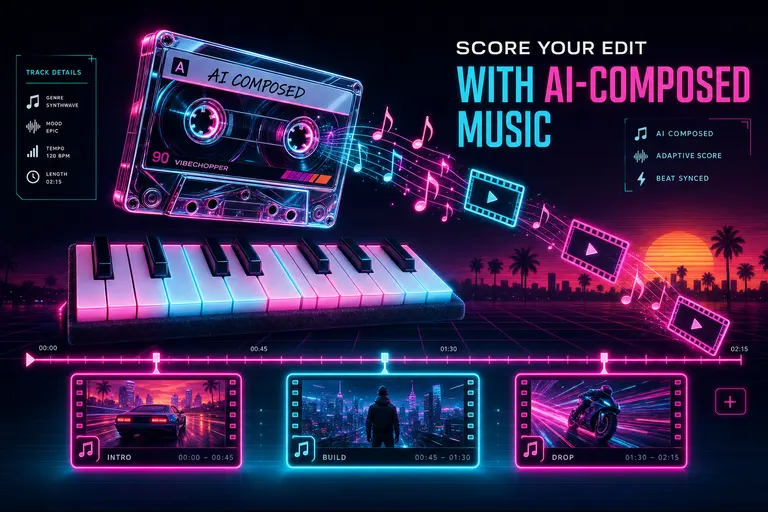
Score Your Edit With AI-Composed Music
VibeChopper used Gemini Lyria to plan, compose, and timeline-drop a custom score for your cut — provenance attached, beats matched, no licensing tax.
Read the post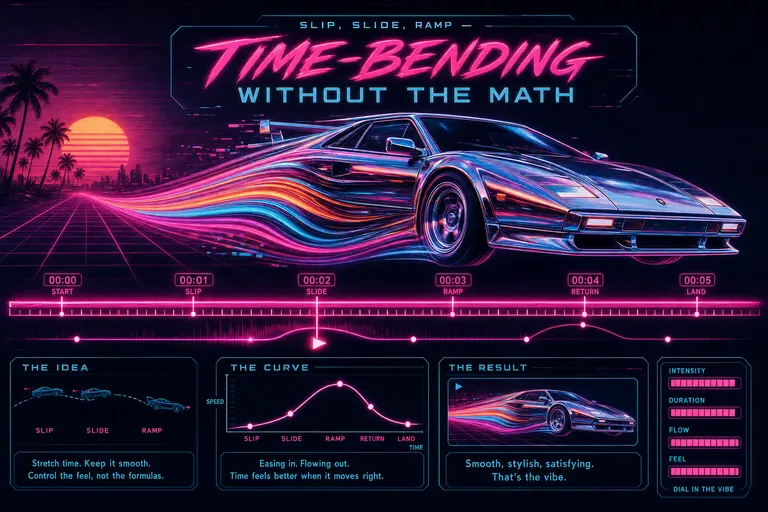
Slip, Slide, Ramp — Time-Bending Without the Math
Cinematic speed ramps, slip edits, and color adjustment layers without After Effects. VibeChopper shipped the three time-bending controls that used to eat your night — slim, mobile, no math.
Read the post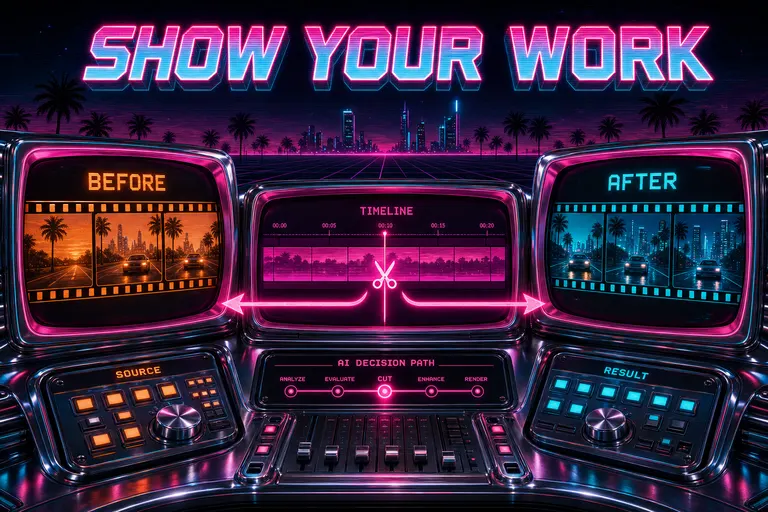
Watch the AI Show Its Work
VibeChopper drew its receipts on the chat — clip pills, transcript ranges, frame strips, before/after timeline diffs, and one-click jumps to the cut. No more trust-me-bro AI.
Read the post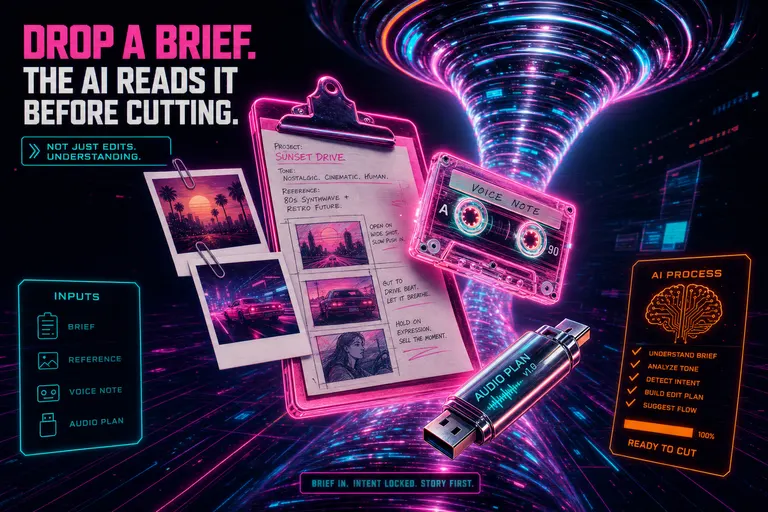
Drop a Brief. The AI Reads It Before Cutting.
Attach voice notes, mood-board images, markdown briefs, or plan documents to the chat. VibeChopper folds them into the planning dossier as real model context — not metadata window dressing.
Read the post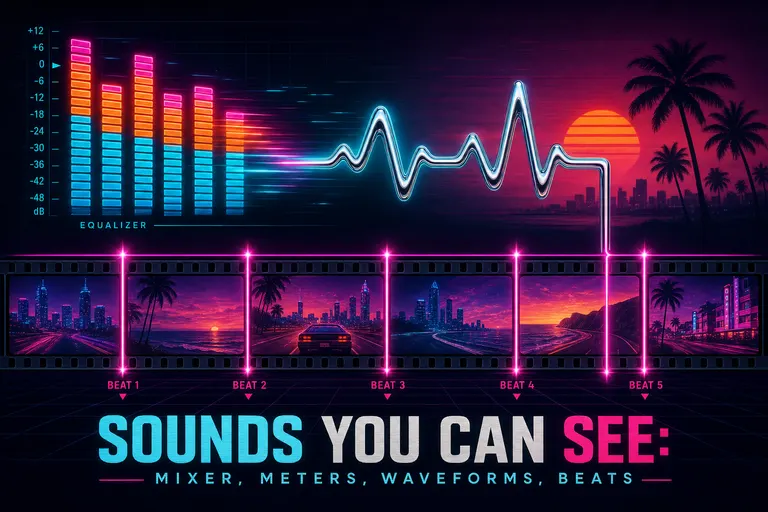
Sounds You Can See: Mixer, Meters, Waveforms, Beats
VibeChopper turned your edit's audio into something you can actually see — a multi-track mixer, real VU meters, per-clip waveforms, and onset/beat detection that drops markers on the timeline so cuts land on the music.
Read the post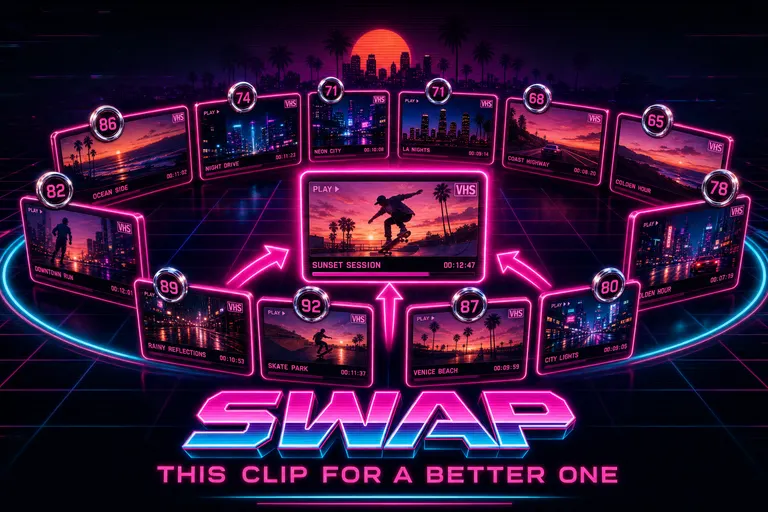
Swap This Clip For a Better One
VibeChopper's Swap Clip dialog scored every candidate in your project against the one you wanted to replace — duration, capture time, title, transcript, frame description — and ranked the strongest substitutes in seconds.
Read the post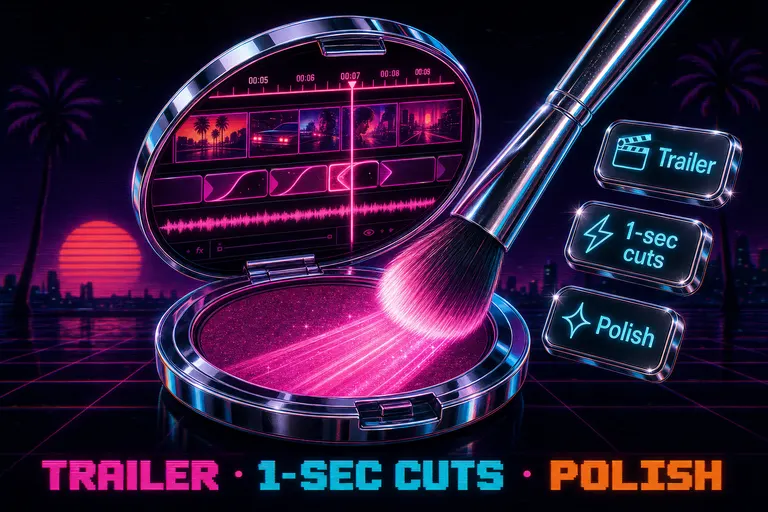
The Polish Button: Tighten Dead Air, Smooth Jump Cuts, Keep the Story
VibeChopper's Polish button tightens dead air, smooths awkward jump cuts, and keeps your strongest beats. Plus two empty-chat quick actions: assemble a trailer and one-second highlights.
Read the post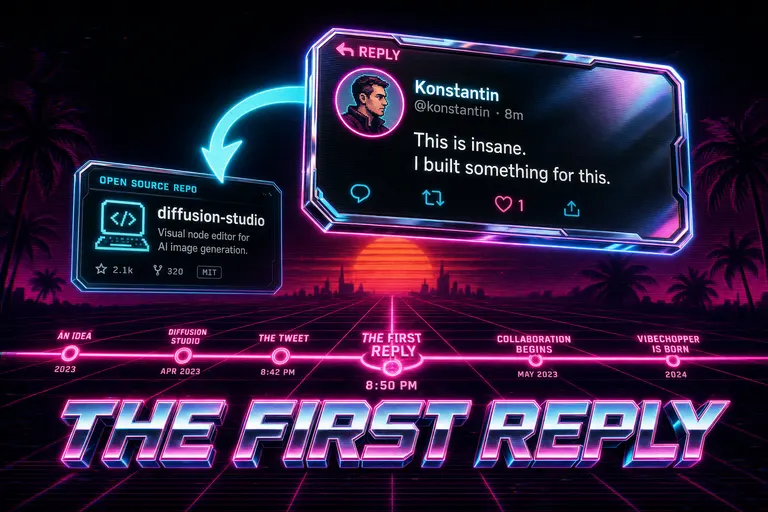
The Tweet That Started VibeChopper: Konstantin, Diffusion Studio, and the First Reply
VibeChopper started as a reply to Konstantin Paulus's tweet about Diffusion Studio (YC F24). A founder's note on the open-source repo that became the first commit of our chat-driven editor.
Read the post
Adobe Premiere Pro vs the Rest in 2026: When $34.49 Stops Making Sense
Premiere Pro runs $19.99 to $34.49 a month in 2026. Here's a respectful, builder-to-creator map of who Premiere is still right for, who it isn't, and the five tools that actually replace it for short-form creators.
Read the post
Snapshot, Recover, Time-Travel
Autosave every 30 seconds. Manual bookmarks. A recovery dialog that catches the cut your tab crashed on. VibeChopper made undo into a place you can go back to.
Read the post
Upload All of It. Watch It Process. Don't Babysit.
VibeChopper batch-uploaded a whole shoot in three phases, resumed when the wifi blinked, and showed the monitor from your phone's header row. Drop in twenty clips. Go to bed. Wake up to a fully ingested shoot.
Read the post
AI-Generated Overlays: Lower Thirds Without Photoshop
VibeChopper generates transparent overlays — lower thirds, title cards, callouts, watermarks, shapes — straight from a sentence. No Photoshop, no Illustrator, no After Effects round-trips. Drop them on the timeline and keep cutting.
Read the post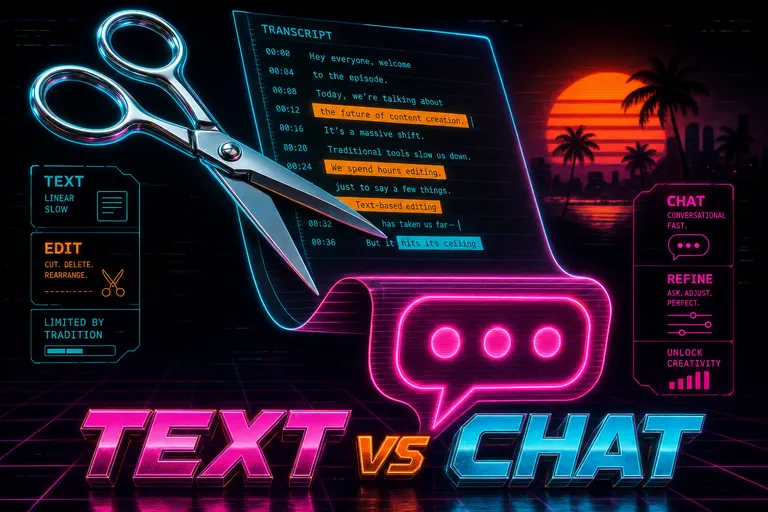
Descript vs VibeChopper: When Text-Based Editing Hits Its Ceiling
Descript invented transcript-as-interface and it still wins for podcasts and talking heads. VibeChopper wins when the edit you want is a feeling, not a word. An honest, builder-to-creator comparison.
Read the post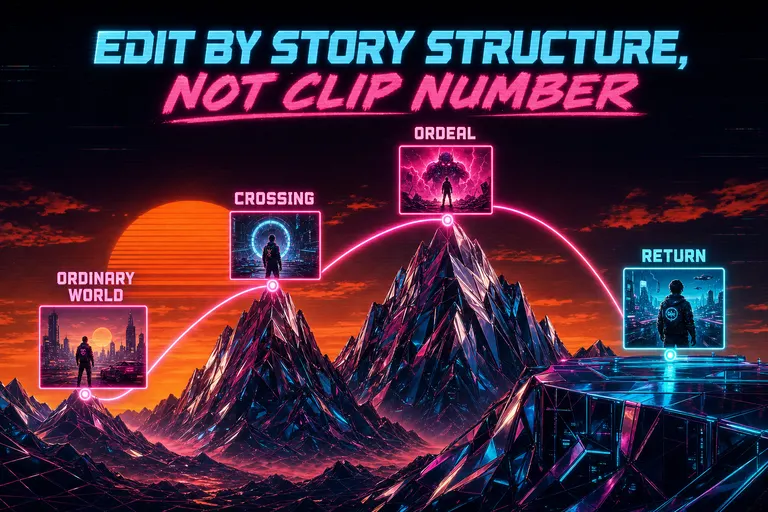
Edit by Story Structure, Not Clip Number
Stop editing as a list of timestamps. Assign clips to story roles in Hero's Journey, three-act, AIDA, PAS, and the YouTube formula, and let the AI suggest where each shot belongs.
Read the post
OpusClip, Vizard, Submagic, and the Limits of "Paste a Link, Get Clips"
An honest side-by-side: OpusClip, Vizard, and Submagic do one thing well — long podcast in, ten short clips out. Then you want to direct them, and the box stops listening.
Read the post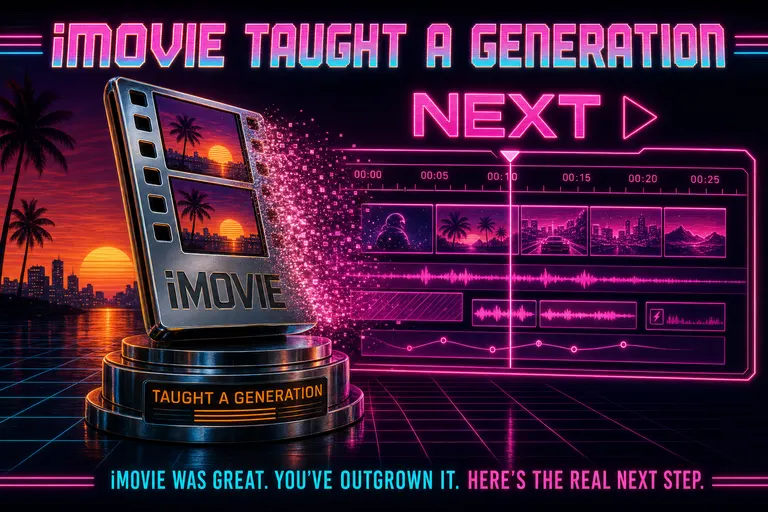
iMovie Was Great. You've Outgrown It. Here's the Real Next Step.
iMovie taught a generation how to cut. Two upgrade paths in 2026 — Final Cut Pro for the craft-deep, chat-first editing for the ship-fast. An honest map of which is yours.
Read the post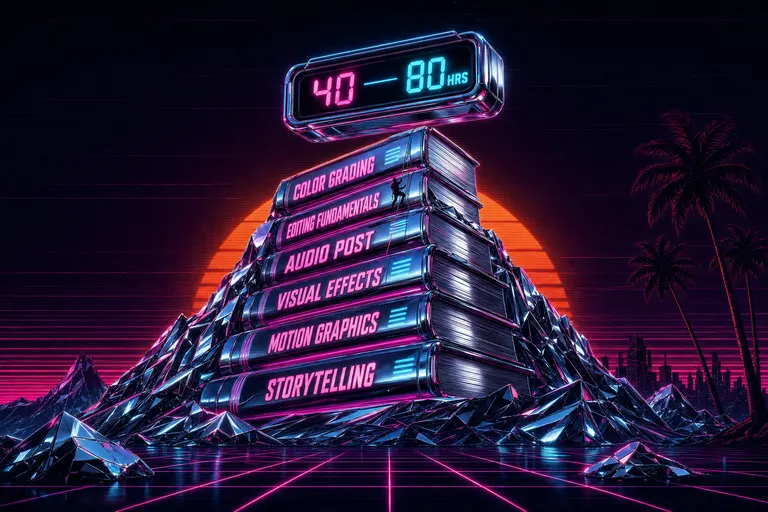
DaVinci Resolve Is Not Hard. But It's Wrong for Most Creators in 2026.
Resolve is free, professional, and beautiful. It is also the wrong tool for most creators shipping daily. Honest map of who it fits, who it doesn't, and what the 'free' download actually costs.
Read the post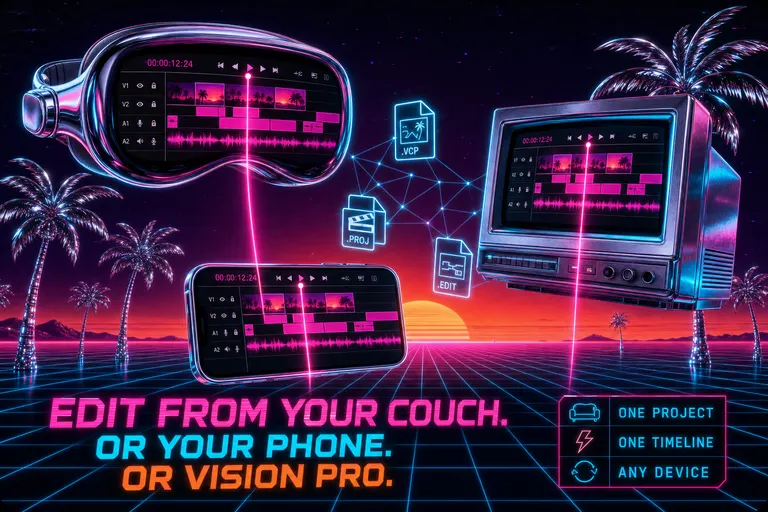
Edit From Your Couch. Or Your Phone. Or Vision Pro.
One project, four screens. VibeChopper shipped a native universal app for iOS, macOS, visionOS, and watchOS — the same timeline follows you across every device you already own.
Read the post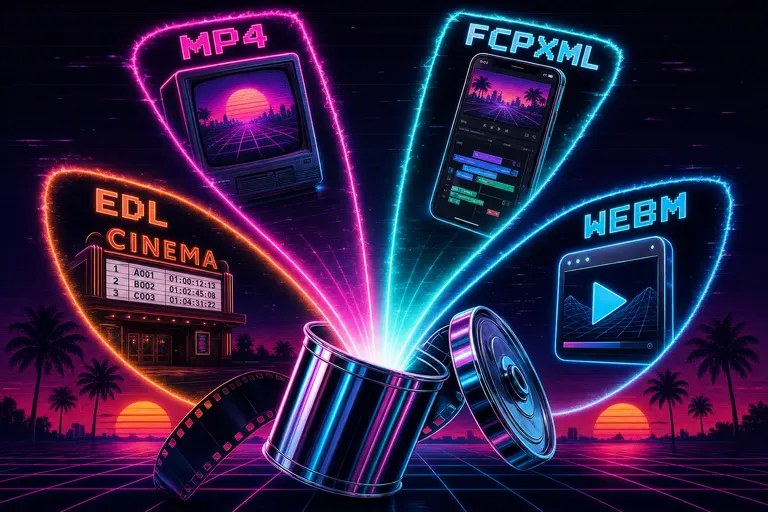
Export For Anywhere — MP4, FCPXML, EDL, WebM
VibeChopper shipped a six-format export: MP4 and MOV in H.264, WebM in VP9, plus Generic XML, FCPXML for Final Cut, and EDL for legacy NLEs — at 4K, 1080p, 720p, 480p, custom width, custom frame rate, server-rendered with live progress.
Read the post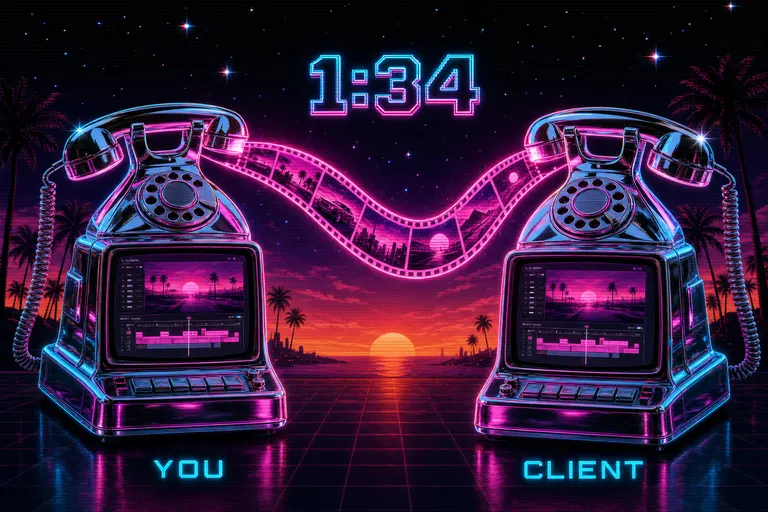
Share a Cut with Your Client Without Exporting
VibeChopper's share button captured your exact viewport — timeline position, selected clip, shared chat context — and sent a themed email plus push notification to a teammate. No render, no Dropbox, no "look at 1:34."
Read the post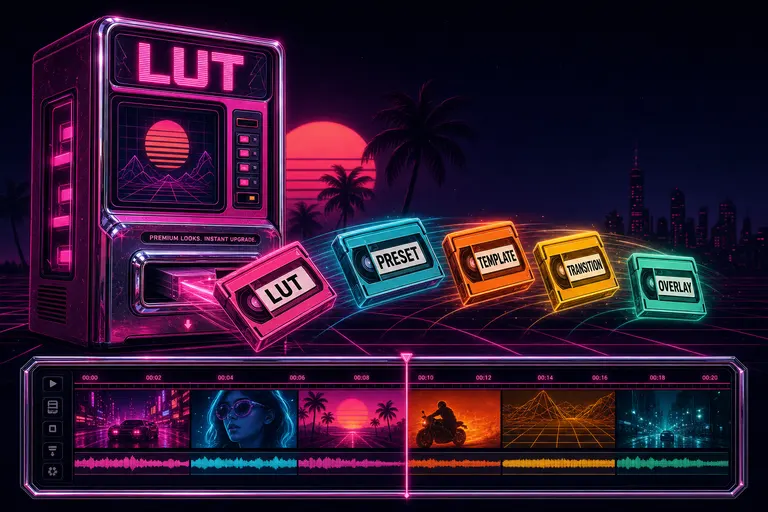
Marketplace: Presets, LUTs, and Looks You Don't Have to Build
A colorist's grade, a transition pack, a narrative framework — all in your library, one click away. VibeChopper shipped a credit-ledger marketplace where every purchase is audited and every paid asset refunds cleanly if it doesn't fit.
Read the post
AI Voiceover Without Hiring Anyone
VibeChopper generated voiceover from a script, dropped it on the timeline, and normalized it to streaming loudness — six voices, two quality tiers, twenty-second turnaround.
Read the post
Your Footage, But Searchable Like Notion
Every frame described, every word transcribed with speakers labeled. Type what you remember. VibeChopper finds the moment, with the matched snippet right there.
Read the post
Speak Your Edits — Voice-First Editing on the Subway
Walk-and-talk your edit. VibeChopper turned voice input in chat and voice feedback into a director's chair you can carry on the subway.
Read the post
Tell It What You Want. Watch It Cut.
VibeChopper turns plain-English chat into real timeline edits — trim, split, transition, overlay, polish. Type what you want. Watch it cut.
Read the post
How VibeChopper Got Built So You Don't Have to Edit at 2am
An origin story in five waves — from a lonely browser timeline in November 2025 to an AI editor that drafts the cut, scores the music, and tells you why it made every call. Written so creators can stop pulling all-nighters.
Read the post